English - 58 -
Setup Menu
Press DISPLAY key on the remote control when
the player is not in playback mode.
The setup menu-main page appears. To close
the setup menu, press DISPLAY key.
MAIN PAGE
In the main page, the first page is selected
by default.
Select pages using
/ arrow buttons.
When selected, the page will be highlighted and
the items of the selected page will be displayed.
Press SELECT or
arrow button to enter
selected page.
When entered a page, the first item of the page
is selected and the sub-items of that item are
listed on the right.
NOTE: To return to main page, press
arrow
button. To close the setup menu, press
DISPLAY key.
USING PAGES
When entered a page, the first item of the page
is selected by default and the sub-items of the
selected item are listed on the right.
Use
/ arrow buttons to change the
selected item in the page.
The sub-items of the selected item are listed on
the right.
Press SELECT or
arrow button to select the
sub-items of the selected item.
The sub-item is selected on the right menu.
Use
/ arrow buttons to change the selected
sub-item.
Press SELECT to choose the selected sub-
item on the right menu.
MENU ITEMS
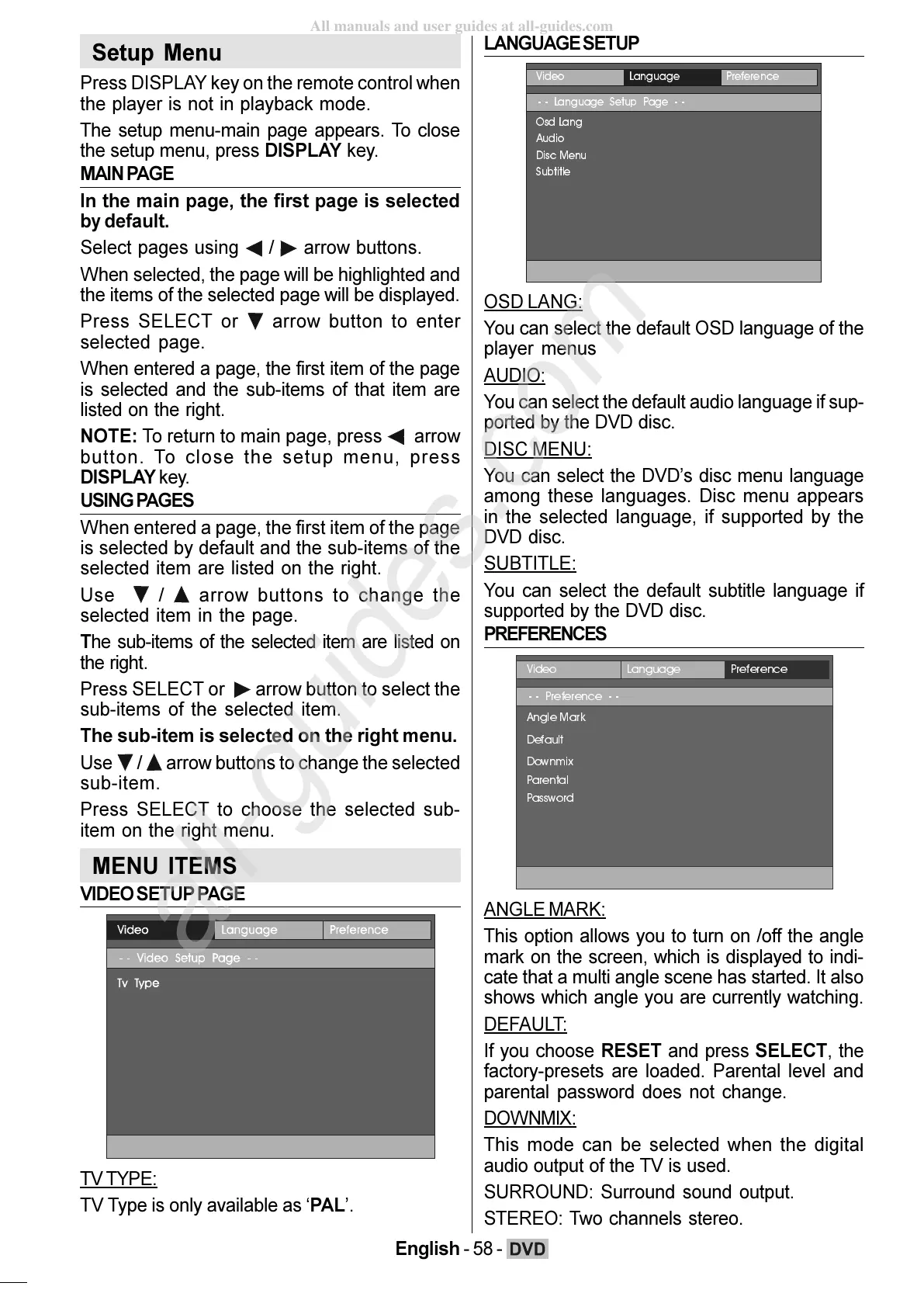
VIDEO SETUP PAGE
TV TYPE:
TV Type is only available as PAL.
LANGUAGE SETUP
/DQJXDJH 3UHIHUHQFH
/DQJXDJH6HWXS3DJH
2VG/DQJ
$XGLR
'LVF0HQX
6XEWLWOH
OSD LANG:
You can select the default OSD language of the
player menus
AUDIO:
You can select the default audio language if sup-
ported by the DVD disc.
DISC MENU:
You can select the DVDs disc menu language
among these languages. Disc menu appears
in the selected language, if supported by the
DVD disc.
SUBTITLE:
You can select the default subtitle language if
supported by the DVD disc.
PREFERENCES
/DQJXDJH 3UHIHUHQFH
3UHIHUHQFH
$QJOH0DUN
'HIDXOW
'RZQPL[
3DUHQWDO
3DVVZRUG
ANGLE MARK:
This option allows you to turn on /off the angle
mark on the screen, which is displayed to indi-
cate that a multi angle scene has started. It also
shows which angle you are currently watching.
DEFAULT:
If you choose RESET and press SELECT, the
factory-presets are loaded. Parental level and
parental password does not change.
DOWNMIX:
This mode can be selected when the digital
audio output of the TV is used.
SURROUND: Surround sound output.
STEREO: Two channels stereo.
ENG-02-DVD-22784W-1165UK-MB29-PEUIDTV-(DVD7240-X2TSF-WO DIVX)-10060401-5013xxxx.p6511.10.2008, 17:3658







 To Next Page