- 14 -
z
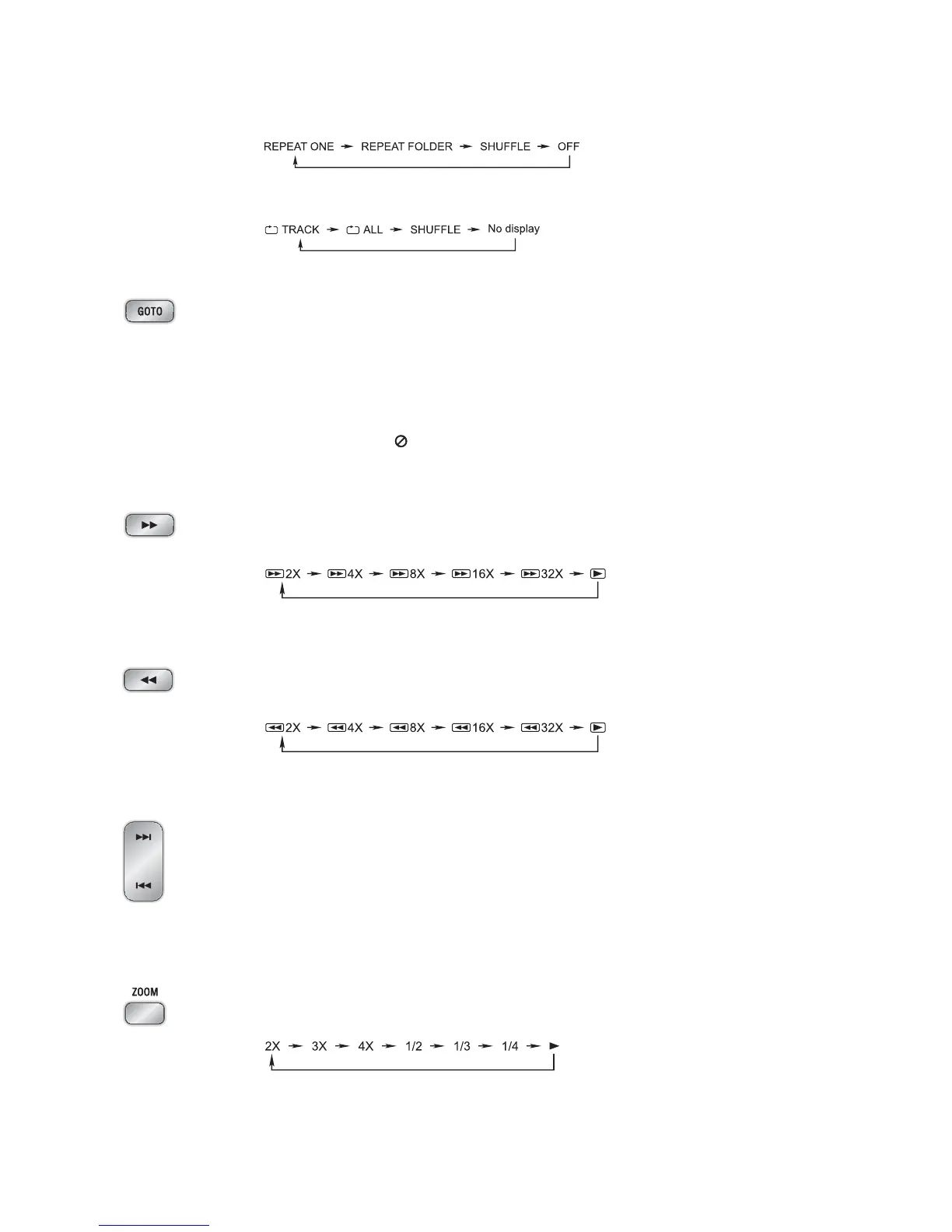
When playing MP3/WMA disc or USB, this function can be used to play a track or folder
repeatedly. Repeatedly press the
MODE button, the screen shows in this sequence:
z
You may repeat a track or disc according to the following steps. Repeatedly press the
MODE button, the screen shows in this sequence:
Goto Button
You may directly enter a time, title or chapter number to go to a particular point on the disc.
The unit will play from this point.
1. Press the
GOTO button on the remote control.
2. Press the
0-9 buttons on the remote control, enter the time, title or chapter numbers to
look for desired scene.
Note: If the search time exceeds the total time on the disc or the item set falls short of the
disc recorded, the “
INPUT INVALID” will display on TV screen, indicating the
operation is invalid or incorrect.
Fast Forward Button
Press the
C button repeatedly to select one of the different speeds to fast forward play.
Each time you press the button, the screen shows in this sequence:
Note: Press the
BF button to resume normal playback.
Fast Backward Button
Press the
D button once by once to select one of the different speeds to fast backward
play. Each time you press the button, the screen shows in this sequence:
Note: Press the
BF button to resume normal playback.
Next/Previous Buttons
z
When playing a DVD disc, press the G button to go to the next chapter or title.
z
When playing a Video CD disc, press the G button to go to the next track.
z
When playing DVD disc, press the H button to go to the previous chapter or title.
z
When playing Video CD disc, press the H button to go to the previous track.
(You can also press the key “
G,H” on the panel of unit.)
Zoom Button
This function can be used while playing a film or a still picture.
Press the
ZOOM button repeatedly when playing, the screen shows in this sequence:
* Use the
STW X buttons to move around the enlarged picture.
Note: This function is not available for CD or MP3 playback.


 To Next Page