1 - 1
ENGLISH
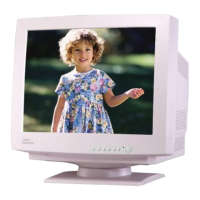
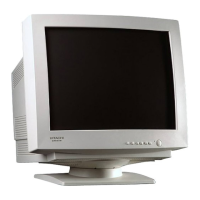
Colour Monitor
(DJ82)
CM827ET
CM828ET USER MANUAL
Congratulations on your selection of a HITACHI Colour Monitor.
Read the instructions inside carefully, and keep this user manual for future
reference.
NOTE:
• The information in this manual is subject to change without notice.
• The manufacturer assumes no responsibility for any errors that may appear in this
manual.
• The reproduction, transmission or use of this documents or contents is not
permitted without express written authority.
TRADEMARK ACKNOWLEDGMENT:
VGA is a registered trademark of International Business Machines Corporation.
VESA is a trademark of a nonprofit organization, Video Electronics Standard
Association.
E
NERGY STAR
®
is a trademark of Environmental Protection Agency (EPA).
CONTENTS
FEATURES ................................................................................................... 1 - 2
CAUTIONS ................................................................................................ 1 - 3
INSTALLATION ............................................................................................. 1 - 7
OPERATION ................................................................................................. 1 - 9
POWER SAVING SYSTEM ........................................................................ 1 - 16
PLUG & PLAY ............................................................................................. 1 - 16
SIGNAL CHECK ......................................................................................... 1 - 16
TROUBLESHOOTING ................................................................................ 1 - 17
SPECIFICATIONS ...................................................................................... 1 - 18
Tables:
Table 1-1. Adjustment Table........................................................................ 1 - 11
Table 1-2. Power Saving System ................................................................ 1 - 16
Table 1-3. Signal Check .............................................................................. 1 - 16
Table 1-4. Troubleshooting ......................................................................... 1 - 17
Table 1-5. Standard Settings ...................................................................... 1 - 19
Table 1-6. Pin Assignment .......................................................................... 1 - 20





 To Next Page