EN-40
[Exit]: Exit from Images option.
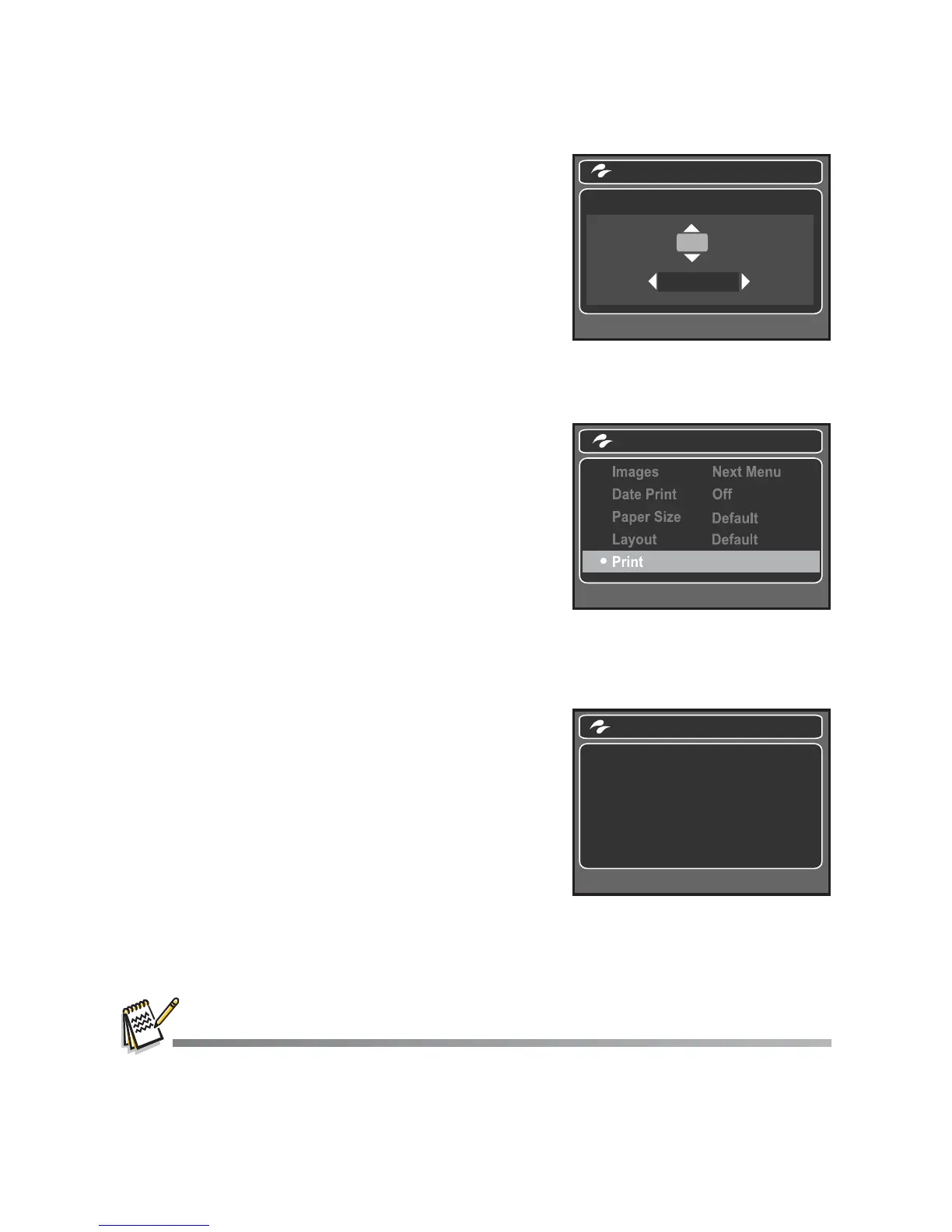
3. If you select [Select] in the previous step, the
figure shown on the right hand side will appear.
Select the image that you want to print with
the e / f buttons.
Select the [Print Num] (up to 99) with the
c / d buttons.
After selecting the desired image and printing
number, press the
SET
button to confirm.
4. Select [Print] with the c / d buttons, and
press the SET button to start printing.
5. The printing starts and the figure shown on the
right hand side appears.
The [COMPLETE] will be displayed
temporarily, reminding you that the printing
procedure is finished.
If a print error is detected, the [PRINT
ERROR] will be displayed.
The image printing may be failed if the power to the camera is cut off.
SET: Enter
Select
Print Num
00
100-0001
SET: Enter
PictBridge
PictBridge
PRINTING...



 To Next Page