Preparation
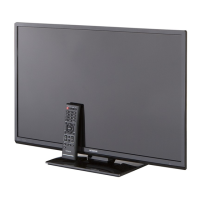
Positioning the TV Set
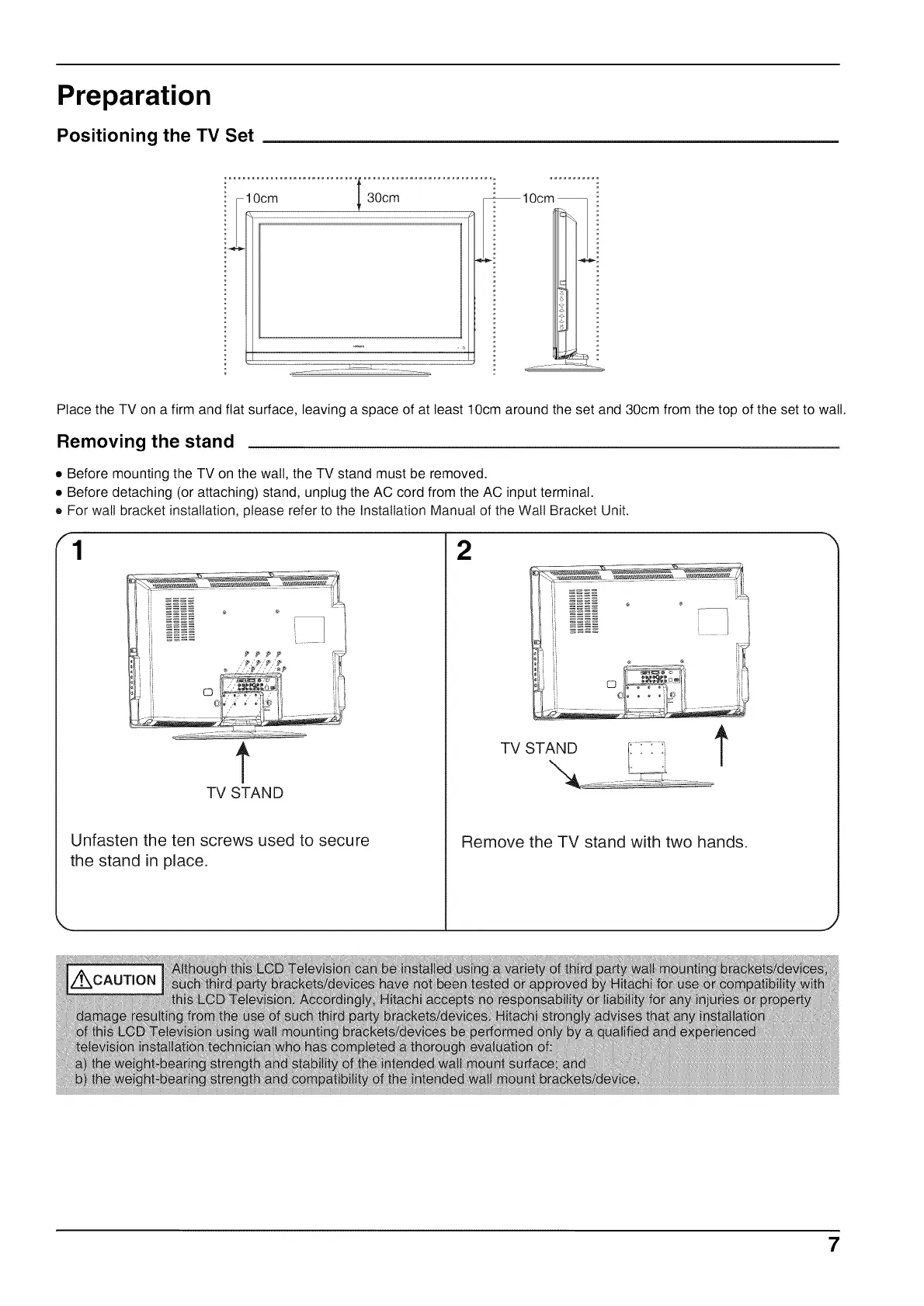
Place the TV on a firm and flat surface, leaving a space of at least 10cm around the set and 30cm from the top of the set to watt.
Removing the stand
• Before mounting the TV on the wall, the TV stand must be removed.
• Before detaching (or attaching) stand, unplug the AC cord from the AC input terminal.
• For walt bracket installation, please refer to the Installation Manual of the Wall Bracket Unit.
1 2
t
TV STAN D
Unfasten the ten screws used to secure
the stand in place.
TVSTANOt
Remove the TV stand with two hands.
7


 To Next Page