11
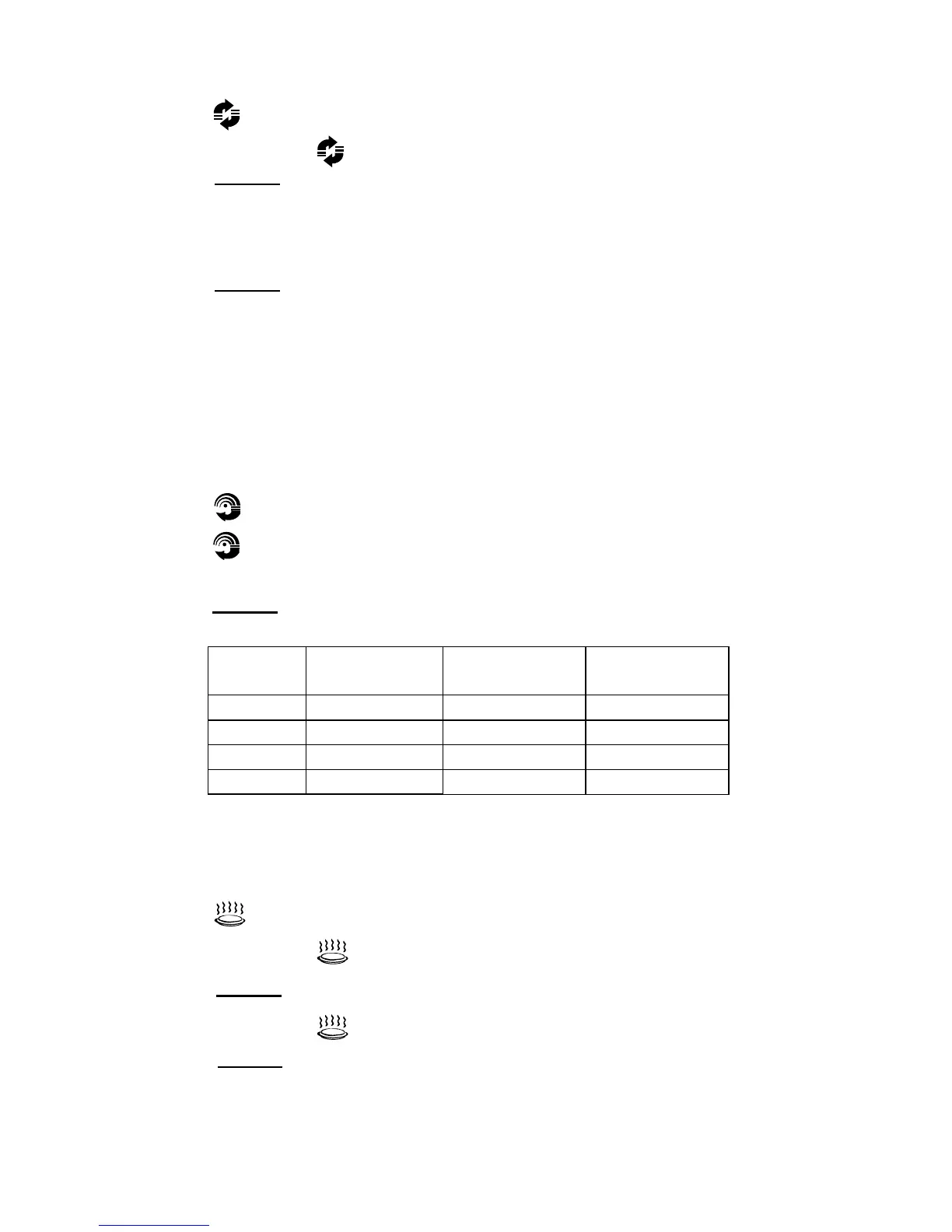
1. Press .
“140” will be shown on the display.
2. Repeatedly press to set the desired temperature.
3. Press to start preheating.
When oven temperature is reached and buzzer sounds to remind you
of putting food into the oven.
4. Press the numeric buttons to set the cooking time.
5. Press
to start cooking.
NOTE: If you do not want to preheat the oven before cooking, skip step 3.
Combination Cooking
This feature allows you to combine microwave, grill or convection cooking on
four different settings.
1. Press .
2. Press repeatedly to select the desired combination mode.
3. Press the numeric buttons to set the desired cooking time.
4. Press to start cooking.
Display Microwave
Power
Grill
Power
Convection
Power
C-1 zz
C-2 zz
C-3 zz
C-4 zz z
Reheat
1. Press .
“h-1” will be shown on the display.
2. Repeatedly press to select the desired cooking program.
3. Press to confirm.
4. Repeatedly press to select the weight of the food to be cooked.
5. Press to start cooking.
START
+30
SEC
.
START
+30
SEC
.
START
+30
SEC
.
START
+30
SEC
.
START
+30
SEC
.


 To Next Page