12
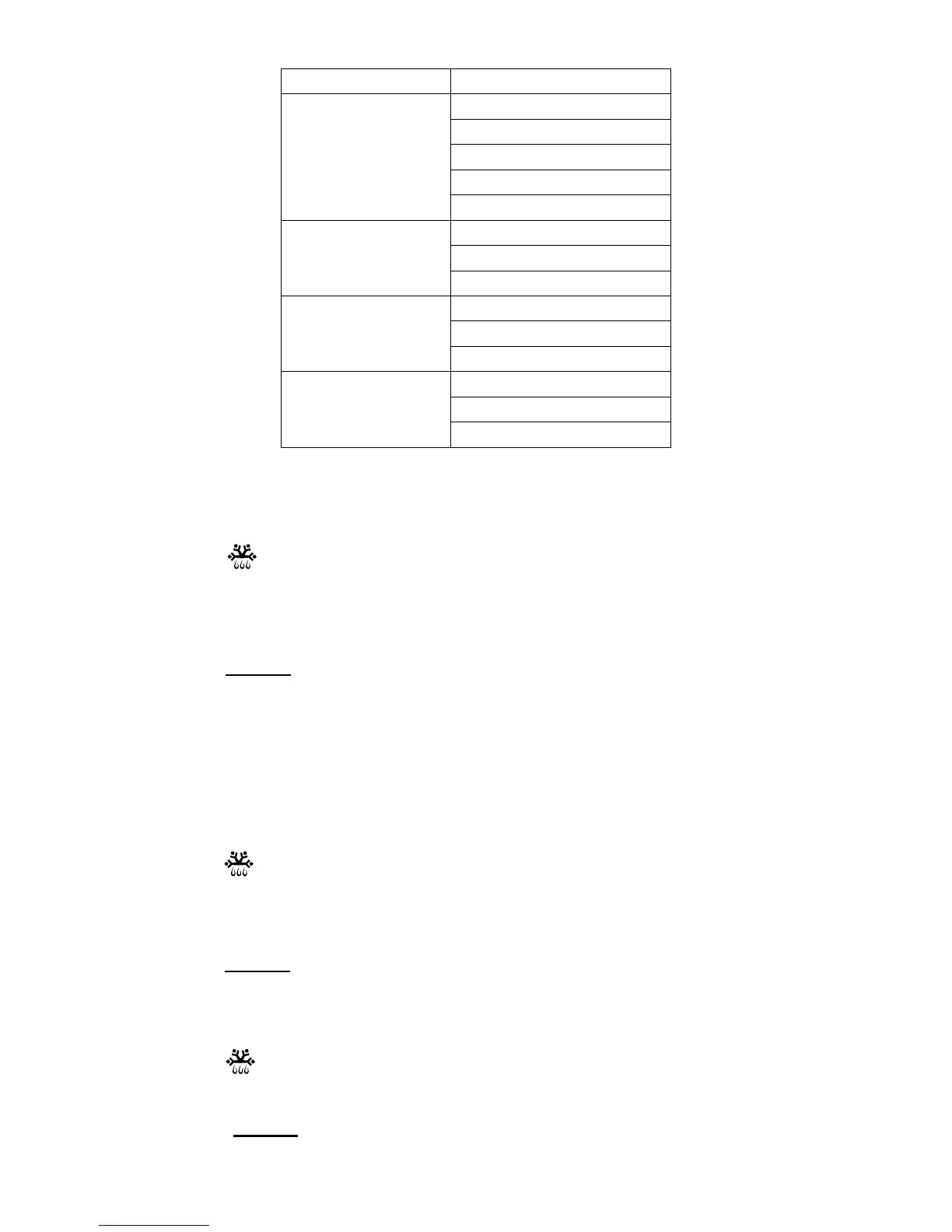
Menu Weight (g)
150
250
350
450
h-1
(Auto reheat)
600
250
350
h-2
( Dinner plate)
450
1 (approximately 240g)
2 (approximately 480g)
h-3
(Coffee)
3 (approximately 720g)
1 (approximately 70g)
2 (approximately 140g)
h-4
(Roll)
3 (approximately 210g)
Defrosting by Time
1. Press once.
“d-1” will be shown on the display.
2. Press the numeric buttons to set the desired cooking time.
The longest cooking time is 99 minutes and 99 seconds.
3. Press to start defrosting.
Defrosting by Weight
The oven could be used to defrost food based on the weight selected. The
defrosting time and power level are automatically set once the weight is
programmed. The frozen food weight ranges from 100g to 2000g.
1. Press
twice.
"d-2" will be shown on the display.
2. Press the numeric buttons to select the desired food weight.
3. Press to start defrosting.
Defrosting Ground Meat
1. Press three times.
“d-3” will be shown on the display.
2. Press the numeric buttons to select the desired food weight.
START
+30
SEC
.
START
+30
SEC
.
3. Press to start defrosting.
START
+30
SEC
.


 To Next Page