OPERATION PROCEDURE
9
19
ENGLISH
Ô
ATTENTION:
The louver angle is automatically changed during heating operation for unit control.
When heating operation is
started
When dry operation is
started
When temperature
controller is activated
The louver angle
is automatically
changed.
When the discharged air
temperature is increased over
30°C, the louver angle
automatically return to the set
position.
The LCD indication remains at the setting condition.
Unit Operation
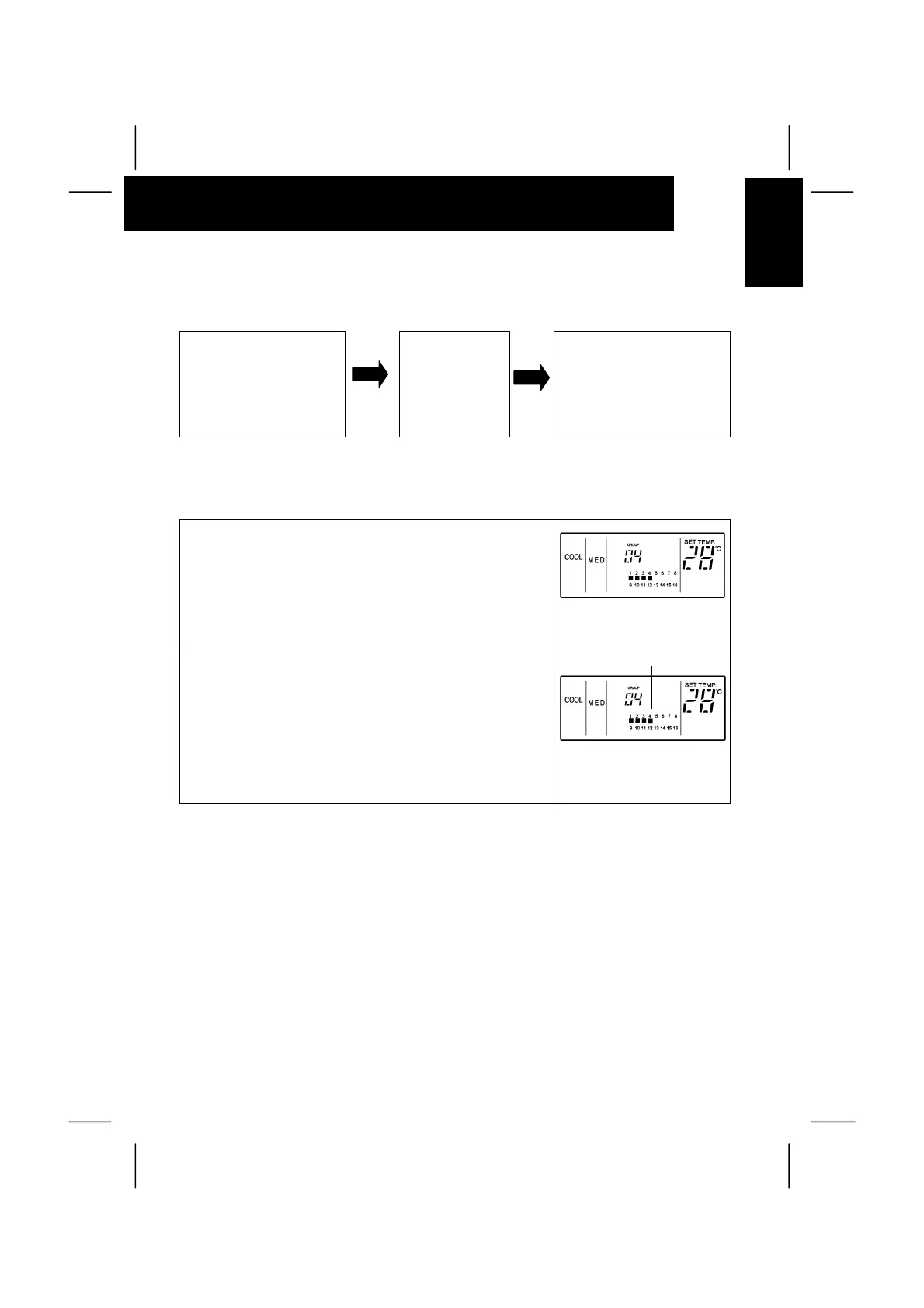
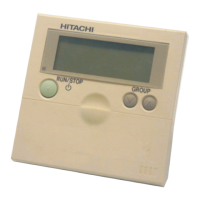
1. Depress the “GROUP” switch and select the group.
(Refer to item 2 of “A. Group Selection and Monitoring Unit
Operation Status” in page 16.)
The above figure shows the
case of selecting group 4.
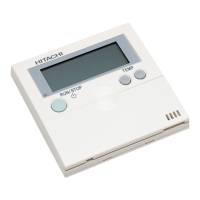
2. Depress the “RUN/STOP” switch.
In case that the selected group is in operation, the group is
stopped by depressing “RUN/STOP” switch.
In case that the group is not in operation, the group is
started by depressing the “RUN/STOP” switch.
In case of group “AA”, depress the “RUN/STOP” switch, and;
- All the groups are stopped (When more than 1 group is in
operation (Run lamp is ON)).
- All the groups are started operation (When all the groups
are stopped (Run lamp is OFF)).
The above figure shows the
case of group 4 operation.
NOTE:
The above indications show the case of setting operation mode for group 4.
The same setting procedure shall be performed for other groups. In case of the simultaneous
operation for all groups, select the group number of “AA”.
Turned ON


 To Next Page