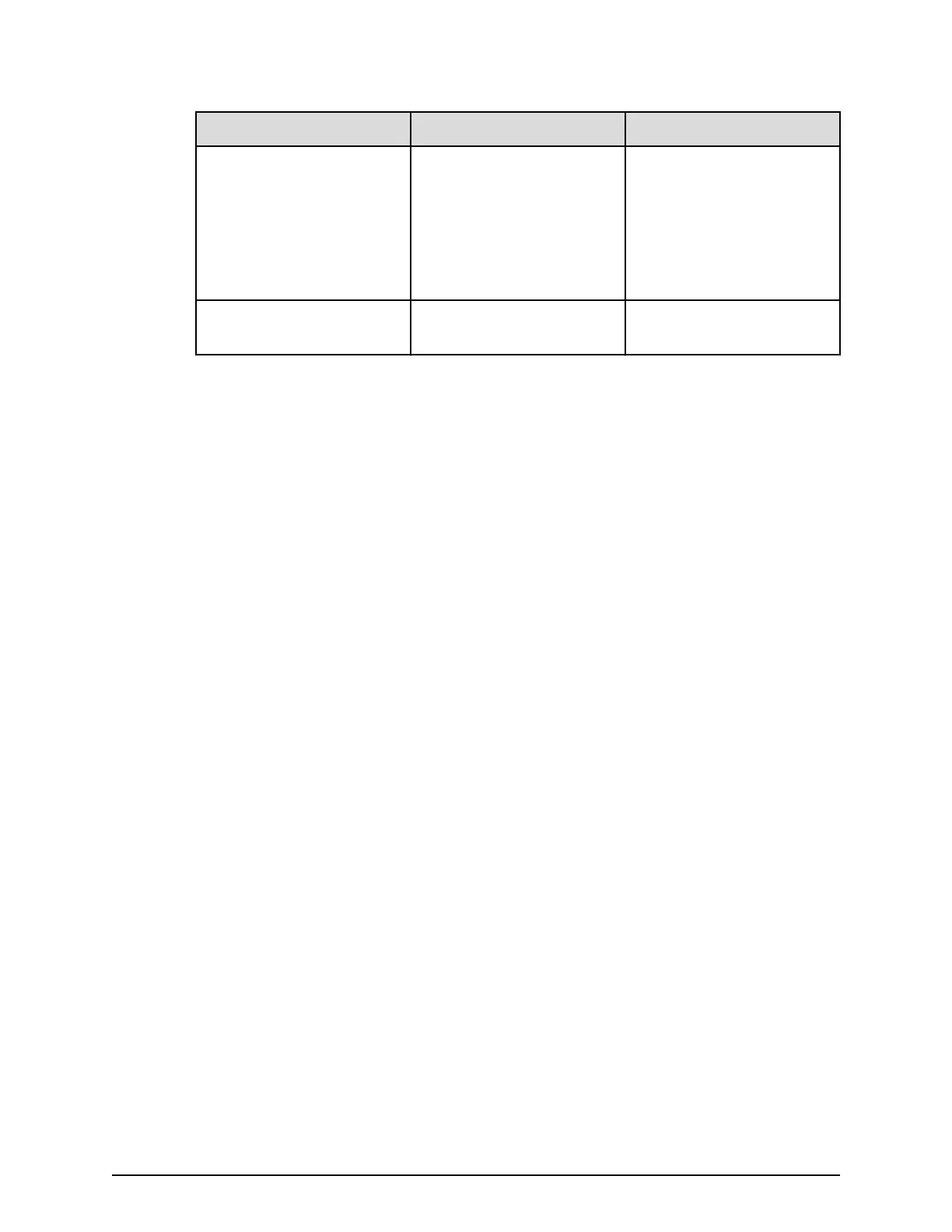
Number Item Description
13 Locate LED Amber:
■
Indicates the location of
the chassis.
■
Can be turned on or
turned off by the
maintenance utility.
14 POWER LED Green: ENC is in the power-
on state.
Rack support
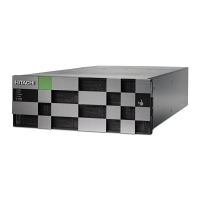
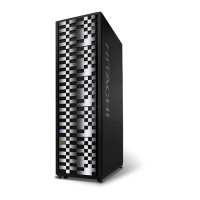
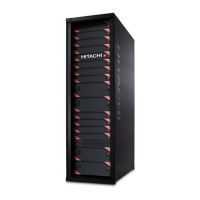
The storage system can be installed in the Hitachi Universal V3 Rack, Universal V2B Rack,
or Universal V2 Rack as well as non-Hitachi 19-inch racks that meet the storage system's
specifications.
Non-Hitachi racks must be 4-post, EIA 310-D compliant with adequate airflow and weight
capacity. The PDUs must be mounted properly to avoid any issues for servicing the storage
system. The PDU receptacles must face toward the back (not toward each other). The area
behind the storage system and between the vertical 19-inch mounting posts must be free of
PDUs and cable loops.
Rack support
Chapter 2: Hardware overview
Hitachi Virtual Storage Platform E590 and E790 Hardware Reference Guide 39



 To Next Page