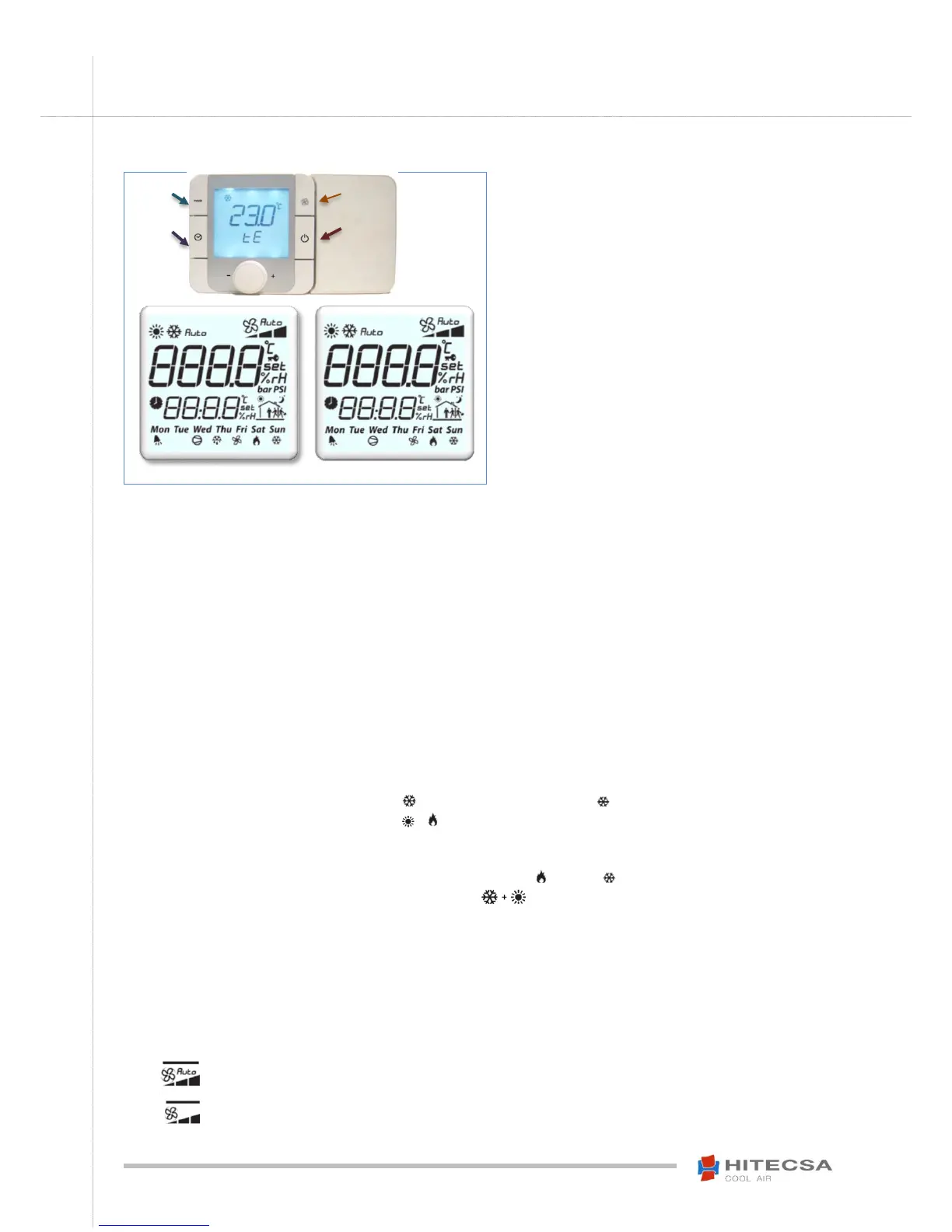
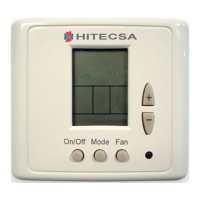
- Backlighted LCD display.
- Two alphanumerical 4-character strings.
- Set of symbols to obtain all the information of
the operation simultaneously on the same
screen.
- Multi-function center button: rotate to scroll
through the menus or increase/decrease a
value and press to enter or select.
ON-OFF CONTROL
Press and hold the button (On / Off) for two seconds to turn the thermostat on or off. The word "OFF" will be displayed on the thermostat
screen when it is off.
NOTE: The thermostat will show "OFFd" if the remote on-off contact is open and "OFFs" when the shutdown is done through Modbus.
TEMPERATURE ADJUSTMENT
Adjust the setpoint temperature rotating the central button.
Th-tune internal temperature probe calibration
Apply a positive or negative correction value which will be added to the probe value. The zero value will not change the probe value.
Press and hold FAN + ON/OFF keys until a password is required.
Access with the password “22” and press to validate. Rotate the central button until the option PCAL appears and
select it.
Beware of any element of this menu! The ThTUNE can be disabled.
Turn the central button to modify the correction value and press to validate.
SYSTEM MODES
Press (Mode) button to alternate between the available operations modes.
Available system modes:
Cooling Mode – Display will show the icon: and in the down-Right corner: .
Heating Mode – Display will show the icon: & . This mode is not available for cooling only machines.
Automatic Mode – Display will show: “Auto”. This mode is not available for cooling only machines. This operating
mode will change between cold and heat depending on the selected temperature setpoint. The mode that is active at
each moment will be indicated in the lower right part of the display: Heating, Cooling.
Only Fan – Display will show two icons at the same time: . The fan will operate in continuous mode and will
not take into account the temperature value introduced in the setpoint. Only one speed is available.
NOTE: When the outdoor temperature is very low and you want the machine to operate in cooling mode, either by
selecting this mode or by selecting the Auto mode. If the machine does NOT have condensation control then it could
stop due to the activation of an alarm.
Beware of always leaving Auto mode active! The conditions that lead to the previous error could be given.
Internal Fan Modes:
“Fan / Autofan” with Ventilation “Continuous / Auto”
Press (Fan) button, to alternate between automatic or continuous ventilation modes.
With automatic fan - The icon on the screen will show "Auto".
The fan only works when there is a request for cold or heat.
Without automatic fan - The word "Auto" disappears from the icon.
The fan operates in continuous mode.


 To Next Page