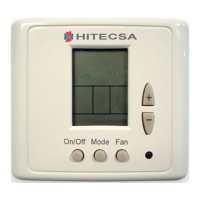
TH-TUNE
Air-Air and Water-Air autonomous units
OPERATION
Time schedule
Examples of time programming:
o Continuous Day Schedule from 9:00am to 9:00pm
- t1: Start up, “8:45”
- t2, t3: Unscheduled, “--:--“
- t4: Stoppage, “20:00”
- t5, t6: Unscheduled, “--:--“
o Split Day Schedule 9:00-13:00 and 16:00-20:00
- t1: Start up, “8:45”
- t2: Stoppage for absence of midday or reduce to a more economical setpoint. “13:00”
- t3: Start up or return to normal setpoint. “16:00”
- t4: Stoppage of end of day “20:00”
t5, t6: Unscheduled, “--:--“
o Domestic Schedule
- t1: Start up, “7:00”
- t2: Stoppage for absence or reduce to a more economical setpoint. “8:30”
- t3: Start up or return to normal setpoint. “13:15”.
- t4: Stoppage for absence or reduce to a more economical setpoint. “15:30”
- t5: Start up or return to main setpoint
- t6: Nocturnal stoppage or reduce to a more economical setpoint. “13:00”
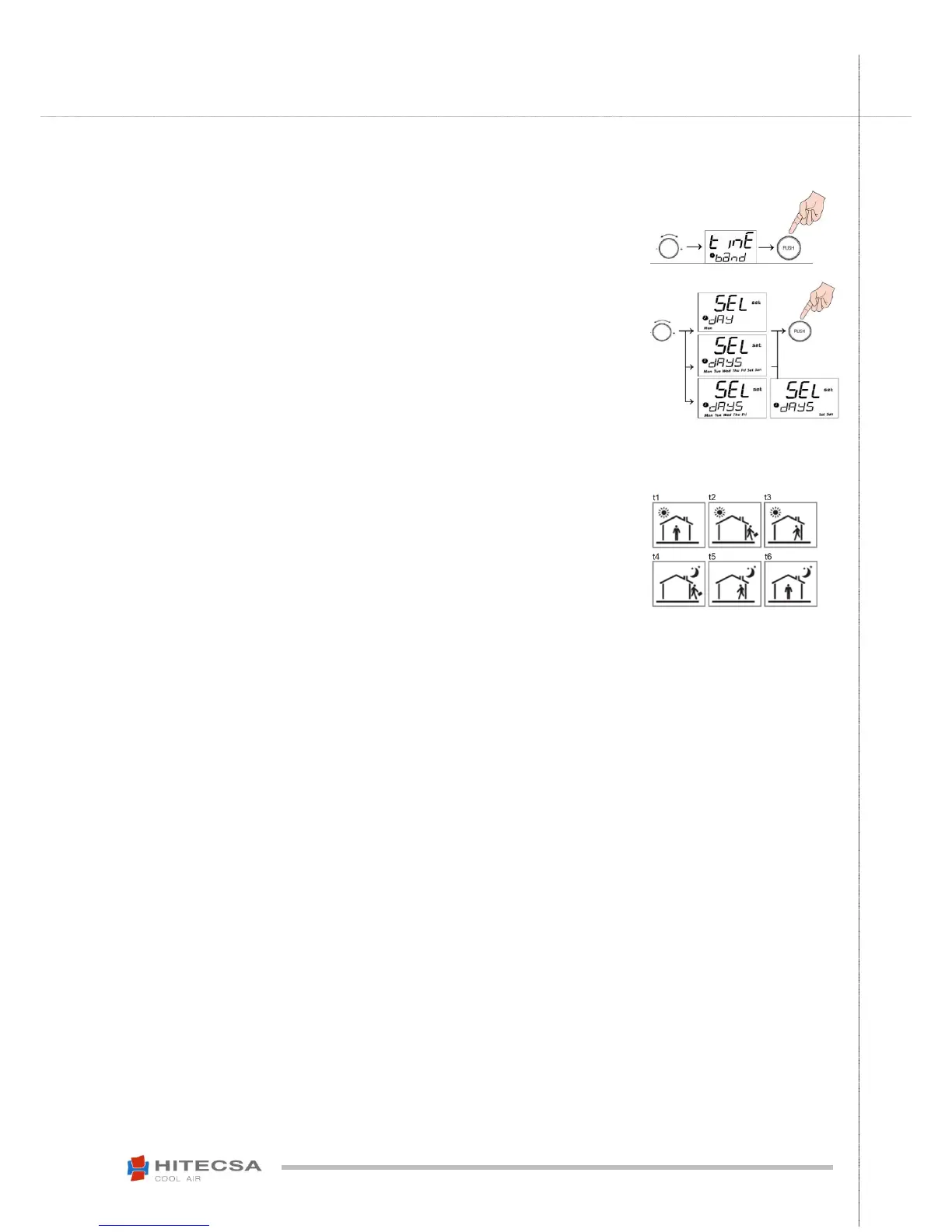
Press and hold CLOCK button for 3 seconds until appears “Cloc” on the screen.
(Make sure that the thermostat time is correct by selecting “Time band”).
- In general, to scroll through the different screens, turn the central button and select
by pressing it.
Turn the central button to select the desired type of program.
- Daily by selecting every day, weekly (shows all days), or one from Monday to Friday
and another from Saturday to Sunday, Press the central button to select the day or
days desired.
Turning the button, you can select 6 different screens in order that correspond to 6
different times throughout the day (see screens).
- On each screen a setpoint temperature is programmed if we want the machine
running or "OFF" if we want to stop it and the time at which it will be activated. If
instead of an hour we select “--:--“, the screen will be deprogrammed and will not
be activated.
- The time that we can select in each screen will always be greater than the one of
the previous screen.
- The operation mode can not be modified, it will be the one that is active.
- To leave, select the ESC screen.
- The screen figures are illustrative and each user can select the schedule according
to their particular needs.
- After the last time section (t6), the next one will start again for the t1 section of the
following day.


 To Next Page