16
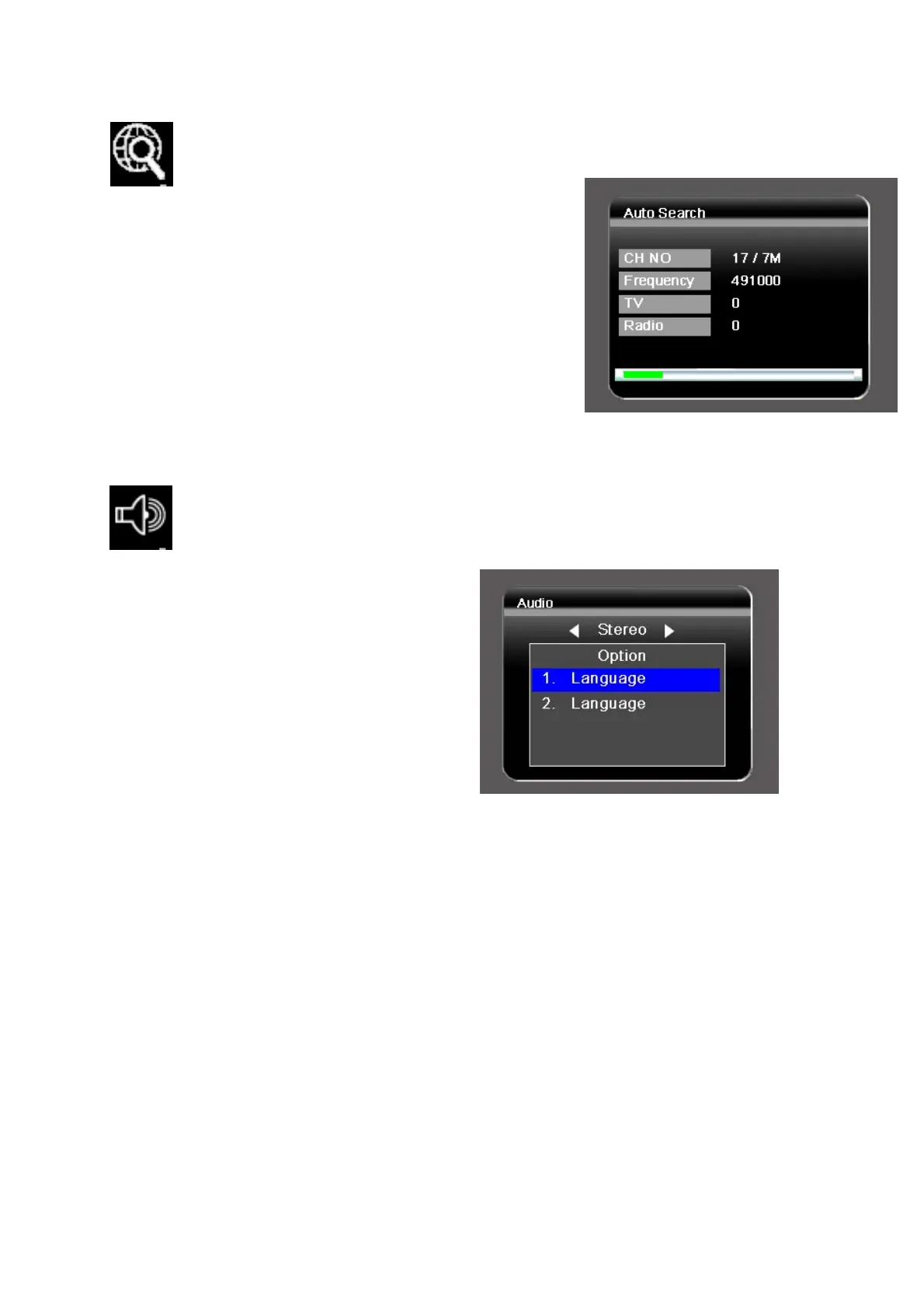
V.2.3. Automatic Search
To search the available channels automatically.
1. Browse the TV menu screen using
[CH+]/[CH-]/[VOL+][VOL-] buttons to
highlight the automatic search option.
2. Press [OK] button to start the channel
search.
V.2.4. Audio Settings
To select master or secondary language when service available.
1. Browse the TV menu screen
using
[CH+]/[CH-]/[VOL+]/[VOL-]
buttons to highlight the audio
option. Press [OK] button to
enter the audio menu.
2. Use [VOL+]/[VOL-] buttons to
select stereo/left/right audio
channel. Scroll the available language using [CH+]/[CH-] buttons. Press
[OK] button to select the language.
3. Press [MENU] key to exit.


 To Next Page
 Loading...