09 10
DVD BASIC OPERATION
* DVD playback (DVD)
(1) DVD playback commences.The disc will start to play if disc does not have any menu recorded
on it.If disc has one or more titles recorded on it, a menu screen will appear on the monitor.
* The monior will display “NO DISC” if there is no disc in the case.
(2) Press / / / on remote to select preferred title.
(3) Press the "ENTER or " button, the selected item will now start playing.
Press the "MENU or TITLE" button, the menu screen will appear on the monitor.
* Next track or previous track (DVD/CD)
Press ( ) during playback
Audio CD
The player will skip forward to the next track each time the button is pressed. "NEXT 01/16" will
display on the TV screen.
DVD
The player will skip forward to the next title / chapter each time the button is pressed.
“ TITLE 01/06 CHAPTER 001/006 ” will display on the TV screen.
Press ( ) during playback
Audio CD
The player will skip to the beginning of the previous track each time the button is pressed.
“PREVIOUS 01/16” will display on the TV screen.
DVD
The player will skip to the beginning of the previous chapter each time the button is pressed.
* Play / Pause (DVD/CD)
Press the "PLAY/PAUSE" ( ) button, during playback. The player will be placed in the pause
mode.
Press the "PLAY/PAUSE" ( ) button again, the player will return to normal playback.
* Repeat mode
For Audio CD
When REPEAT button on the remote is pressed,
REP ONE = The current track will be repeated
REP ALL = All the track will be repeated
REPEAT OFF = Repeat mode will be switched off
For DVD
When REPEAT button on the remote is pressed,
CHAPTER REPEATION = The current chapter will be repeated
TITLE REPEAT = The current title will be repeated
REPEAT OFF = Repeat mode will be switched off
* Camera angle (DVD)
Some DVD discs may contain scenes, which have more than one viewing angle.For these
discs,
the same scene can be viewed from a different angle by using the "ANGLE" button.
(1) During DVD playback, press the "ANGLE" button on remote. “ x / y” will appear, x
represents the current camera angle, and y represents the total available camera angle.
(2) Press the ANGLE button on remote until the preferred angle is selected. The ANGLE
selection will cycle through all available camera angle.
Note: This function will only work on discs where different camera angles have been recorded.
* Stop (DVD/CD)
(1) During Audio CD playback, when "STOP" ( ) button is pressed, the CD playback will stop.
(2) During DVD playback, when the "STOP" ( ) button is pressed, press "PLAY / PAUSE ( ) "
button to continue. The player records the point where the "STOP" ( ) button is pressed
(Resume playback function).
Press the PLAY / PAUSE ( ) button again, the play will resume from this point.
If "STOP" ( ) button is pressed. “STOP ” will apppear and the resume playback function
will be cleared.
Note: R esume playback function is not available for Audio C Ds .
* Subtitle (DVD)
During DVD playback, you may change the subtitle language from the one selected at the initial
setting to a different language, if available.
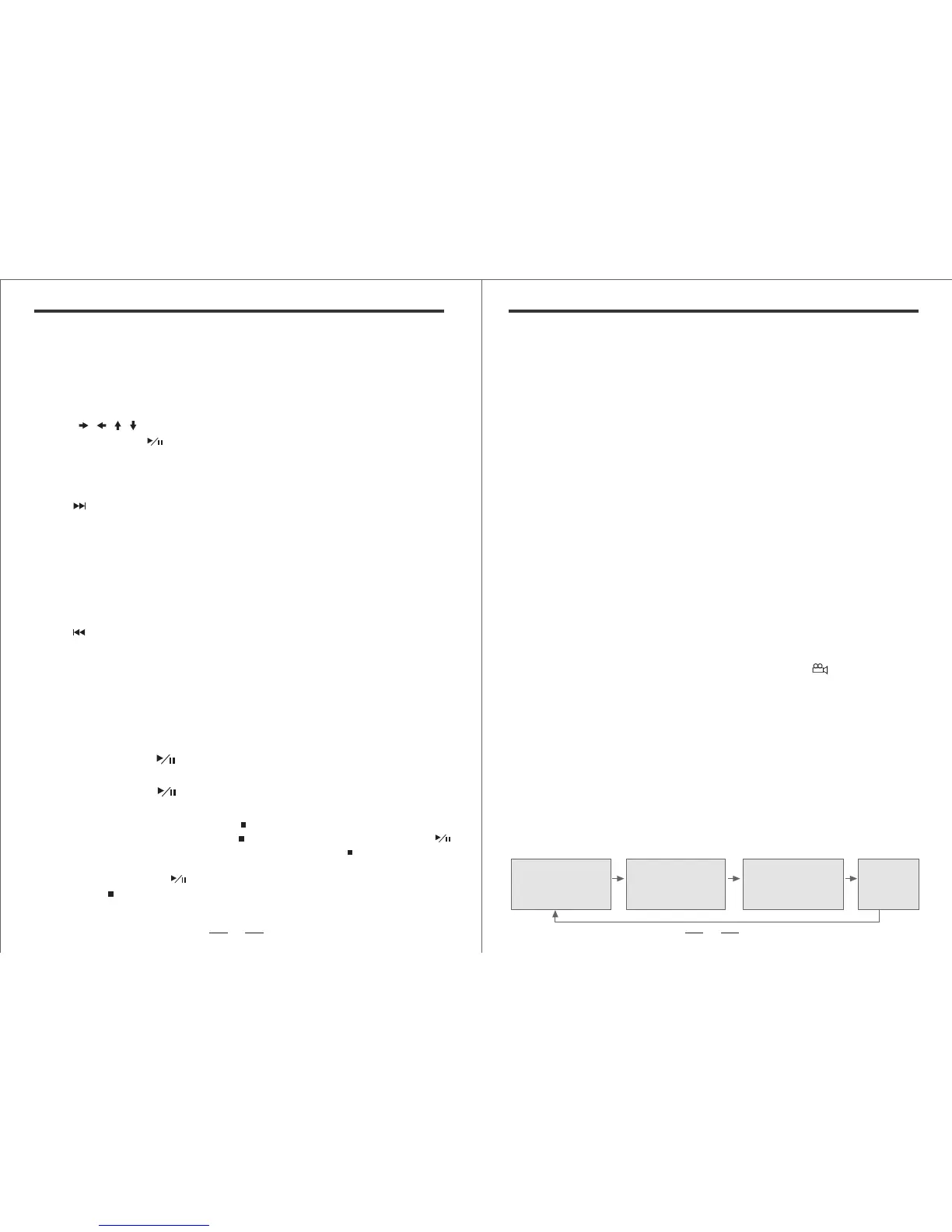
(1) Pressing "SUBTITLE " button, the following will appear.
SUBTITLE 01/03 :ENGLISH SUBTITLE 01/03 :FRENCH SUBTITLE 01/03 :SPANISH SUBTITLE OFF


 To Next Page
 Loading...