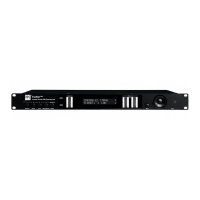
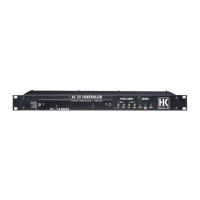
Note: This quick guide provides fast orientation if you have experience
using devices similar in design. A detailed user manual is available for
downloading at www.hkaudio.com.
The controller requires different settings for systems driven by different
amps you’re using, HK AUDIO VX 2400 or
Lab.Gruppen FP10000Q. What’s more, different system confi gurations
lters. The controller ships without speaker
fi lters, so you’ll have to load the entire fi lter library or the individual fi lter
that you need. You’ll
tware and other
important in
Here’s what you must do before you run the FIRNET controller for the
fi rst time:
1. Us a network cable to connect the network ports o
your PC and the
FIRNET contro
er.
2. Store the fi les on the CD-Rom in a new folder on your PC.
3. Install LIPAN software so
ou can load fi lters and edit the FIRNET on
your P
lter banks and individual
lters
serving to operate t
HK AUDIO VX 2400 power amps on t
min
menu items "Max Input Level" and "Max Output Level". Ad
you’re using the FIRNET with
La
92.168.1.100 (-254). In ot
he fi rst three address blocks. Feel free to use any number from 100 to
254 in t
er
may not have the same numerals in the last block
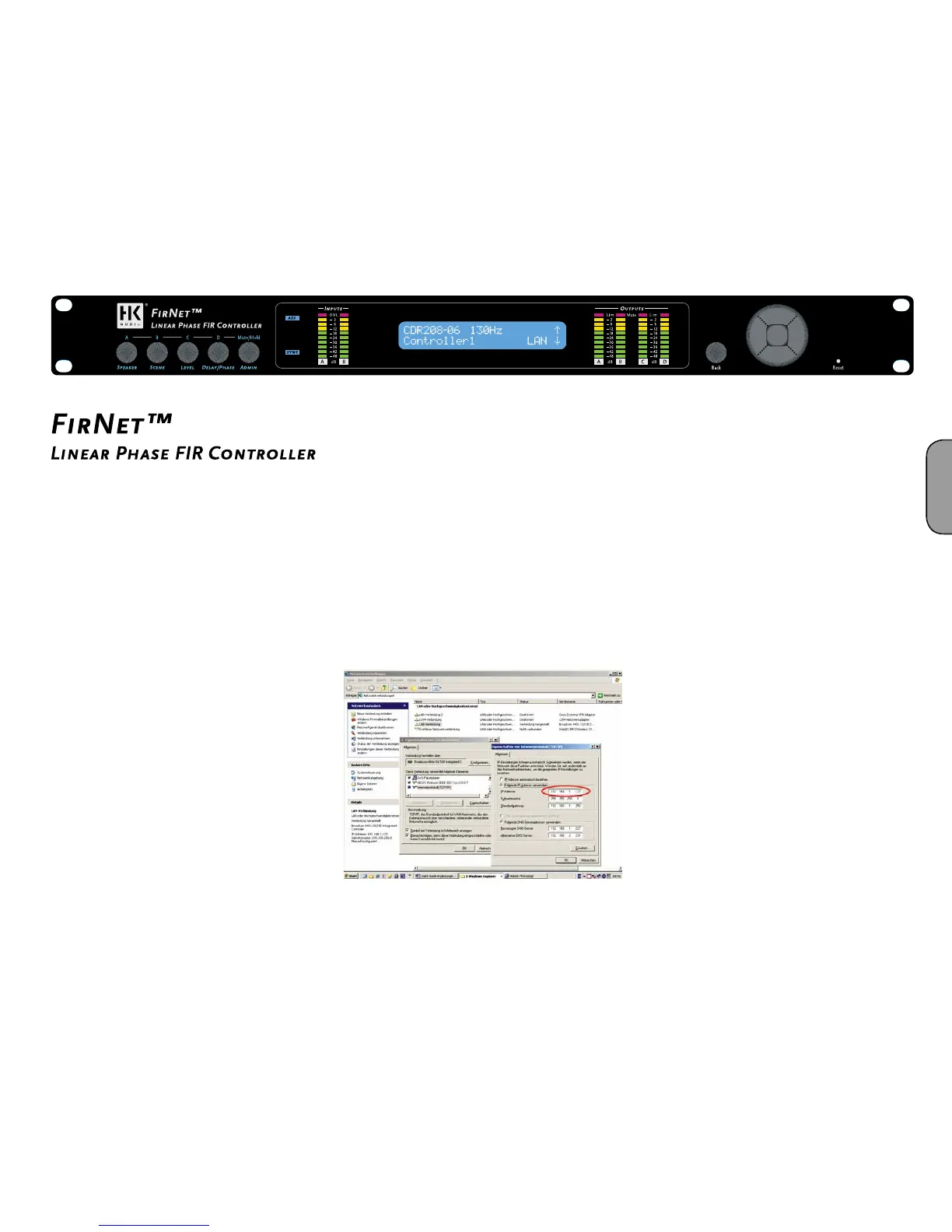
IP address properties (If you change the IP address, you must restart
his is where you can view your controller’s preset IP address after the
FIRNET
he detailed explanation in the Quick Guide or FIRNET manual to learn
more about this
Figure 1: Entering your PC’s IP addres
. Installing LIPAN softwar
Use a Cat 5 cable (RJ 45) to connect your PC’s network port to the X port
on the rear o
ou want to run several FIRNET control
ers simultaneously, connect the
rst controller’s II port to the next
contro
P_Install HK AUDIO LIPAN Ve
HK AUDIO LIPAN Ver 1.2.0.4.zi
Unzip the .zip fi le on your disk drive into the same folder. Double
HK AUDIO LIPAN Ver 1.2.0.4.exe to start t
e LIPAN
software’s installation routine
Once you have installed the LIPAN application (for WIN XP or WIN
Vista) on your PC, load to your controller(s) the fi lter banks or individual
fi lters you need to run your system. The installation routine placed a blue
LIPAN
Loading an entire filter bank
Open the fi lter dialog via Controller/Update Scenes + Filter Libraries.
Select the fi lters you wish to load from the folder (Open Libraries),
an


 To Next Page
 Loading...