16
7. Using the PhysioTouch® - LymphaTouch® device
7.1 Turning the device on and o
7.2 Screen saver
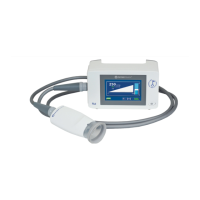
Turn the device on by pressing the on/o switch in the lower right hand corner. Device starts in 35
seconds. To turn o the device, press the on/o switch. The device will also shut down automatically
after an hour of inactivity, while on battery power.
The display will shut down and the device will enter a power-saving mode when the device has not
been used for 30 minutes. Reactivate the unit by pressing the on/o switch or by touching the screen.


 To Next Page