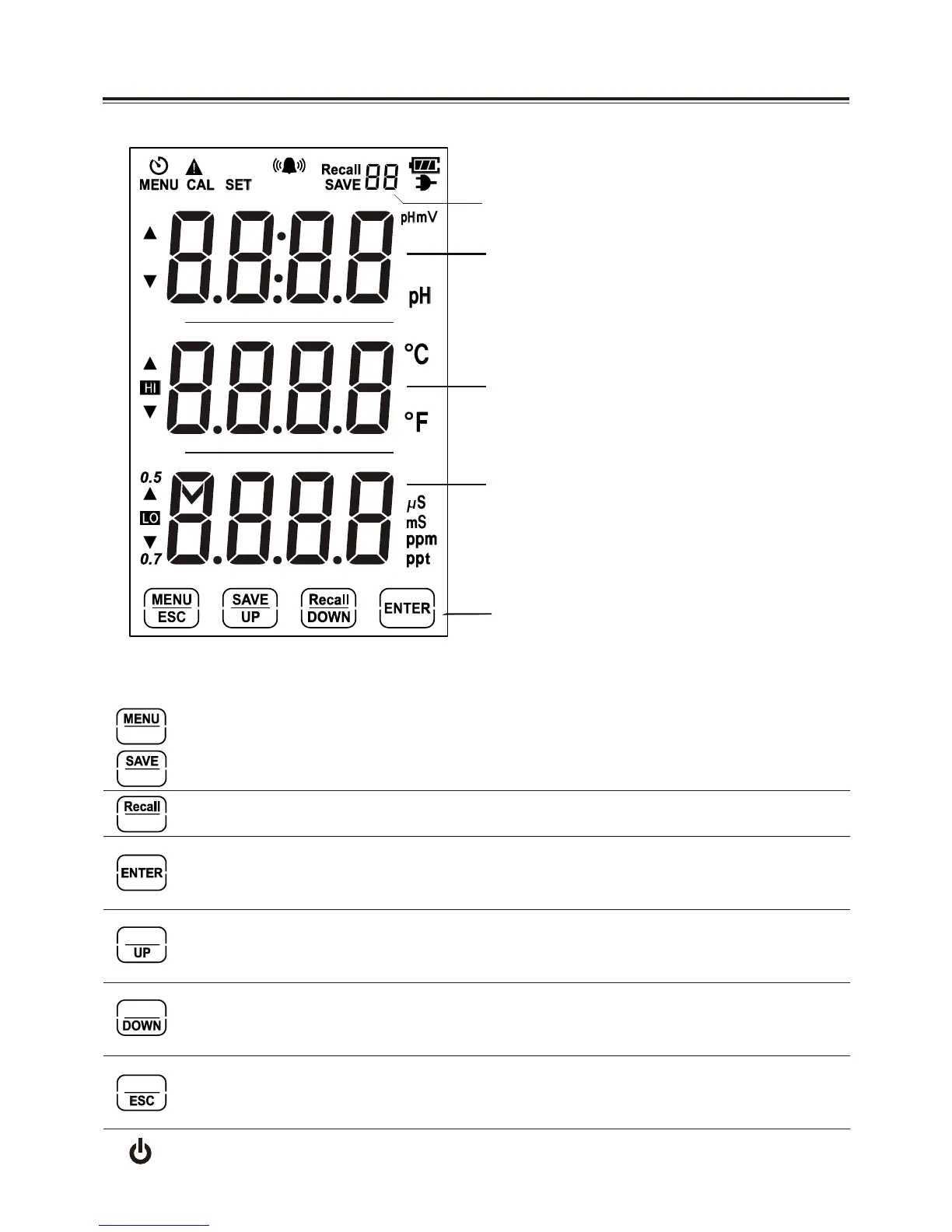
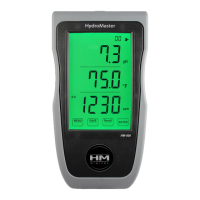
E. LCD Screen Display
F. Switch and Keypad Controls
pH Readings
Temp Readings
EC/TDS Readings
Saved Data Numbers
Touch Screen Buttons
Touch 3 seconds to change from the home screen mode to menu.
Quick touch to save readings while in the home screen mode.
Touch for 3 seconds to recall saved data.
Touch for 3 seconds to turn off back light or touch to turn light on.
Also used to save device settings and both measurement calibrations.
Raises numeric values when adjusting settings or calibration.
Also moves selection cursor up when in menu mode.
Lowers numeric values when adjusting settings or calibration.
Also moves selection cursor down when in menu mode.
Exits to the main menu when in menu mode.
Also cancels settings or calibration.
Turns the power on/off. Also changes the EC/TDS scale being used.
4


 To Next Page