2 3
Congratulations on your purchase.
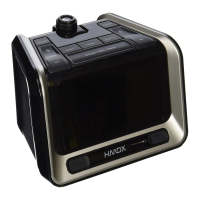
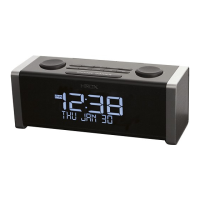
Thank you for purchasing the HMDX CUBE, the Bluetooth
®
Clock Radio for
smartphones, tablets, notebook computers and other Bluetooth enabled
devices. This product, along with the entire HMDX product lineup, combines
high-tech innovation with design to provide you with years of dependability and
enjoyment.
Please take a few moments to read through this manual for a quick and easy
explanation of features and operation of your new CUBE.
Cube Bluetooth
®
Clock Radio Main Features
• ConnectswirelesslyusingprovenBluetooth®technologywithsmartphones,
tablets and many notebooks and MP3 players
• Fullfunctiondualalarmwithsnoozeandgradualwake
• DigitalFMradiowith10presets
• EnergysavingLEDnightlight
• Superiorsoundquality
• USBchargingport
• EnhancedLCDdisplay
• Batterybackup
Getting Started
Unpack the unit carefully. Remove all the accessories from the display carton.
Do not remove any labels or stickers on the bottom of the unit or adapter.
Before setting up the unit, verify that the following accessories are present:
• CUBEBluetooth
®
clock radio x 1
• ACpoweradapterx1
• 3.5mmaudiocablex1
5VDC, 2.5A
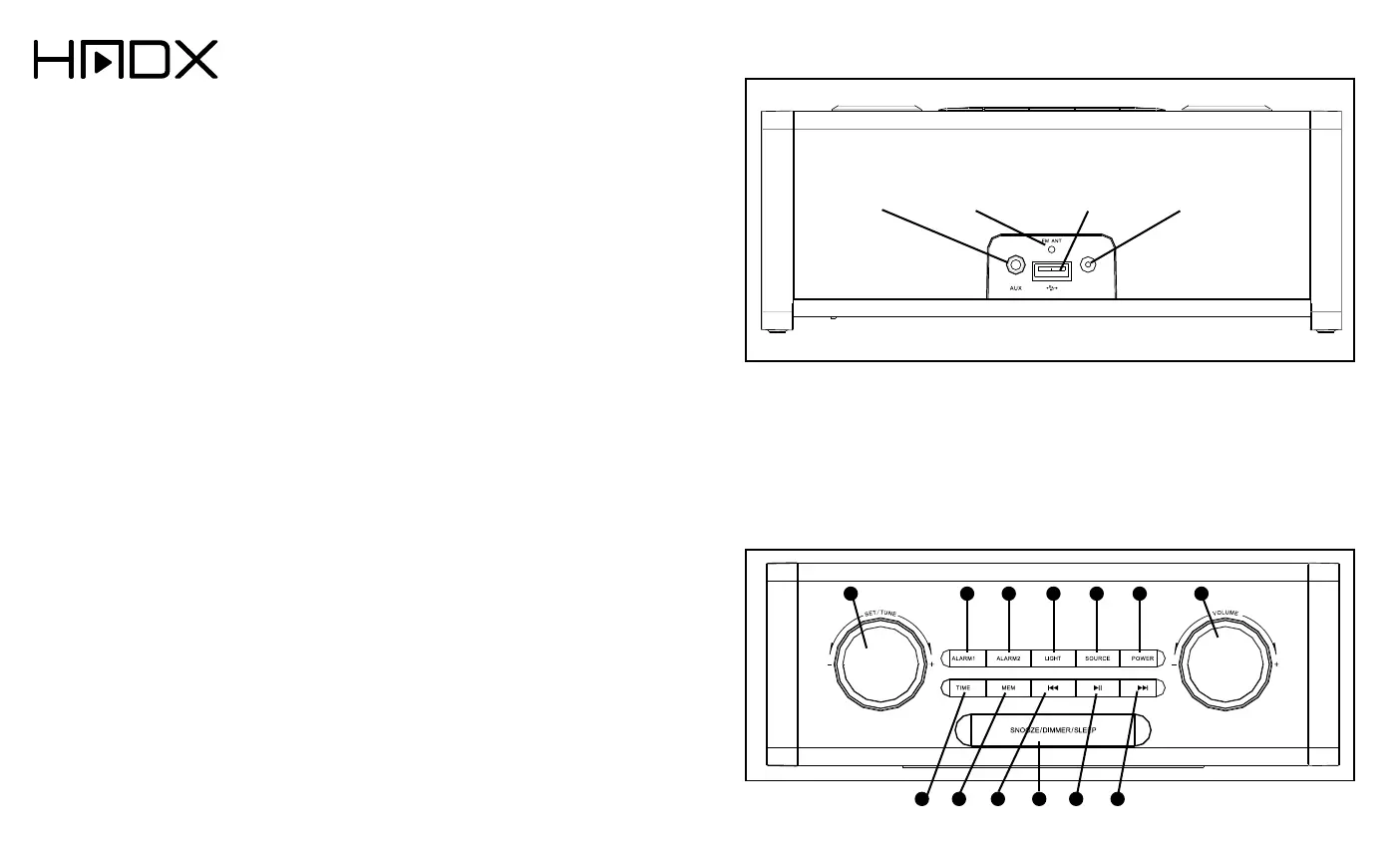
Fig.1
Fig.2
CUBE Bluetooth
®
Clock Radio Controls and Connections
1. Set(Time&Alarm)
/ Tune
2. Alarm 1
3. Alarm 2
4. NightLight
5. Source
6. Power
7. Volume +/-
8. TimeSet
9. Memory(FM
Preset)
10. Reverse / Previous
Track/FMScan
Up
11.Snooze/Dimmer/
Sleep
12. Play/Pause
13.Forward/Next
Track/FMScan
Down
FM
Antenna
AUX Line-In
Audio Jack
USB
Charging Port
AC Adapter
Input Jack
71 5 62 3 4
10
11
12
13
98


 To Next Page