EasyManua.ls Logo

Hobart Stickmate 160i - User Manual

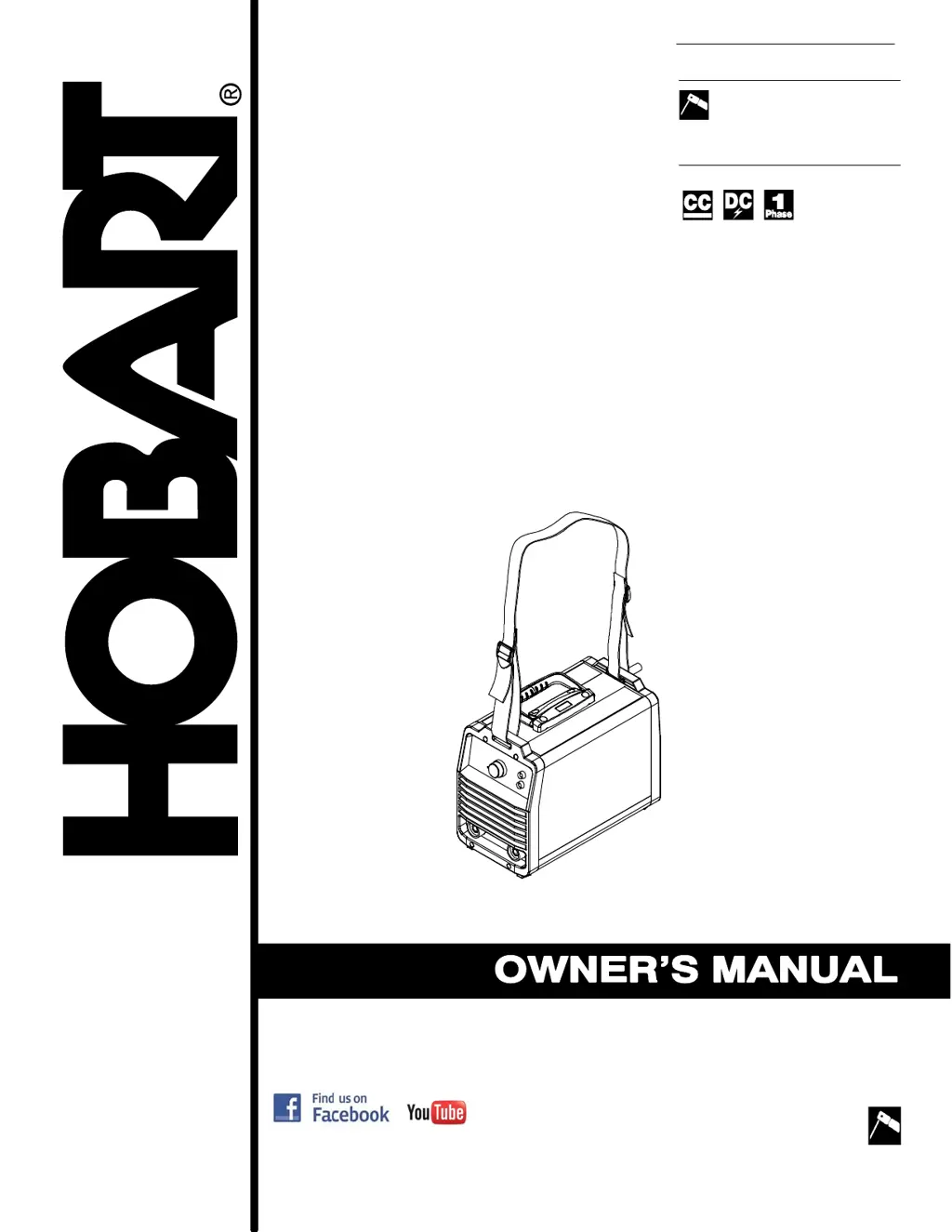
Hobart Stickmate 160i
40 pages
Print Icon
To Next Page IconTo Next Page
Loading...
www.HobartWelders.com
OM-278400B 201704
Processes
Description
Arc Welding Power Source
Stick (SMAW) Welding
File: Stick
(SMAW)
Stickmate 160i
Stickmate 210i
R
R

Questions and Answers

  • Z
    Zachary LoweJul 29, 2025
    What to do if Hobart Stickmate 160i has no weld output and high temperature light is on?
    • G
      Gerald BellJul 29, 2025
      If your Hobart Welding System's high temperature light is on and there's no weld output, it's possible the unit overheated, triggering a thermal shutdown. Allow the unit to cool down with the fan on. You might also need to reduce the duty cycle or amperage. Also, ensure that there's no blockage restricting airflow to the unit.
  • K
    kristenmyersAug 4, 2025
    What to do if Hobart Stickmate 160i has erratic welding arc?
    • J
      Jordan WilliamsAug 4, 2025
      If you're experiencing an erratic or improper welding arc with your Hobart Welding System, consider the following: * Ensure you are using the correct size and type of weld cable. * Clean and tighten all weld connections. * Use dry, properly stored electrodes. * Shorten or increase the arc length as needed. * Check and correct the polarity and ensure good connections to the workpiece. * Adjust the amperage setting as necessary.
  • D
    David CooperAug 11, 2025
    What to do if Hobart Stickmate 160i has no weld output but the Power Indicator light is on?
    • S
      Sarah ButlerAug 11, 2025
      If your Hobart Welding System has no weld output but the power indicator light is on, check that the weld cables are securely connected into their receptacles. Also, make sure the work clamp has a good connection to the workpiece.
  • L
    Laurie LindseyAug 16, 2025
    Why is the fan not operating on my Hobart Stickmate 160i Welding System?
    • C
      claudiasimsAug 16, 2025
      If the fan on your Hobart Welding System isn't working, first check for any obstructions that might be preventing it from moving. If there are no obstructions, it is recommended to have a Factory Authorized Service Agent check the fan motor and control circuitry.
  • J
    Joshua BarberAug 22, 2025
    How to troubleshoot Hobart Stickmate 160i Welding System with no weld output and the Power Indicator light is off?
    • D
      Daniel MendezAug 22, 2025
      If your Hobart Welding System has no weld output, is completely inoperative, and the power indicator light is off: * Ensure the power switch is in the On position. * Verify the power cord is plugged in and the receptacle is receiving power. * Confirm the line disconnect switch is in the On position. * Inspect and replace any blown line fuses, or reset the circuit breaker if necessary.

Summary

SECTION 1 - SAFETY PRECAUTIONS - READ BEFORE USING

1-1. Symbol Usage

Explains the meaning of warning symbols used in the manual for safety.

1-2. Arc Welding Hazards

Details the specific dangers associated with arc welding processes and equipment.

1-3. Additional Symbols For Installation, Operation, And Maintenance

Covers symbols related to installation, operation, and maintenance procedures.

1-4. California Proposition 65 Warnings

Provides legally required warnings about chemicals in fumes and gases.

1-5. Principal Safety Standards

Lists key industry safety standards and references for welding practices.

1-6. EMF Information

Discusses electromagnetic field hazards and precautions, especially for medical implants.

SECTION 3 - DEFINITIONS

3-1. Miscellaneous Symbols And Definitions

Defines various symbols and terms used throughout the manual for clarity.

SECTION 4 - SPECIFICATIONS

4-1. Serial Number And Rating Label Location

Indicates where to find the serial number and rating information on the unit.

4-2. Unit Specifications

Provides detailed technical specifications for the welding unit, including output and input.

4-3. Environmental Specifications

Outlines the operating and storage temperature and IP rating for the equipment.

4-4. Duty Cycle Charts

Illustrates duty cycle performance graphs for different voltage inputs and operating conditions.

4-5. Volt-Ampere Curves

Displays volt-ampere characteristic curves for various settings and voltage inputs.

SECTION 5 - INSTALLATION

5-1. Selecting a Location

Guides on choosing a suitable location for the welding unit, considering airflow and safety.

5-2. Installing Electrode Holder And Work Clamp

Step-by-step instructions for attaching the electrode holder and work clamp to the unit.

5-3. Installing Work Clamp

Details how to properly connect the work clamp cable to the unit.

5-4. Connecting To Weld Output Terminals

Explains how to connect welding cables to the output terminals of the power source.

5-5. Adjusting Shoulder Strap

Instructions for adjusting the shoulder strap for carrying the welding unit.

5-6. Multi-Voltage Plug Adapter (MVP) Connection (Stickmate 160 i Only)

Describes how to use the MVP adapter for different voltage input connections.

5-7. Weld Output Cables

Information regarding replacements or extensions for weld output cables.

5-8. Electrical Service Guide

Provides critical recommendations for electrical service requirements for safe operation.

5-9. Connecting 120 Volt Input Power (Stickmate 160 i Only)

Details the procedure for connecting the unit to a 120-volt power supply.

5-10. Connecting 240 Volt Input Power

Details the procedure for connecting the unit to a 240-volt power supply.

SECTION 6 - OPERATION

6-1. Controls

Identifies and explains the function of all controls on the welding unit's front panel.

SECTION 7 - MAINTENANCE & TROUBLESHOOTING

7-1. Routine Maintenance

Outlines regular maintenance tasks and their recommended frequencies for optimal performance.

7-2. Troubleshooting

Provides common problems and their solutions for diagnosing and fixing issues.

SECTION 8 - PARTS LIST

8-1. Recommended Spare Parts

Lists essential spare parts recommended for maintenance and repair of the unit.

SECTION 9 - ELECTRICAL DIAGRAMS

SECTION 10 - STICK WELDING (SMAW) GUIDELINES

10-1. Stick Welding Procedure

A step-by-step guide on how to perform stick welding using the equipment.

10-2. Electrode and Amperage Selection Chart

A chart to help select the correct electrode and amperage for different welding tasks.

10-3. Striking an Arc

Demonstrates techniques for initiating a welding arc, including scratch and tapping methods.

10-4. Positioning Electrode Holder

Illustrates the correct angles for holding the electrode for groove and fillet welds.

10-5. Poor Weld Bead Characteristics

Shows examples of common weld defects and their causes.

10-6. Good Weld Bead Characteristics

Displays examples of good weld beads and what to look for.

10-7. Conditions That Affect Weld Bead Shape

Explains how electrode angle, arc length, and travel speed influence weld bead shape.

10-8. Electrode Movement During Welding

Describes different electrode movement patterns like stringer and weave beads.

10-9. Welding Lap Joints

Provides guidance on welding lap joints, including single and multi-layer techniques.

10-10. Welding Groove (Butt) Joints

Details procedures for welding butt joints, including preparation and types of grooves.

10-11. Welding Tee Joints

Explains how to perform fillet welds for tee joints and multi-layer deposits.

10-12. Weld Test

Describes how to test the quality of a weld joint and diagnose potential issues.

10-13. Troubleshooting

Addresses common welding problems like porosity, spatter, and incomplete fusion with solutions.

Hobart Stickmate 160i Specifications

General IconGeneral
Input Hz50/60 Hz
Duty Cycle20% at 160 A
Input Phase1
Welding ProcessesMMA (Stick) Welding
Rated Output160A at 20% duty cycle
Output Current Range25-160A
Electrode Size1/16" - 5/32"

Related product manuals