EasyManua.ls Logo

Hobart AIRFORCE 700I - User Manual

Hobart AIRFORCE 700I
40 pages
Print Icon
To Next Page IconTo Next Page
Loading...
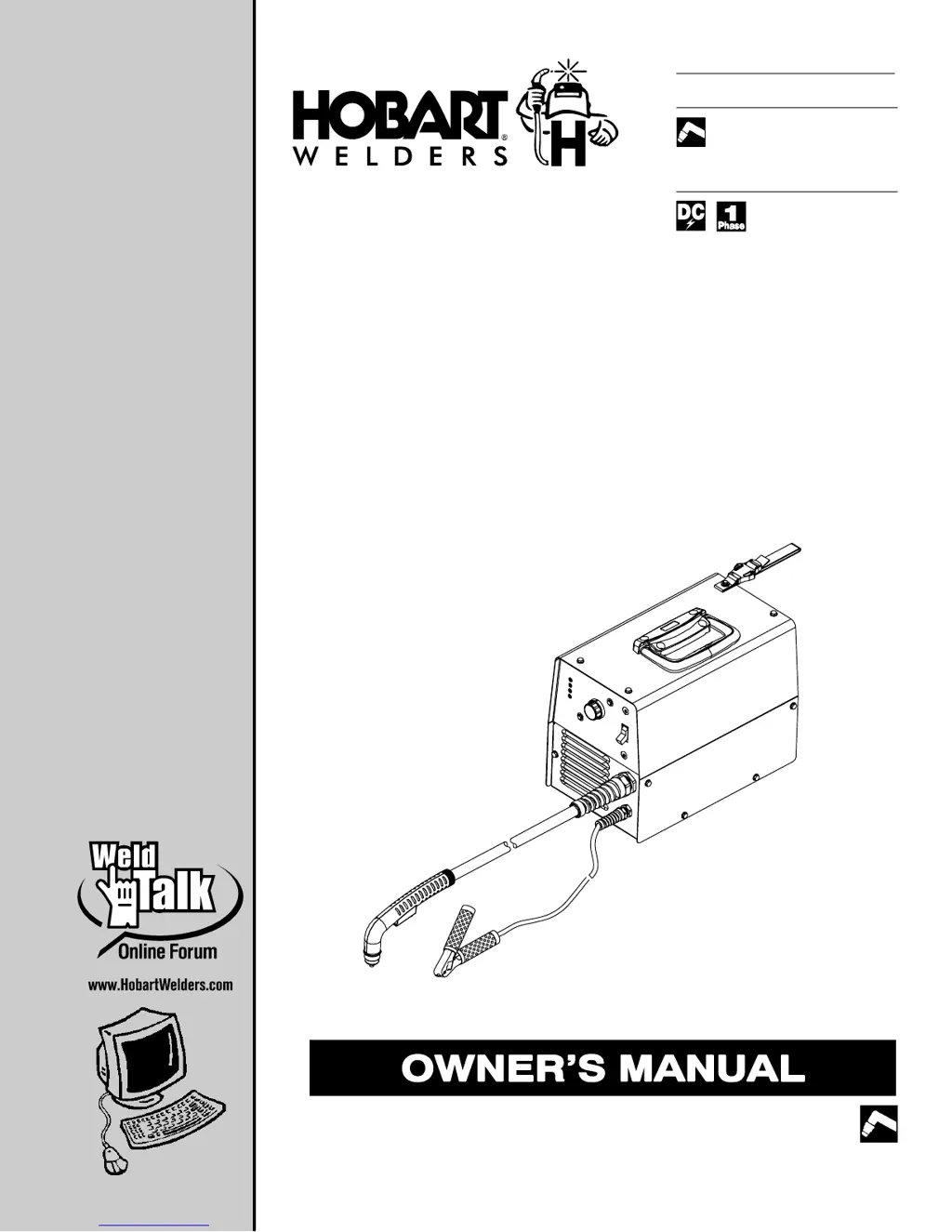
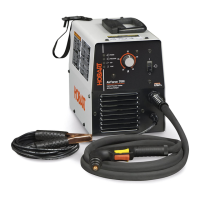
AirForce 700i
And HP-70 Torch
Processes
Description
Air Plasma Cutting
Air Plasma Cutter
OM-244 013C 2010-04
File: Plasma Cutters

Table of Contents

Other manuals for Hobart AIRFORCE 700I

Questions and Answers

  • G
    Gary MartinSep 10, 2025
    What to do if trouble lights are on and the unit has no cutting output on Hobart Welding System?
    • L
      Lisa GriffinSep 10, 2025
      If the Trouble lights are on and the unit has no cutting output for your Hobart Welding System, check torch consumables. Check for gas/air flow at the torch. Check the air supply connection and pressure to the unit and torch. Reset the unit Power switch.
  • J
    Julie EllisAug 23, 2025
    What to do if my Hobart AIRFORCE 700I has no cutting output and the power light is off?
    • W
      William SimmonsAug 23, 2025
      If your Hobart Welding System has no cutting output, the power light and status lights are off, and the fan motor does not run, make sure the power switch is in the On position. Also, ensure the line disconnect device is in the On position. Check the line fuses and replace them if needed, or reset the circuit breakers.
  • K
    Kristin MurphyAug 25, 2025
    What to do if trouble lights are on and there is no cutting output on my Hobart AIRFORCE 700I Welding System?
    • J
      Jacqueline HughesAug 25, 2025
      If the trouble lights are on and the unit has no cutting output on your Hobart Welding System, check the torch consumables. Ensure there is gas/air flow at the torch. Check the air supply connection and pressure to the unit and torch. Reset the unit power switch.
  • K
    Kevin GarzaAug 26, 2025
    Why does the arc go on and off while cutting with my Hobart AIRFORCE 700I?
    • J
      Joshua AndersonAug 27, 2025
      If the arc goes on and off while cutting with your Hobart Welding System, try increasing the torch travel speed. Also, clean or replace torch consumables as needed, and ensure the work clamp is securely attached to the workpiece.
  • D
    Deborah AdamsAug 27, 2025
    What to do if sparks come out top of cut or cut is not clean with Hobart AIRFORCE 700I?
    • E
      etaylorAug 27, 2025
      If sparks come out the top of the cut or the cut isn't clean when using your Hobart Welding System, try reducing the torch travel speed. Clean or replace torch consumables as needed. Ensure the work clamp is securely attached to the workpiece. Also, verify that the metal's thickness is within the unit's cutting capabilities.
  • D
    debraparkerAug 29, 2025
    What to do if arc goes out while cutting with Hobart AIRFORCE 700I Welding System?
    • A
      Andrew JuarezAug 29, 2025
      If the arc goes out while cutting with your Hobart Welding System, ensure the work clamp is securely attached to the workpiece. Make sure the tip is on or near the workpiece [1/16 in. (1.6 mm) to 1/8 in. (3.2 mm)]. Clean or replace torch consumables as necessary.
  • J
    jfergusonSep 18, 2025
    Why is the temperature status light on on my Hobart AIRFORCE 700I Welding System?
    • T
      Thomas BerrySep 18, 2025
      If the temperature status light is on for your Hobart Welding System, the unit may be overheating. Allow the fan to run; the trouble light should go out when the unit has cooled.
  • B
    Brittany KnightSep 12, 2025
    Why are sparks coming out the top of the cut when using my Hobart AIRFORCE 700I Welding System?
    • N
      Nathan HendersonSep 12, 2025
      If sparks come out the top of the cut or the cut is not clean when using your Hobart Welding System, the torch travel speed may be too fast, so reduce it. Clean or replace torch consumables as necessary. Ensure the work clamp is securely attached to the workpiece. Also, verify that the unit is capable of cutting metals of the thickness you are using.
  • M
    Melissa MillerSep 8, 2025
    What to do if Hobart Welding System has no cutting output, power light off, status lights off?
    • N
      Nathan WoodsSep 8, 2025
      If there is no cutting output, the power light is off, status lights are off, and the fan motor does not run on your Hobart Welding System, put the Power switch in the On position. Place the line disconnect device in the On position. Check line fuse(s) and replace if needed, or reset circuit breakers.
  • D
    davidcopelandSep 5, 2025
    What to do if pilot arc is working but there is no cutting output on Hobart AIRFORCE 700I Welding System?
    • T
      Todd WoodsSep 5, 2025
      If the pilot arc is working but there's no cutting output from your Hobart Welding System, ensure the work clamp is connected. Also, clean or replace worn consumables as necessary.

Summary

Safety Precautions - Read Before Using

Symbol Usage

Explains the meaning of safety symbols used in the manual.

Plasma Arc Cutting Hazards

Details general hazards associated with plasma arc cutting operations.

Installation, Operation, and Maintenance Symbols

Explains additional safety symbols and their meanings for various operations.

California Proposition 65 Safety Warnings

Lists warnings for chemicals under California Proposition 65.

Key Safety Standards and Organizations

Lists key safety standards and organizations for welding and cutting.

Electromagnetic Field (EMF) Information

Discusses EMF effects on medical implants and safety measures.

Definitions

Nameplate and Serial Label Symbol Definitions

Defines symbols found on the equipment's nameplate and serial number label.

Installation

Technical Specifications

Provides detailed technical specifications for the power supply, operating conditions, and torch.

Duty Cycle and Overheating Information

Explains duty cycle percentage and actions to take if the unit overheats.

Power Source Dimensions and Weight

Lists the physical dimensions and weight of the power source unit.

Torch Dimensions and Weight

Lists the physical dimensions and weight of the HP-70 torch.

Selecting an Operating Location

Provides guidelines for choosing a safe and suitable location for operating the equipment.

Connecting Gas and Air Supply

Details how to connect the gas or air supply to the unit.

Connecting the Work Clamp

Explains the correct procedure for connecting the work clamp.

Electrical Service Guide and Safety

Provides recommendations for electrical service requirements and safety.

Extension Cord Selection Data

Offers guidance on selecting appropriate extension cords based on voltage and length.

Serial Number and Rating Label Location

Indicates where to find the serial number and rating label on the product.

Connecting 240 VAC 1-Phase Input Power

Details the procedure for connecting 1-phase input power at 240 VAC.

Wiring Optional 240 V Plug for Generators

Explains how to wire an optional plug for specific generator connections.

Installing an Alternative Plug

Describes how to install a different plug if the receptacle requires it.

Cable Management Strap Usage

Instructions for using the cable management strap to secure cables.

Electrode Wrench Identification

Identifies the electrode wrench and its attachment.

Operation

Control Panel Overview

Explains the function of the various controls on the power source.

Recommended Cut Speed for Mild Steel

Provides recommended travel speeds for cutting mild steel of various thicknesses.

Trigger Safety Lock Operation

Describes how to engage and disengage the trigger safety lock feature.

Plasma Cutting System Best Practices

Outlines best practices for using the plasma cutting system effectively and safely.

Cutting Operation Sequence

Details the step-by-step procedure for performing a cutting operation.

Cutting Sequence with Stand-off Guide

Explains the sequence for cutting operations using a stand-off guide.

Piercing Operation Sequence

Describes the step-by-step process for piercing operations.

Maintenance & Troubleshooting

Routine Maintenance Schedule

Outlines a schedule for regular maintenance tasks to keep the equipment in good condition.

Checking and Replacing Filter Element

Provides instructions on how to check and replace the filter element.

Status and Trouble Light Indicators

Explains the meaning of status and trouble lights and their possible causes.

Checking Shield Cup Shutdown System

Details how to check the shield cup shutdown system for proper operation.

Torch Consumable Replacement Guide

Instructions for inspecting and replacing torch consumables like the cup, tip, and electrode.

Torch and Work Cable Connections

Explains how to connect and disconnect the torch and work cables.

Power Source Troubleshooting

Lists common problems with the power source and their solutions.

Torch Troubleshooting

Lists common problems with the torch and their solutions.

Electrical Diagram

Parts List

Recommended Spare Parts

Lists recommended spare parts for the plasma cutting equipment.

Limited Warranty Information

Owners Record Section

Service and Support Information

Hobart AIRFORCE 700I Specifications

General IconGeneral
BrandHobart
ModelAIRFORCE 700I
CategoryWelding System
LanguageEnglish

Related product manuals