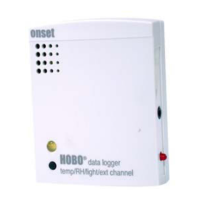
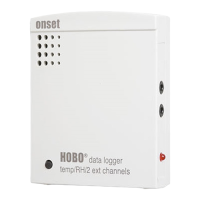
HOBO U12 4-External Channel Outdoor/Industrial Data Logger
4
Connecting the Logger
The U-Family logger requires an Onset-supplied USB interface cable to connect to the computer. If possible, avoid
connecting at temperatures below 0°C (32°F) or above 50°C (122°F).
1. Using a screwdriver, small coin, or similar object, turn the dome plug counter-clockwise and set it aside.
2. Plug the large end of the USB interface cable into a USB port on the computer.
3. Plug the small end of the USB interface cable into the logger as shown in the diagram. (You may find it easier to see the
port if the logger’s cover is off.)
If the logger has never been connected to the computer before, it may take a few seconds for the new hardware to be
detected. Use the logger software to launch and read out the logger.
After you disconnect the logger from the computer, remember to put back the dome plug. Make sure that the dome plug O-
ring is still in place. Then, turn the dome plug clockwise until the O-ring is snug.
Launching the Logger
Be sure to plug the external sensors into the logger before launching. Also select the correct sensors and activate the external
channels in the logger software when configuring the launch. Important: If you select an external channel, but do not
plug the probe in, false data will be recorded for that channel.
If you configured the logger to start with a button start, press and hold down the button on the front of the logger for at least
three seconds when you want to begin logging data. Then close the logger’s cover.
You can read out the logger while it continues to log, stop it manually with the software, or let it record data until the
memory is full.
Refer to the software user’s guide for complete details on launching, reading out, and viewing data from the logger.
Protecting the Logger
Static electricity may cause the logger to stop logging. To avoid electrostatic discharge, transport the logger in an anti-
static bag, and ground yourself by touching an unpainted metal surface before handling the logger. For more information
about electrostatic discharge, visit our website at http://www.onsetcomp.com/Support/support.html.


 To Next Page