HOBO U12 4-External Channel Outdoor/Industrial Data Logger
6
Operation
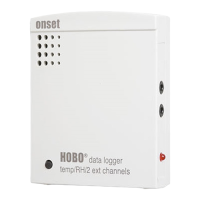
A light (LED) on the front of the logger confirms logger operation. The following table explains when the logger blinks
during logger operation:
When: The light:
The logger is logging Blinks once every one to four seconds (the shorter the logging interval,
the faster the light blinks); blinks when logging a sample
The logger is awaiting a start because
it was launched in Start At Interval,
Delayed Start, or Button Start mode
Blinks once every eight seconds until launch begins
The button on the logger is being
pushed for a Button Start launch
Blinks once every second while pressing the button and then flashes
rapidly once you release the button. The light then reverts to a blinking
pattern based on the logging interval
Mounting
Four mounting screws and washers are included with your logger. Use these screws to mount the logger to a wooden post.
UV-stable tie wraps also work well.
U-bolt clamps (part # U-BOLT-KIT) are preferred for mounting to a 1" pipe (1.3" outside diameter), as shown.


 To Next Page