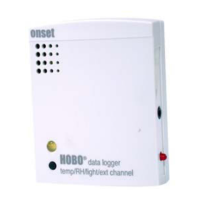
HOBO U12 4-External Channel Outdoor/Industrial Data Logger
5
Closing the Logger
Follow these steps to ensure a secure, weatherproof seal.
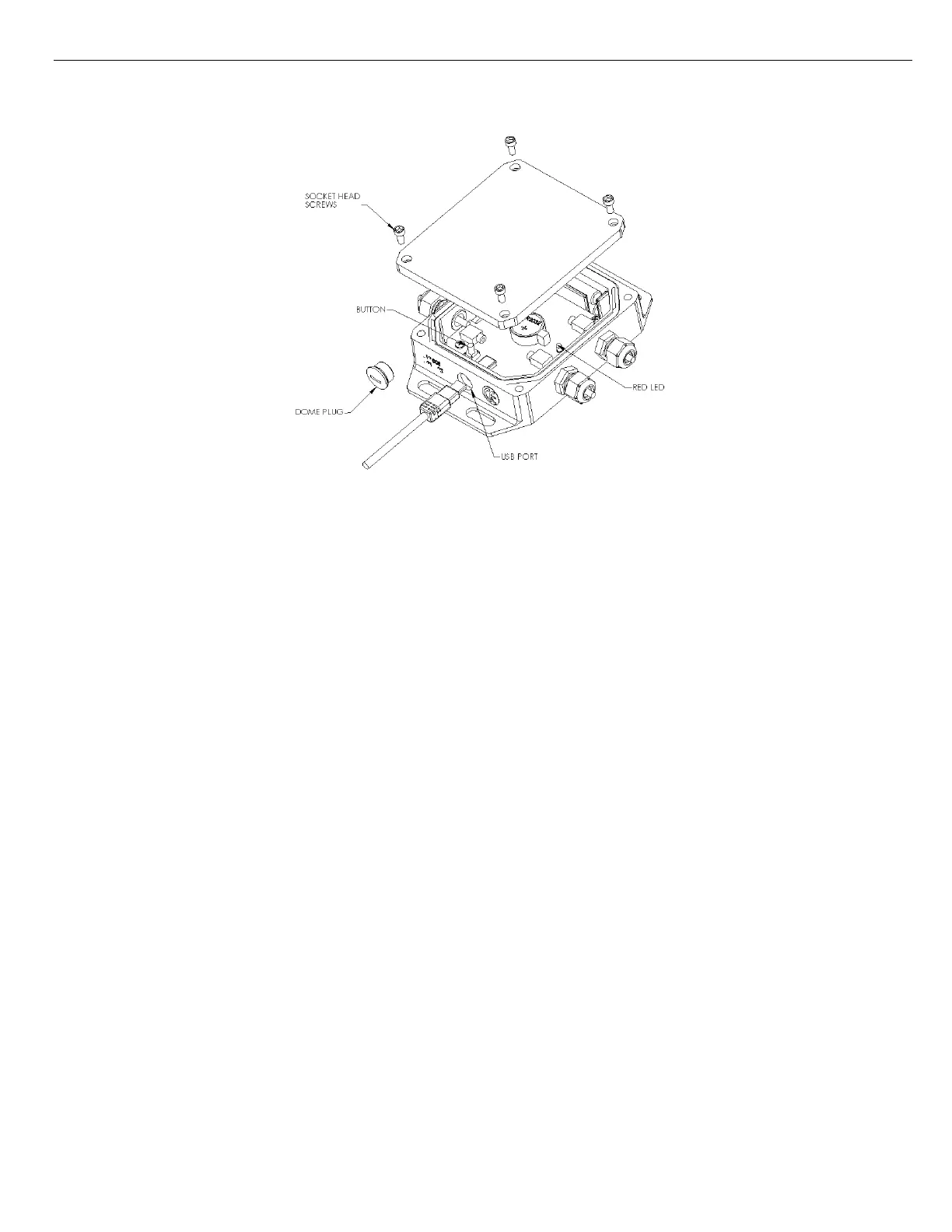
1. Make sure the dome plug is in place.
2. Inspect the large O-ring around the face of the logger. It should be clean, lubricated, and fully seated into the groove. (O-
ring lubricant is available from Onset Computer; part # 85-SEALANT.)
3. Place the cover on the case. The clear area on the label should be positioned over the desiccant cavity.
4. Attach the cover loosely using the four socket head screws. Make sure the O-ring is still seated properly.
5. Starting at any corner, tighten a socket head screw, then tighten the screw in the opposite corner. Tighten the two
remaining screws and inspect O-ring through the clear cover to ensure proper sealing all around. Make sure all four
screws are in place.
Sample and Event Logging
The logger can record two types of data: samples and events. Samples are the sensor measurements recorded at each logging
interval (for example, the temperature every minute). Events are independent occurrences triggered by a logger activity.
Examples of events recorded asynchronously during deployment include when the logger is connected to the host, when the
battery is low, the end of a data file once the logger is stopped, and button pushes (if applicable).
Since you must remove the logger’s cover to access the button, button pushes should be done only if the logger is
adequately protected from moisture and other environmental factors that could damage it. To mark an event, press the
button for at least one second. Both a button up and a button down event will be recorded.
The logger stores 64K of data, and can record up to 43,000 samples and events combined.


 To Next Page