- 6 - HOBOT Technology Inc.
Step 2. Connect power cord to HOBOT correctly.
Step 3. Make sure the battery is fully charged (green light ON) before use:
(1) First, turn off the power switch on the device. Plug it into a power source.
Orange light ON means charging.
(2) Green light ON means the battery is fully charged.
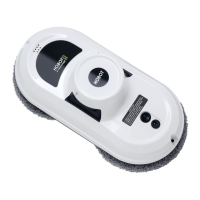
Step 4. Make sure to put the cleaning cloth onto the device correctly to avoid air
leakage.
Step 5. Put the device onto glass.
(1) Turn power switch on make sure fan is running.
(2) Put device onto glass and keep 10cm (4 in) away from the window frame.
(3) Check if device is sticking to the glass before releasing it.
Step 6. Auto mode or manual mode operation.
(1) Operate HOBOT by remote controller. There are 3 kinds auto mode ( ,
, ) that could automatically clean whole window.
(2) Press
to stop device running.
(3) Press , , , to manually control device moving.
Step 7. Finish and remove the device from glass.
(1) While device is running, hold the safety rope with one hand and take
device down from glass with the other hand.
(2) Remove the device to a safe area, then turn it off.
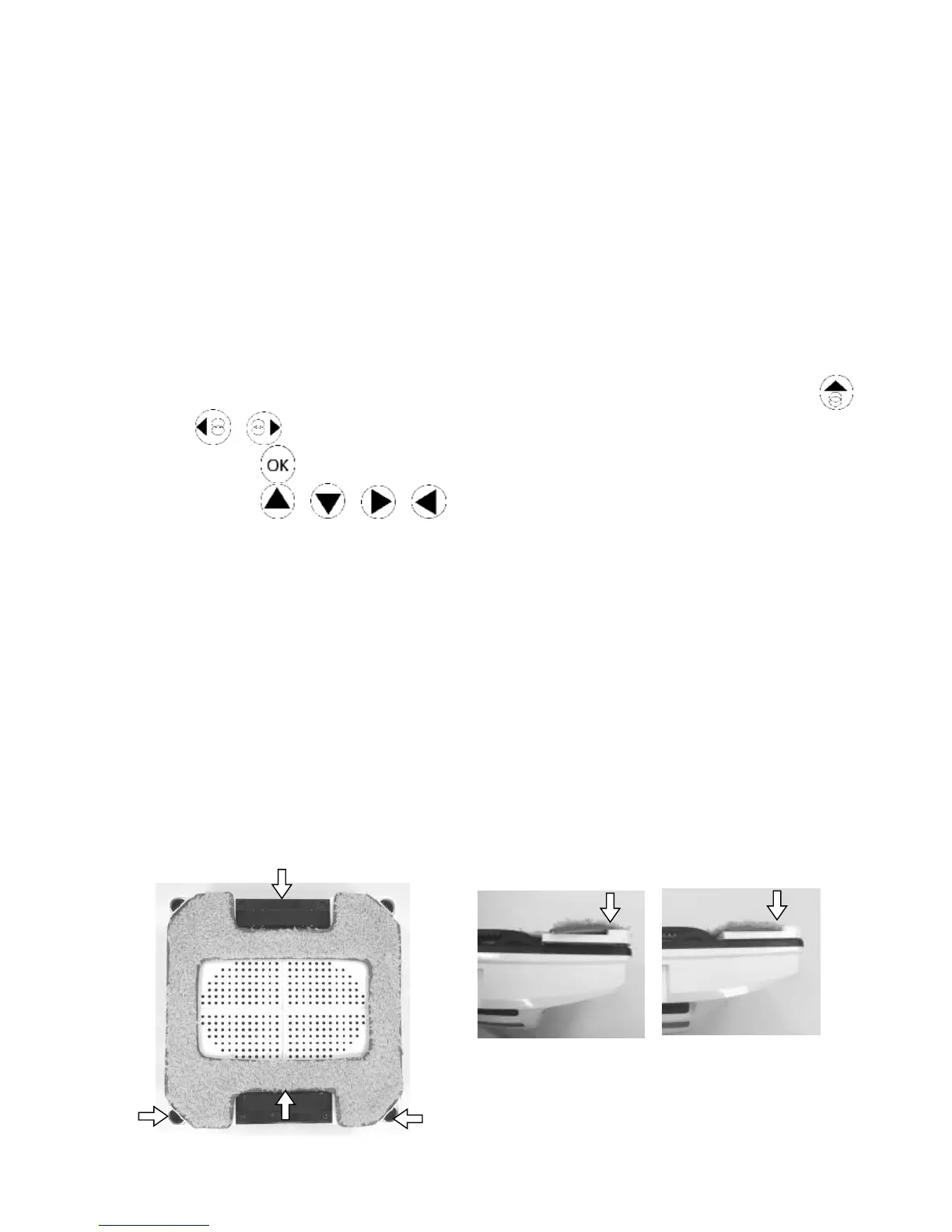
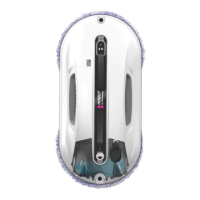
Put cleaning cloth onto device correctly
(1) HOBOT has 2-laser sensors for detecting glass edge. These laser sensors
can not be covered by cleaning cloth like as shown.
(2) Put cleaning cloth onto device flatly and do not let cloth cover the caterpillar
wheel and laser sensors.


 To Next Page