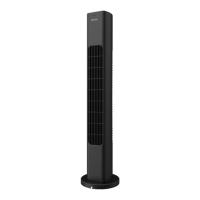
EN © 2022 HOFFEN. All rights reserved Tower fan
19
THE USE OF THE EQUIPMENT
The fan can be controlled by touch buttons on the casing or by an infrared remote
control.
The effective range of the infrared remote control is up to 5m, depending on the
battery used.
When switched on, the fan starts at the highest speed, the timer and oscillating
movement are disabled.
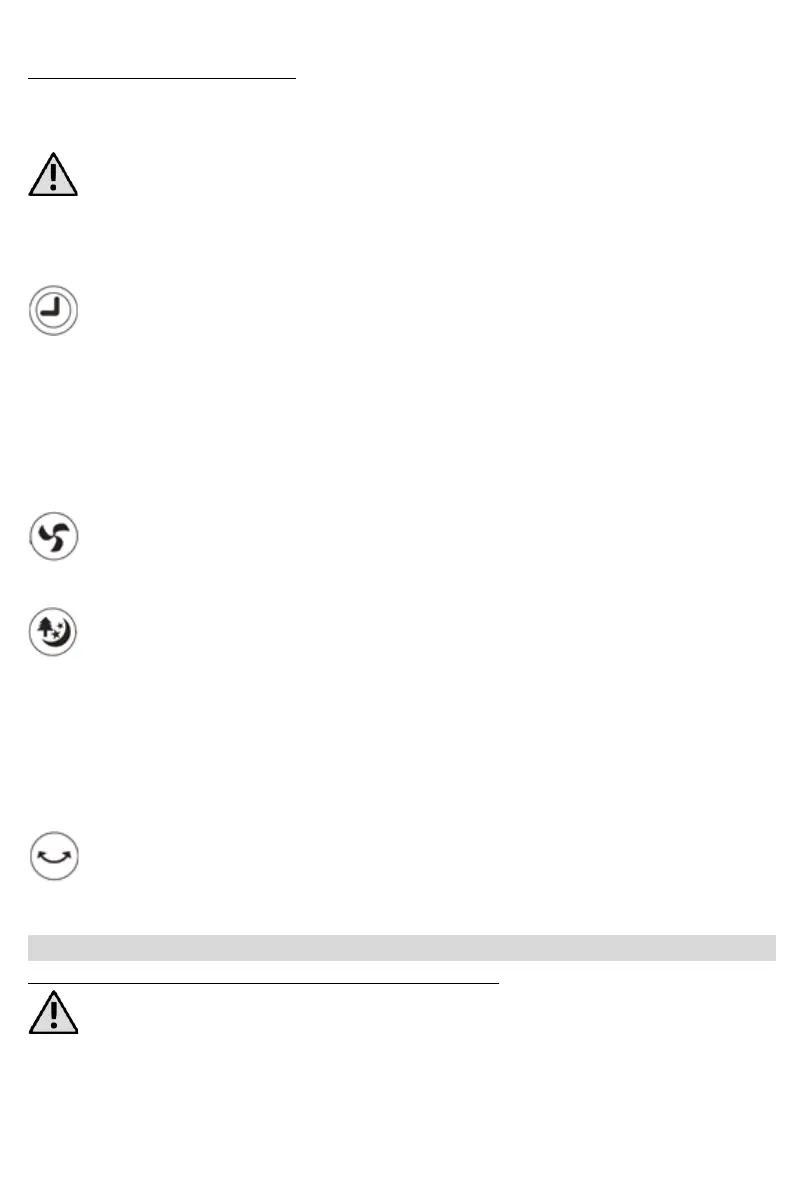
The timer button (6) marked with this symbol is used to set the fan switch-off
delay. The switch-off delay can be adjusted from 0.5 to 7.5 hours with one half
an hour increments. Successive tapping of the button on the unit or pressing it on the
remote control increase the switch-off delay time by half an hour. Once the maximum
delay has been reached, the next press of the button will change the delay to zero, i.e.
turn it off. Four LEDs located above the control buttons inform about the approximate
remaining time of the fan operation. Add the values under the lit LEDs to determine the
remaining operating time.
The air flow button (7) marked with this symbol is used to adjust the fan speed.
Three speed levels are available, which are changed sequentially by pressing the
appropriate button on the device or remote control.
The operating mode button (8) marked with this symbol switches between
different modes of the fan. Operation mode: Normal, Nature, Night,
Normal mode - the default operating mode activated every time the unit is
switched on, characterised by constant airflow depending on the currently
set fan speed.
Nature mode (NT) - is characterised by a variable airflow simulating wind.
Sleep mode (SL) - is characterised by variable airflow with long intervals of
quiet operation.
The oscillating button (9) marked with this symbol switches on/off the
oscillating move of the fan.
Fan oscillation, shut-off delay and speed can be controlled in each mode.
CLEANING OF THE RIGID PARTS OF THE APPLIANCE
Cleaning should only be carried out when the device is switched off and cooled down,
the mains plug is disconnected from the mains socket.
The device may only be cleaned with a dry cloth or paper towel. It is forbidden to use
water or any other liquids to clean the device.


 To Next Page