51
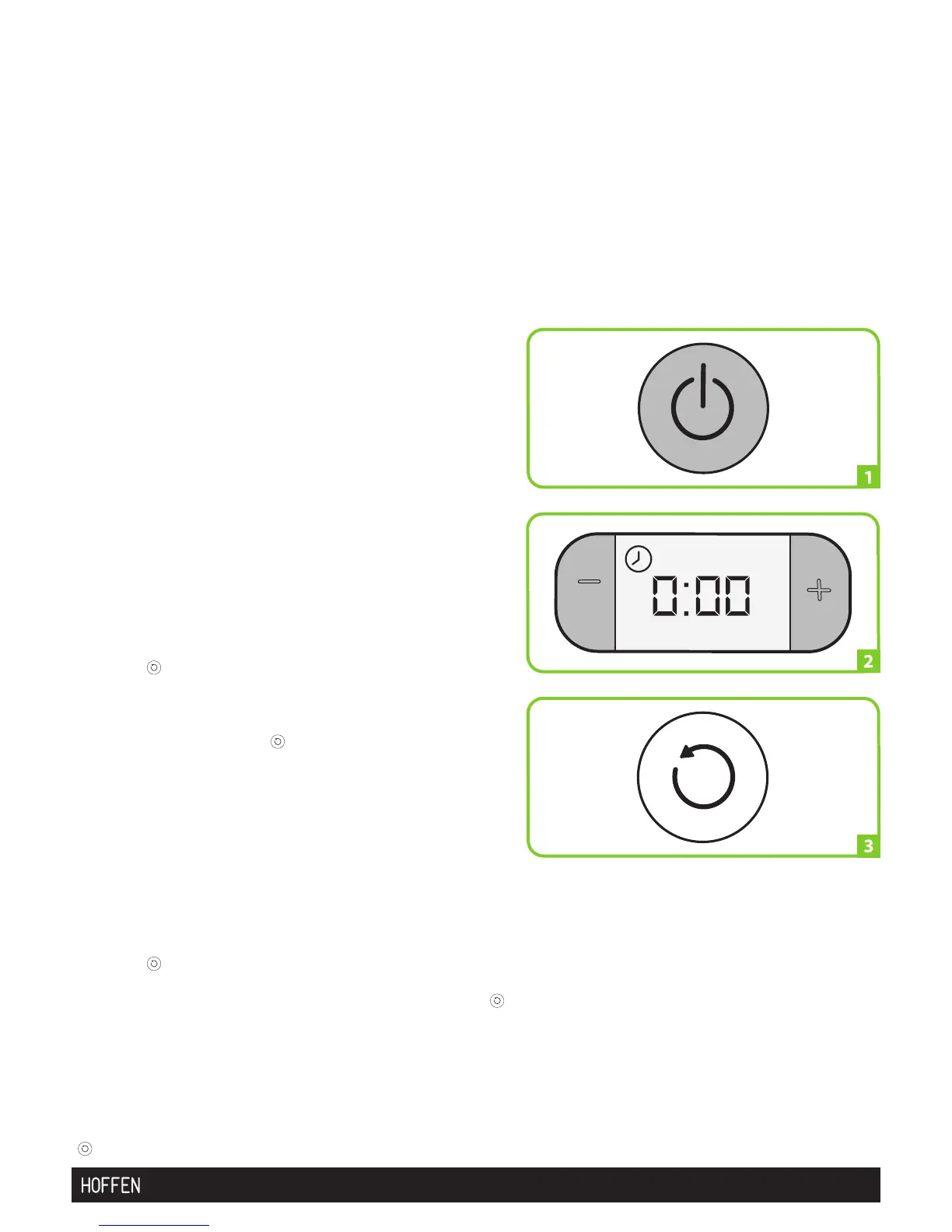
ON/OFF button to turn on/off the appliance:
Place the appliance on a flat, stable heat-
resistant surface.
Make sure the appliance is not close to an oven
or kitchen sink.
Pull out the electric cable, connect it to the
mains supply and turn the ON/OFF button, on
the front panel.
Press the On/Off button for at least 1 second to
turn on and off the appliance. (picture 1)
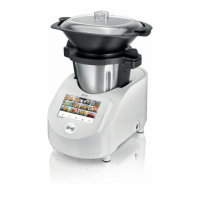
The appliance is now ready to be used. When the
appliance is turned on, it performs a self-check
and the display lights up and a buzzer will sound.
(picture 2)
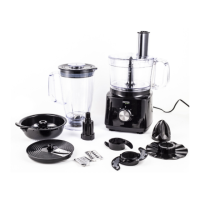
Counter-clockwise speed function
(picture 3) Press the "COUNTER-CLOCKWISE
SPEED"( ) on the control panel to reverse the
rotating direction of the blades. The "COUNTER-
CLOCKWISE SPEED"( ) only works at speeds
1 to 3 and can only be actuated before starting
any programme.
The COUNTER-CLOCKWISE SPEED operation
is indicated on the display by the symbol
(picture 3). To switch the "COUNTER- CLOCKWISE
SPEED"( ) function, press the button again.
The "COUNTER-CLOCKWISE SPEED"( )
function is ideal for gently stirring delicate food
which is not to be chopped.
The use of the "COUNTER-CLOCKWISE SPEED"
( ) is described in the recipes whenever required..


 To Next Page