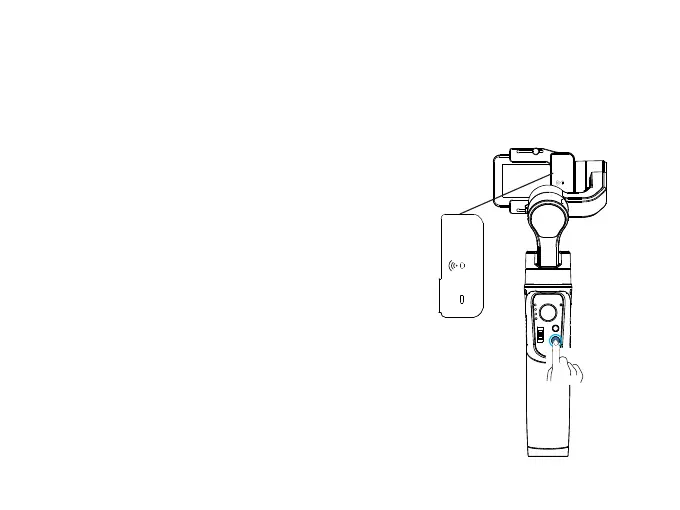
How to connect GoPro?
iSteady Pro 3 is able to connect GoPro Hero 8/7/6/5/4.
1. Power on the gimbal.
2. Turn on the WiFi Control, the WiFi indicator flashes to
wait the gimbal to connect GoPro.
3. Turn on GoPro and enter the CONNECT, click
“Smart Remote” for connection.
4. The WiFi indicator will be solid green once
connected successfully.
· Turn off the WiFi control when you do not want to
connect GoPro, to save the batter y of gimbal.
· GoPro will be automatically connected after turn
on the WiFi control again.
ON
OFF
WIFI
②
①
07



 To Next Page