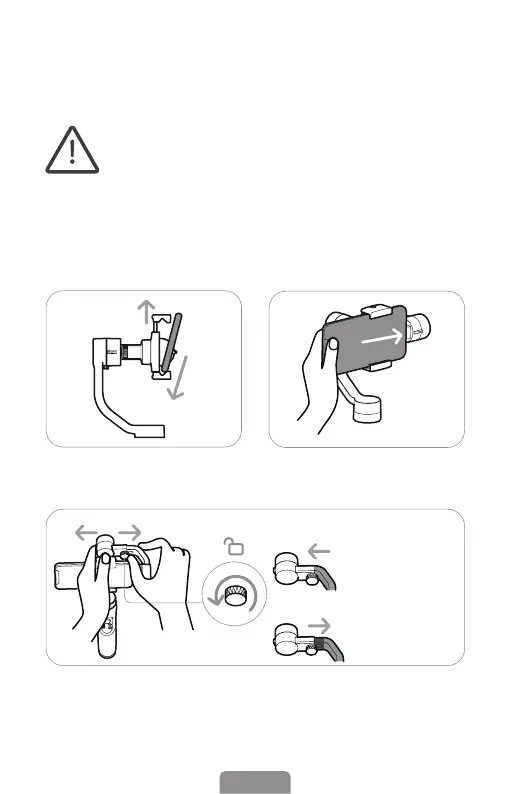
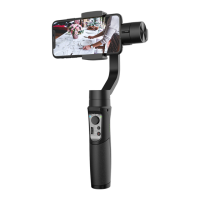
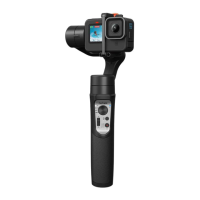
Landscape Mode:
Mounting and Balancing
*Do not turn on the gimbal without roughly balanced and
smartphone mounted on!
*Highly recommended to remove the phone case before
mounting your phone.
*For increasing motor eciency and stabilization, and saving
gimbal battery life, you could roughly balance the gimbal
before turning it on.
*For smartphone with screen size bigger than 6.7 inches (e.g.
iPhone 13 Pro Max), iSteady Mobile Plus can work well even
without a perfect balancing before powering on.
❶ Pull the phone clamp and
mount the phone.
❷ Push the phone to the rightmost
to close to the motor.
04EN
❸ Loosen the knob, and slide the arm to balance the gimbal.
Left
Right
Small phone
e.g. iPhone 13 mini
Big phone
e.g. iPhone 13 Pro Max


 To Next Page