15
③ How do I connect the remote controller?
*The remote controller is an optional accessory and needs to be purchased
separately.
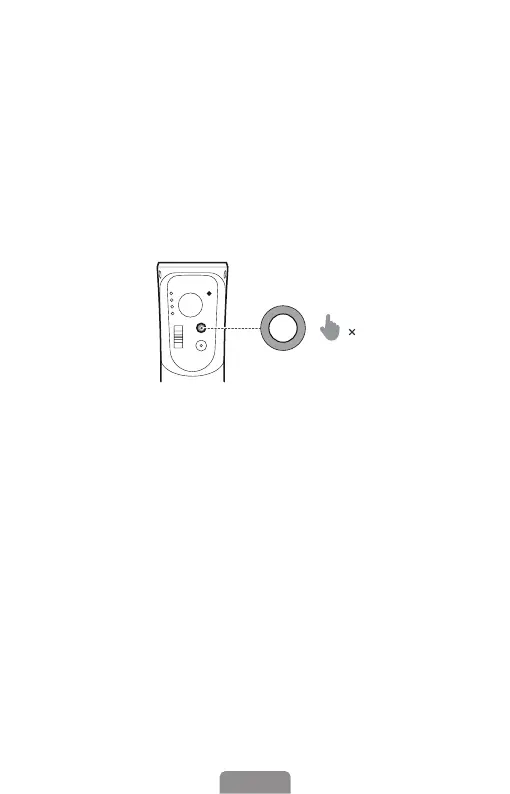
Switch the remote to "OFF". Press the M button seven times to enter the
remote controller pairing mode (at this point, the Bluetooth indicator will
alternate between yellow and green). Switch the remote to "ON," and it will
automatically connect to the gimbal. When you press buttons on the remote
controller, and the gimbal's Bluetooth indicator ashes yellow, it indicates a
successful pairing.
7
Exit the remote controller pairing: Press the mode button once.
Clear the remote controller pairing: Double-press the M button while in the
remote controller pairing.












 To Next Page