Operation Guide
1. Ensure that all the headsets are turned ON.
2. The indicator light stops ashing and stays on when the master
headset is successfully connected with the remote headsets.
3. Red nameplate: Master headset Blue nameplate: Remote headset
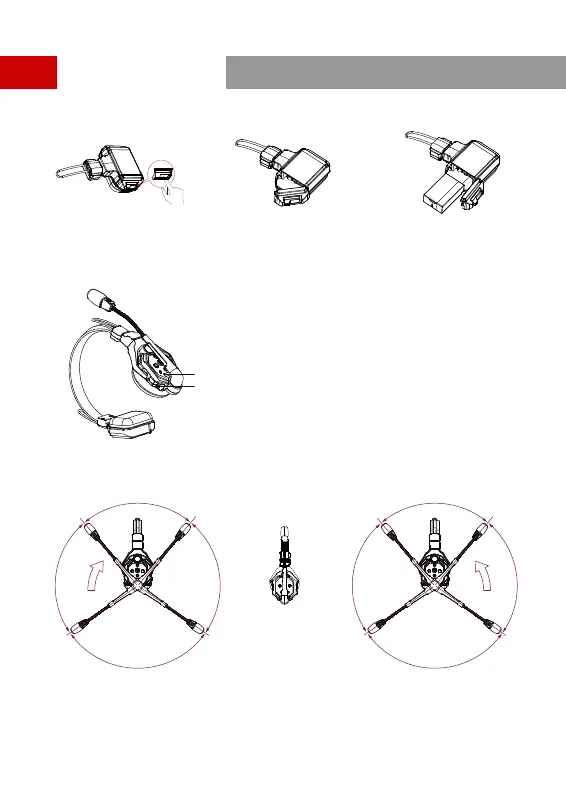
① ① Install the batte.
Step 1: Slide the batte
compament cover lock.
Step 2: Open the cover.
Step 3: Place the batte into the
compament and close the cover.
② Turn on the master headset and remote headsets.
Master Headset Staup
③ Turn on the microphone.
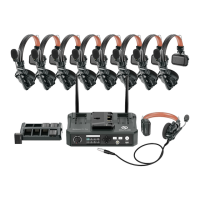
④ The Solidcom C1 Pro system is now ready for use.
Direction for muting the microphone
Move the microphone boom upwards clockwise. Move the microphone boom upwards counterclockwise.
Nameplate
Power Toggle
80°
85° 85°
110°
80°
85° 85°
110°
7


 To Next Page