8
Pairing
The master headset is paired with the remote headsets at the facto. They are ready for use right out of box.
Manual pairing is only required when a new headset is added to the system. During the pairing process,
all the headsets must be turned ON and connected.
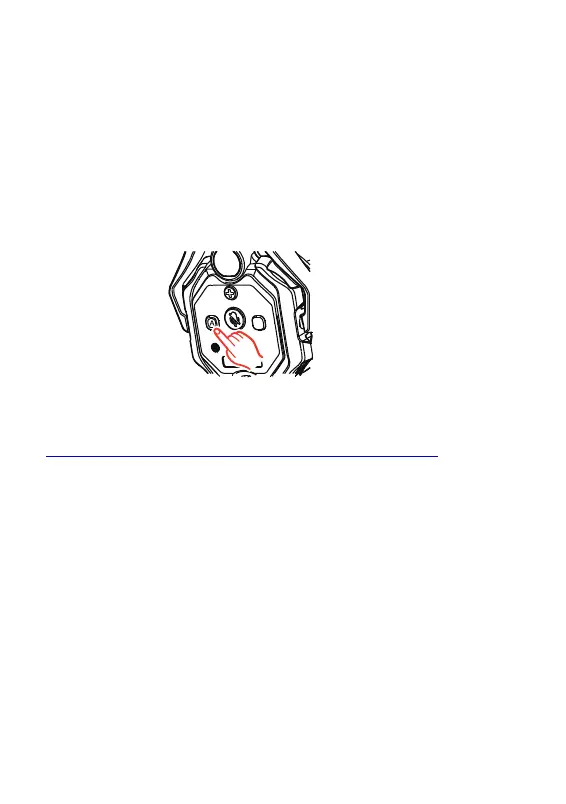
Pairing steps:
1.P ress and hold the A button on both the master headset and remote headsets for 5 seconds. Pairing is
completed when the indicator light on each microphone boom stops ashing and stays ON.
2 .O ne master headset can be paired with up to 7 remote headsets..
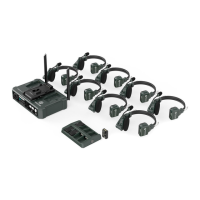
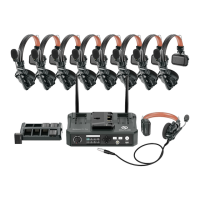
Solidcom C1 Pro is highly versatile and can be applied in a variety of usage scenarios.
For more information about how to operate this system, please visit
https://hollyland-techhelp.zendesk.com/hc/en-us/categories/360005064994-Download.


 To Next Page