PAGE 11
Manual Operations
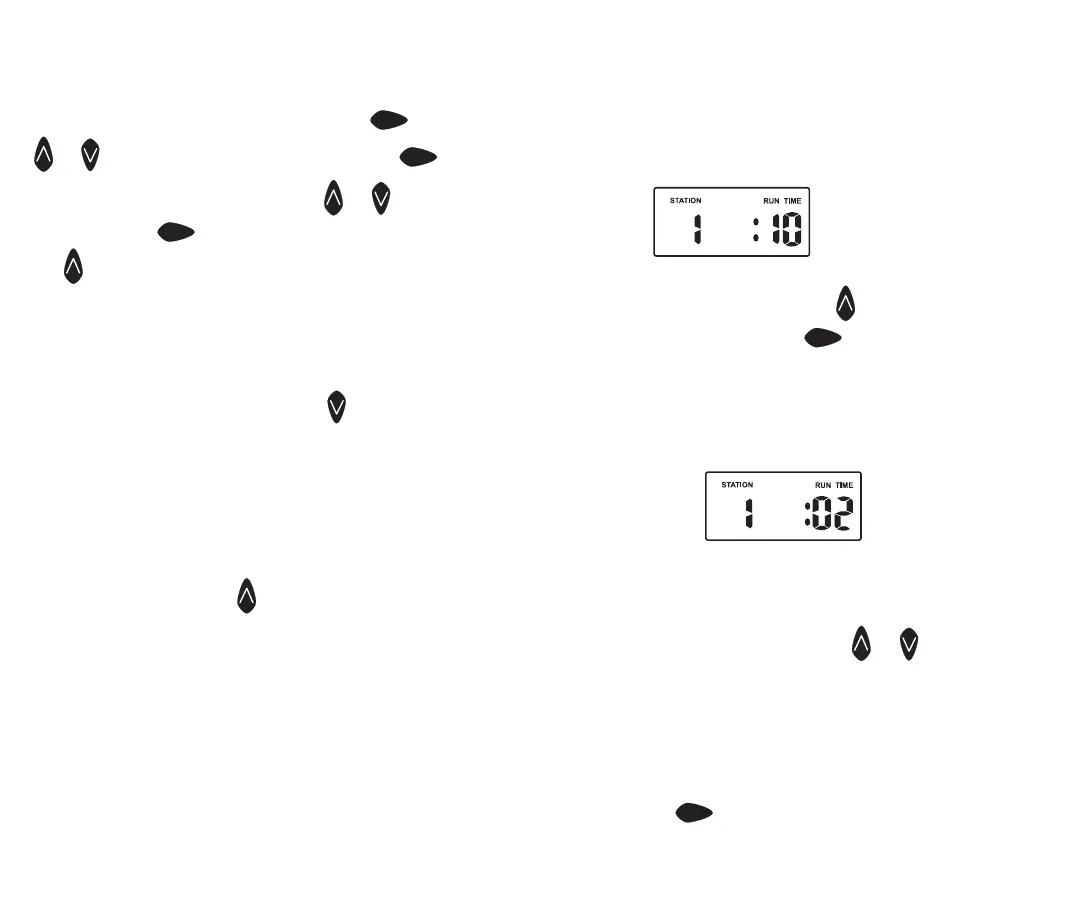
Run A Single Station
The maximum Run time for a station is 12 hours 59
minutes. To manually run a single station once, turn the
dial to Run Single Station position and the display will
show:
To adjust the Run Time, use the
button and to advance
to the next station press the
next
button.
System Test Facility
This feature can be used to test that your valves and
sprinklers are working correctly. Turn the dial to Run Test
Cycle and the diplay will show:
The controller will run through all stations for 2 minutes in
sequential order while you go and check your sprinklers.
Note: The system test facility is preset at 2 minutes per
station and can be adjusted using or .
Run A Program
To manually run a complete program once for the run
times as set in the automatic schedule. Turn the dial to
the Run Program position. “Prog 1” will be shown in the
display. To run program 1, leave or advance to program 2
by pressing
next
.
Programming
Step 3. Set Station Run Times. (Continued)
To adjust the Run time in minutes press
next
, and use
or . To set the run time in hours, press
next
and “0”
will appear and flash. To adjust use
or . If not
required press
next
and advance to station 2 by pressing
the
button.
Continue until all the stations in Program1 have been set
with a run time or if a station (or stations) is not required
to be active in this particular program, ensure that the
Run time is set to “OFF”.
Note: To set a station to “OFF”. Use when the “RUN
TIME” is flashing.
This completes the setting up procedure for automatic
watering of Program 1.
Should you need the second program to have an
automatic schedule, turn the dial to “Set Start times” and
“Prog 1” will flash. press and change to program 2
position and follow the same 3 steps for automatic
watering.
1. Set Starts
2. Set Watering Days
3. Set Station Run Times
Tip: Remember to return the dial to the “Auto Run”
position at the completion of the setting up of the
automatic schedules. This will ensure that the automatic
cycles will take place.
PAGE 10



 To Next Page