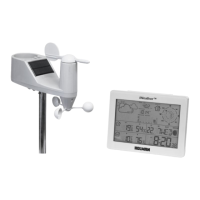
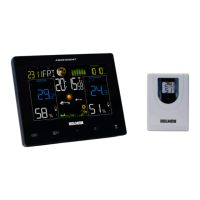
Need help?
Do you have a question about the Holman iWeather WS2813A and is the answer not in the manual?
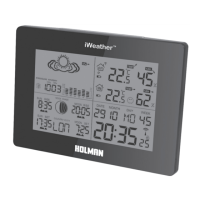
Details the features and specifications of the indoor unit, including keys and display capabilities.
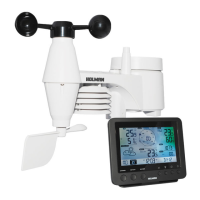
Details the specifications and features of the outdoor sensor, including frequency and battery requirements.
Step-by-step guide for installing batteries and positioning the outdoor sensor.
Step-by-step guide for installing batteries in the indoor unit and initiating connection.
Instructions on how to activate and deactivate the daily alarm functions.
Explains how to activate the snooze feature when an alarm sounds.
Instructions for switching the time display between 12-hour and 24-hour formats.
How to toggle the temperature display between Celsius and Fahrenheit.
How to activate the display illumination for a short period.
Information on the low battery indicator and when to replace batteries.
Steps to connect and search for outdoor sensors wirelessly.
Advice for optimal wireless signal and troubleshooting interference.
 General
| Model Number | WS2813A |
|---|---|
| Brand | Holman |
| Display Type | LCD |
| Backlight | Yes |
| Wireless Range | 100 meters |
| Sensors | Temperature, Humidity |
| Alarm Function | Yes |
| Mounting Type | Wall Mount |

 To Next Page