Operating Instructions
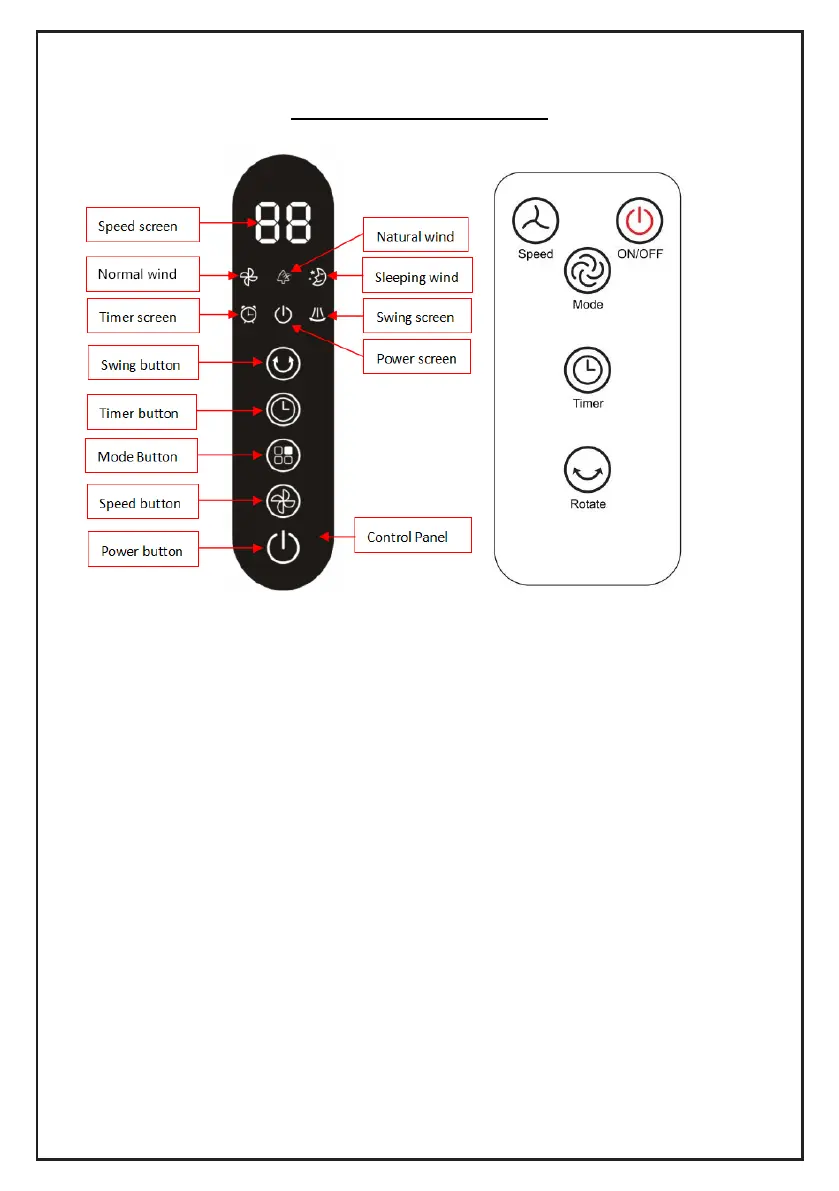
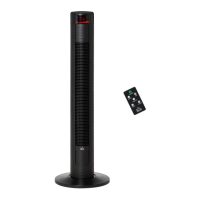
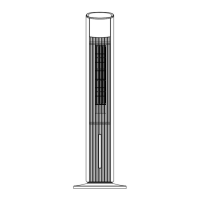
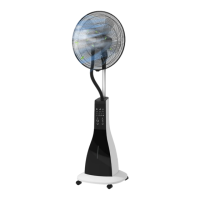
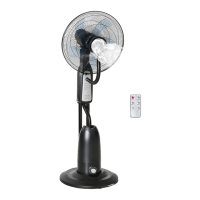
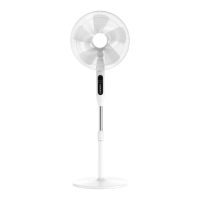
Control panel Remote control
1. Before using the fan, make sure that it is on a flat and stable surface.
Damage may occur if the fan is placed on an incline or decline.
2. Set all the switches to the “OFF” position, and then insert the plug
directly into a standard AC socket-outlet. Be sure that the plug fits tightly
into the socket-outlet.
3. Press “power button” on the remote or on control panel to start the fan.
And the power screen will be lighted on.
Press “speed button” to select the fan speed level: The screen will show
F1,F1,F2,F3 to make a circle.
Press Mode button to select the fan mode: “NORMAL” wind, “NATURAL”
wind , “SLEEP” wind.
Press timer button to set timer from 1hour to 15 hour.


 To Next Page