5
CLEANING & DRAINING THE WATER TANK
If the cooler will not be used for a long period of time, please refer to the STORAGE &
MAINTENANCEGUIDELINES located in the separate Safety & Maintenance Guide.
WARNING:
Before cleaning the unit, switch the unit OFF and disconnect from the electrical socket.
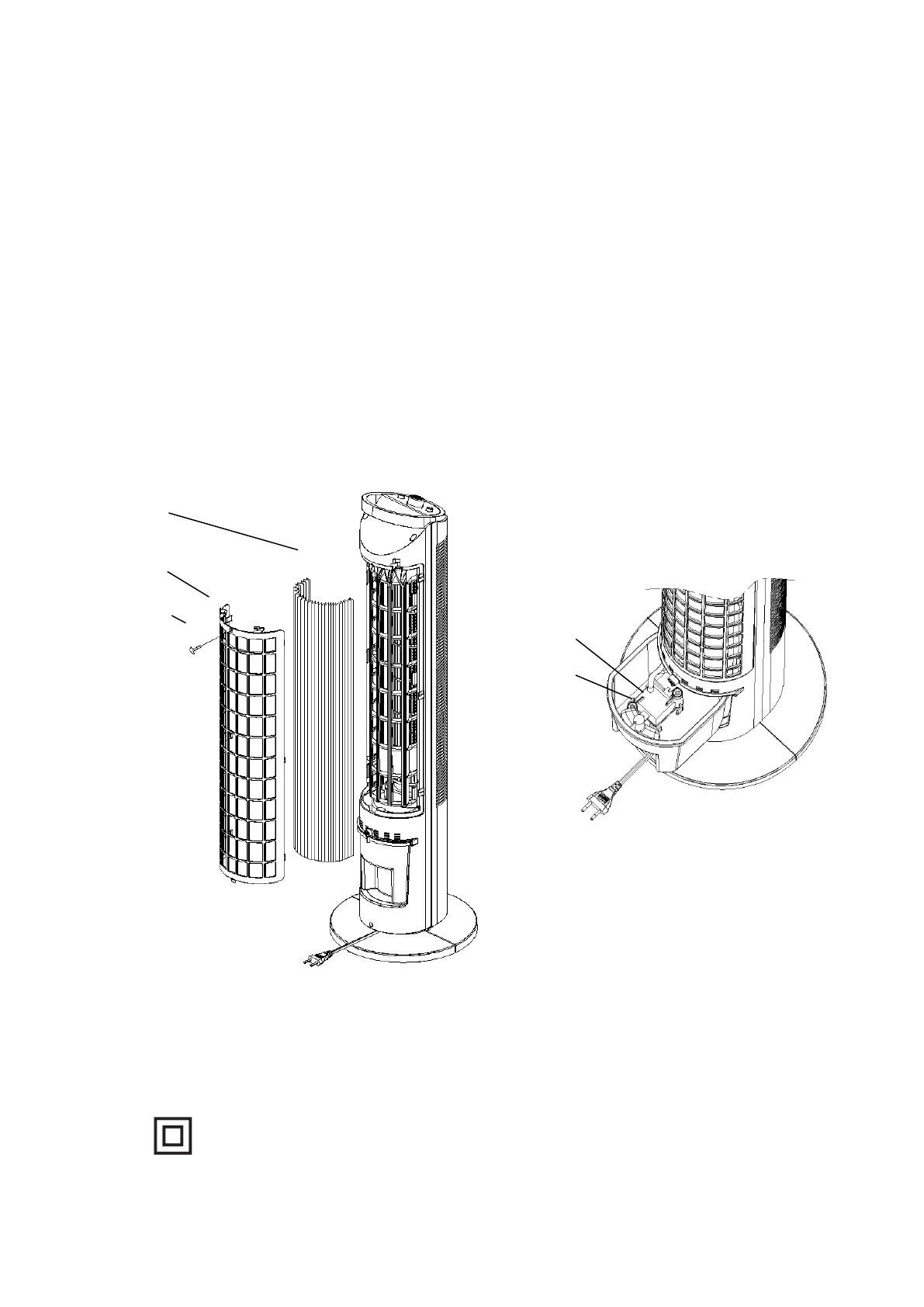
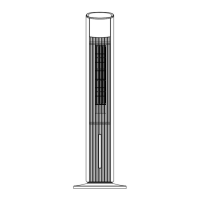
unscrew the water pump knob, pull out the water tank, clean the water tank and put it back,
and screw the water pump knob to the water pump. See Figure B below
Refill the water tank with clean water and drain it completely. Refill the water tank with clean
water, up to the maximum level. Use a damp cloth to remove the dirt and dust from the
surface of the unit. Never use corrosive elements or chemicals to clean this product. When
the product is not in use, store the unit in a dry place out of direct sunlight.
Figure B
Figure A
SPECIFICATIONS
Power Supply: AC 220-240V ~ 50Hz
Power Consumption: 60W
Class II


 To Next Page