EasyManua.ls Logo

Home Decorators Collection BROUGHTON - User Manual

Home Decorators Collection BROUGHTON
19 pages
Print Icon
To Next Page IconTo Next Page
Loading...
USE AND CARE GUIDE
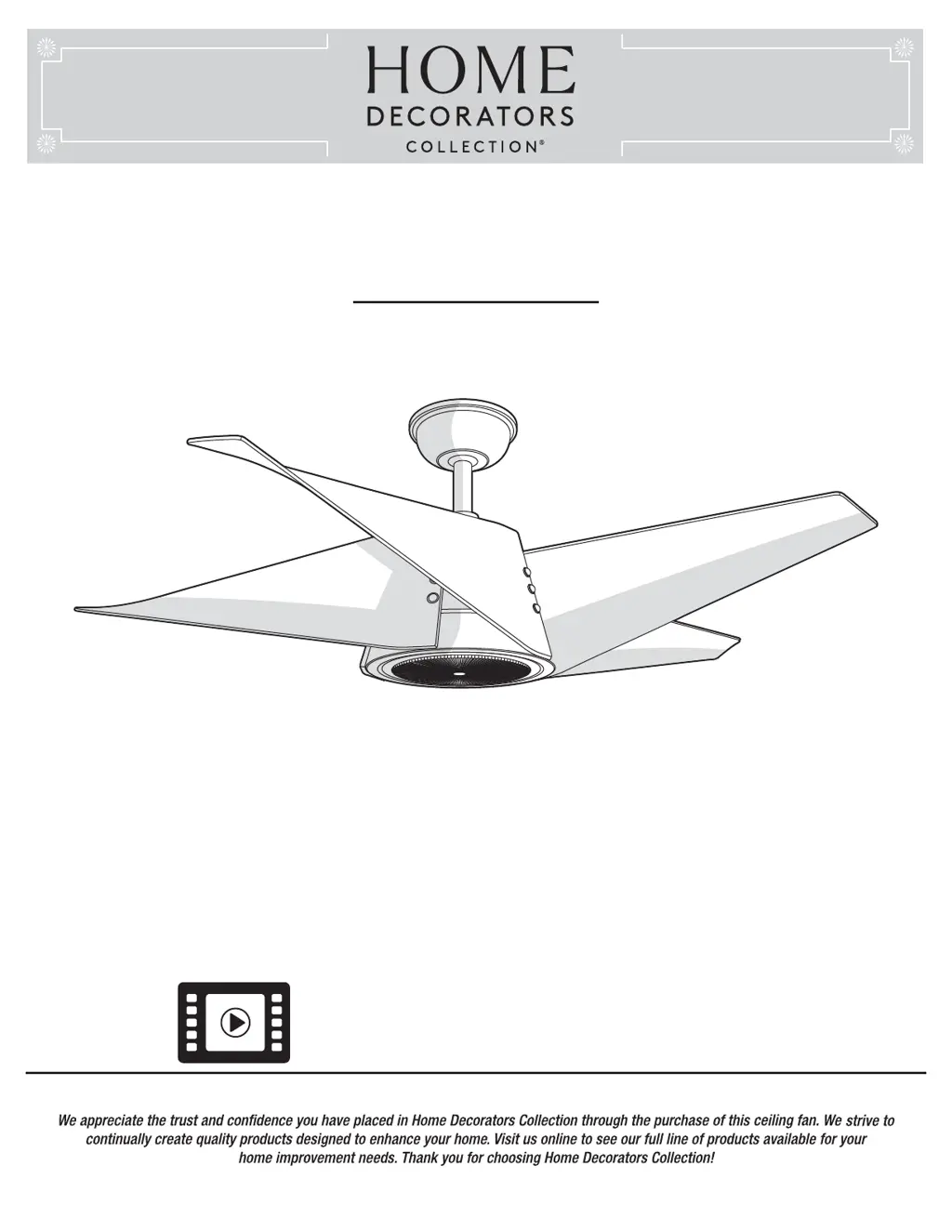
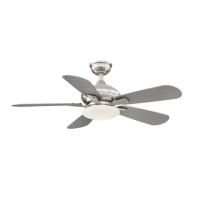
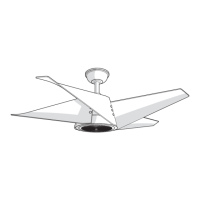
BROUGHTON 42 IN. CEILING FAN
Item #1003 236 523
#1003 236 521
Model #YG671-BN
#YG671-EB
THANK YOU
THANK YOU
Questions, problems, missing parts? Before returning to the store,
call Home Decorators Collection Customer Service
8 a.m. - 7 p.m., EST, Monday-Friday, 9 a.m. - 6 p.m., EST Saturday
1-800-986-3460
HOMEDEPOT.COM/HOMEDECORATORS
Visual instruction of how to install this fan:
Visit www.homedepot.com and enter either the Item or Model number to nd
this fan and click the link of visual instruction in the product overview section.

Questions and Answers

  • A
    Andrew MeyerJul 29, 2025
    What to do if my Home Decorators Collection BROUGHTON will not start?
    • K
      Kimberly LandryJul 29, 2025
      If your Home Decorators Collection Fan won't start: * Check the main and branch circuit fuses or breakers. * Inspect the line wire connections to the fan and the switch wire connections within the switch housing. * Ensure the frequency switches on both the remote control and receiver are set to the same frequency.
  • J
    Jason HintonAug 9, 2025
    How to troubleshoot a Home Decorators Collection Fan remote control that is not working?
    • C
      Colleen CruzAug 9, 2025
      If the remote control for your Home Decorators Collection Fan isn't working: * Ensure the fan is not connected to any wall-mounted variable speed controls. * Verify that the frequency switches are correctly set.
  • X
    xbestAug 18, 2025
    How to fix a noisy Home Decorators Collection BROUGHTON?
    • T
      Tyler CarrAug 18, 2025
      If your Home Decorators Collection Fan is noisy, try the following: 1. Ensure all motor housing screws are snug. 2. Check that the screws attaching the fan blade to the motor hub are tight. 3. Verify wire nut connections aren't rattling against each other or the switch housing's interior. 4. Allow a 24-hour "breaking-in" period, as most new fan noises disappear during this time. 5. If using a ceiling light kit, confirm the glassware is tightly secured. 6. Ensure there's a small gap between the ceiling and the canopy, preventing contact. 7. Confirm your ceiling box is secure and uses rubber isolator pads between the mounting bracket and outlet box.

Summary

Safety Information

Installation Process

Mounting Options

Describes different methods for mounting the fan to the ceiling structure.

Assembly Steps

Installing Mounting Bracket

Guidance on securely attaching the mounting bracket to the electrical box.

Hanging the Fan Assembly

Steps for safely lifting and seating the fan motor onto the mounting bracket.

Receiver and Remote Setup

Instructions for setting up the receiver and remote control codes.

Making Electrical Connections

Detailed steps for wiring the fan, receiver, and household wiring.

Installing the Ceiling Canopy

Steps for securing the fan's canopy to the ceiling.

Attaching Fan Blades

Installing the Light Kit

Fan Operation

Troubleshooting Fan Issues

Home Decorators Collection BROUGHTON Specifications

General IconGeneral
Bulb TypeLED
Indoor/OutdoorIndoor
Light TypeIntegrated LED
Number of Blades5
Number of Speeds6
Remote ControlYes
ReversibleYes
Light Kit IncludedYes
Blade Span52
WarrantyLifetime

Related product manuals