EasyManua.ls Logo

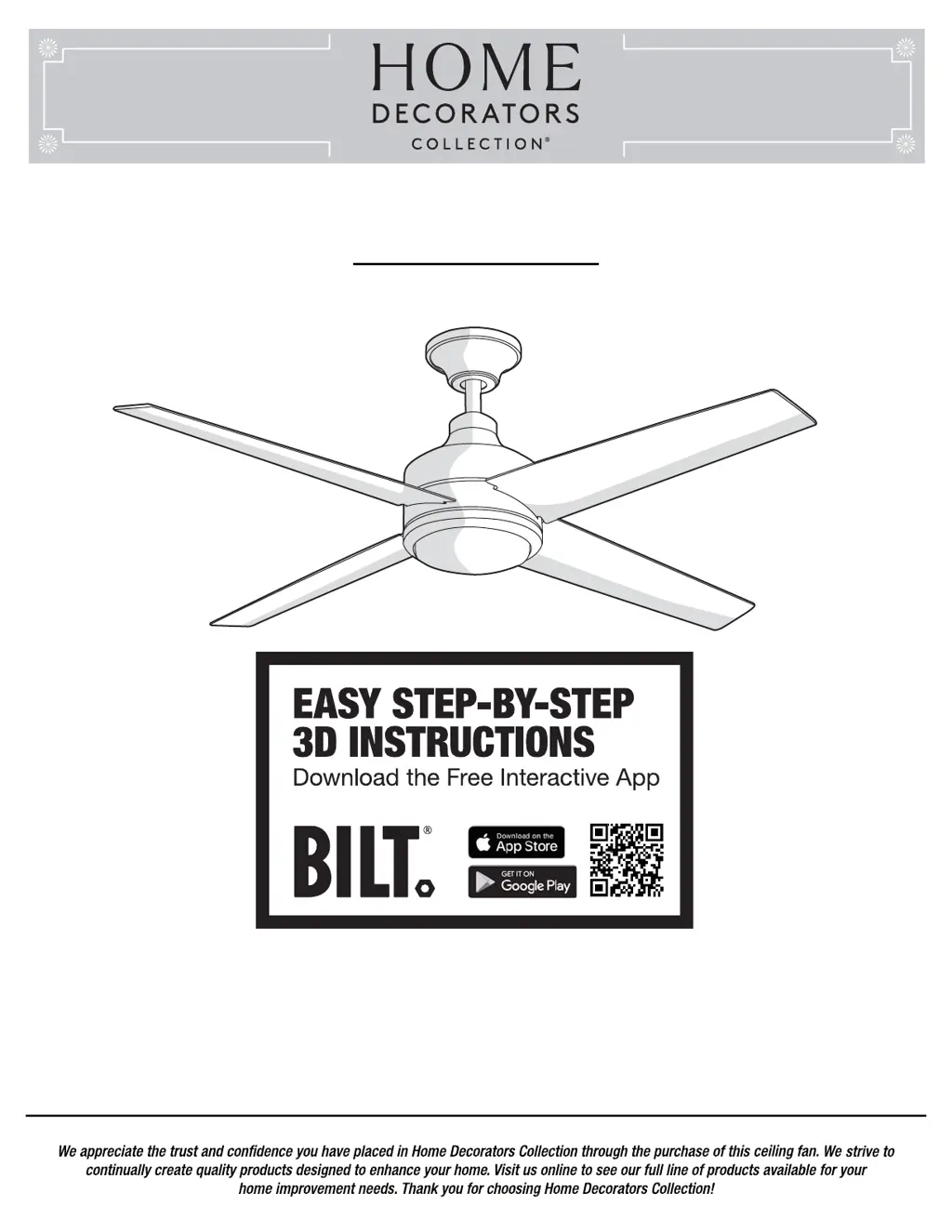
Home Decorators Collection MERCER 54725 - User Manual

Home Decorators Collection MERCER 54725
21 pages
Print Icon
To Next Page IconTo Next Page
Loading...
Item #1002 227 827
Model #54725
THANK YOU
THANK YOU
USE AND CARE GUIDE
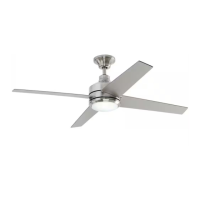
MERCER LED 52 INCH CEILING FAN
Questions, problems, missing parts? Before returning to the store,
call Home Decorators Collection Customer Service
8 a.m. - 7 p.m., EST, Monday-Friday, 9 a.m. - 6 p.m., EST Saturday
1-800-986-3460
HOMEDEPOT.COM/HOMEDECORATORS

Questions and Answers

  • A
    amanda20Aug 8, 2025
    How to fix Home Decorators Collection Fan remote control not working?
    • W
      williamcooleyAug 8, 2025
      If the remote control for your Home Decorators Collection fan isn't working, ensure that the fan is not connected to any wall-mounted variable speed controls. Also, verify that the dip switches are set correctly.
  • E
    elizabethandersonAug 15, 2025
    Why is my Home Decorators Collection MERCER 54725 Fan not starting?
    • J
      Jacob DominguezAug 15, 2025
      If your Home Decorators Collection fan isn't starting, there are a few things you can check: * First, examine the main and branch circuit fuses or breakers. * Second, check the line wire connections to the fan and the switch wire connections in the switch housing. * Finally, ensure that the dip switches on the remote control and receiver are set to the same frequency.
  • M
    Mr. Jesse MontgomeryAug 22, 2025
    Why is my Home Decorators Collection MERCER 54725 Fan wobbling?
    • R
      Ronald PaulAug 23, 2025
      If your Home Decorators Collection fan is wobbling, here's what you can do: * Make sure all blade and blade arm screws are secure. * Check the blade levels, ensuring the deviation is within 1/8 inch. Run the fan for 10 minutes. * If the wobble persists, use the blade balancing kit included with your fan.
  • R
    Robert BoydAug 30, 2025
    What to do if my Home Decorators Collection Fan sounds noisy?
    • D
      Dr. Robin WeissAug 30, 2025
      If your Home Decorators Collection fan is making noise, consider these steps: 1. Ensure all motor housing screws are snug. 2. Check that the screws attaching the fan blade arm to the motor hub are tight. 3. Verify wire nut connections aren't rattling against each other or the switch housing's interior wall. 4. Allow a 24-hour "breaking-in" period, as most new fan noises disappear during this time. 5. If using a ceiling light kit, tighten the screws securing the glassware. 6. Ensure there's a small gap between the ceiling and the canopy, preventing contact. 7. Confirm your ceiling box is secure and uses rubber isolator pads between the mounting bracket and outlet box.

Summary

Safety Information

General Safety Warnings

Critical warnings about electrical shock, personal injury, and fan operation.

FCC Compliance and Interference

Information regarding FCC regulations and potential radio interference.

Warranty

Warranty Details and Service

Explains the fan's warranty coverage, limitations, and service procedures.

Pre-installation Specifications and Tools

Technical Specifications

Lists technical specs like fan size, speed, voltage, amps, watts, RPM, CFM.

Required Tools

Lists necessary tools for installation.

Pre-installation Hardware

Included Hardware Components

Lists all included hardware parts with quantities for installation.

Package Contents

Fan Component Identification

Identifies all parts included in the fan package with corresponding labels.

Dual Mounting Instructions

Mounting Type Comparison

Explains the differences and recommendations for two mounting types.

Installation and Mounting Options

Outlet Box Requirements

Details requirements for the electrical outlet box for fan support.

Ceiling Support Methods

Discusses using ceiling joists and hanger bars for mounting.

Standard Ceiling Mounting Assembly

Canopy Preparation

Steps to prepare the canopy for mounting.

Motor Preparation

Steps for preparing the motor for assembly and downrod attachment.

Fan Assembly and Downrod Installation

Guides on assembling the fan and installing the downrod.

Close-to-Ceiling Mounting Assembly

Canopy Preparation

Steps to prepare the canopy for close-to-ceiling mounting.

Motor and Canopy Assembly

Guides on assembling the motor and attaching the canopy.

Hanging the Fan

Attaching Fan to Electrical Box

Steps for securing the fan mounting bracket to the electrical box.

Standard Mounting Hanger Ball Setup

How to seat the hanger ball in the bracket for standard mounting.

Close-to-Ceiling Hook Attachment

How to hang the fan using the hook for close-to-ceiling mounting.

Receiver and Remote Control Setup

Receiver Installation

Instructions for inserting the receiver into the mounting bracket.

Electrical Connections

Motor to Receiver Wiring

Connects fan motor wires to the receiver unit.

Receiver to House Supply Wiring

Connects receiver to house power supply wires.

Final Canopy Attachment

Standard Mount Canopy Securing

Secures the canopy and ring for standard mounting.

Close-to-Ceiling Mount Canopy Securing

Secures the canopy and ring for close-to-ceiling mounting.

Attaching Fan Blades

Blade Installation Procedure

Steps to insert and secure fan blades to the motor assembly.

Installing the Light Kit

Light Kit Mounting Plate Installation

Attaches the light kit mounting plate to the fan.

LED Kit and Glass Shade Attachment

Connects and secures the LED light kit and glass shade.

Operation and Controls

Remote Control Functions

Explains how to use the remote control buttons for fan and light.

Remote Control Holder Mounting

Instructions on how to mount the remote control holder.

Fan Operation and Care

Reverse Switch Functionality

How to use the reverse switch for different weather operations.

Cleaning and Maintenance Tips

Recommended procedures for cleaning and maintaining the fan.

Troubleshooting Guide

Fan Start-up and Noise Solutions

Solutions for problems like the fan not starting or making noise.

Remote and Wobble Problem Resolution

Solutions for remote control malfunctions and fan wobble.

Service Parts Identification

Component Part Listing

Lists and identifies all service parts with their corresponding labels.

Energy and Support Information

Estimated Energy Cost

Provides estimated yearly energy cost and usage for the fan.

Customer Support Contact Details

Contact information for customer service for questions or issues.

Home Decorators Collection MERCER 54725 Specifications

General IconGeneral
BrandHome Decorators Collection
TypeCeiling Fan
Number of Blades5
Color FamilyBrown
Indoor/OutdoorIndoor
Reversible MotorYes
Blade Span52 inches
Motor TypeAC

Related product manuals