10
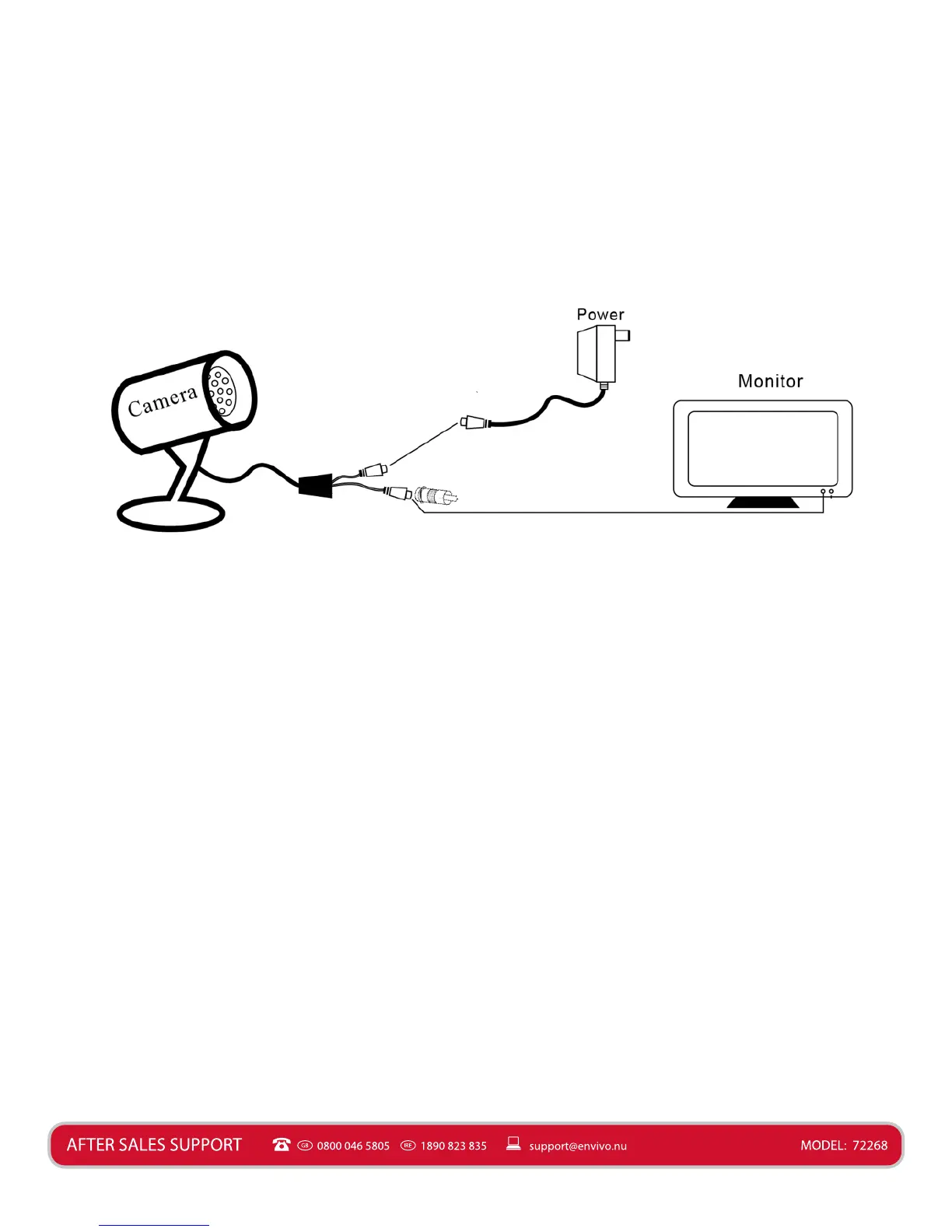
Basic System Connecon
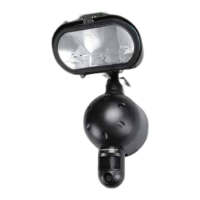
Connect the supplied extension cable to the CCTV Camera cable. Connect the dierent plugs
with the corresponding colors. The yellow cable is video and the red cable is Power. Connect
the small metal adaptor to the Yellow cable, so you will be able to connect it to a monitor
(not included). Now connect the yellow (video) to your monitor. Connect the red cable to the
supplied power adaptor. The CCTV Camera is now ready for use, and you will be able to see
live video on the monitor (not included).
Extended System Connecon
Connect the supplied extension cable to the CCTV Camera cable. Connected the dierent
plugs with the corresponding colors. The yellow cable is video and the red cable is power. Now
connect the yellow (video) to your DVR (not included). Connect the red cable to the supplied
power adaptor. The CCTV Camera is now ready for use, and you will be able to record video
from the camera through your DVR (not included).
(Red) Power
(Yellow) Video Adaptor


 To Next Page