8
Geng Started
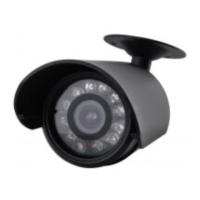
NOTE: Night view video images will be shown in black and white. Night view will not work if
pointed into an open area such as a eld or large car park, point the camera into a doorway or
closed area for best performance. Infra-Red LED’s will glow slightly Red during operaon. This
is normal during night me.
Please note that this product is designed solely for private use and consideraon should be
given when choosing a suitable locaon for the product.
Features
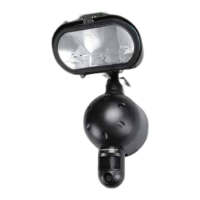
Wired colour CCTV camera with night vision.
Live view on TV or Record to DVR.
Instrucons
Camera Placement
Always test the camera at the wanted posion before mounng it.
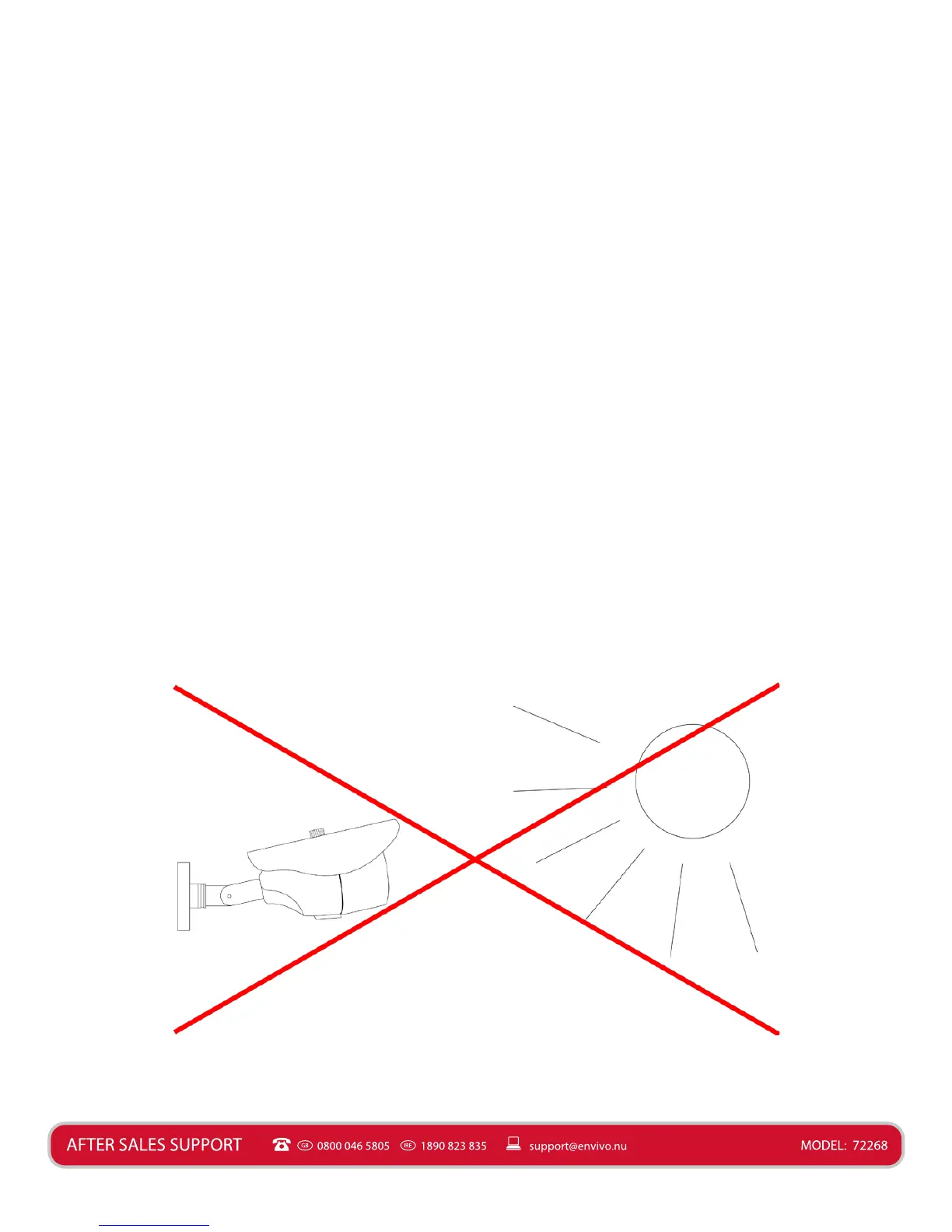
The camera should be mounted so that it does not face a strong light source, as this can give
distorted colours and glare during certain situaons. Posion the camera below the horizon to
eliminate sunlight glare. Colour distoron is most likely caused by strong night light. Always be
aware of east and west when mounng the camera. If camera is facing east or west, there is a
good chance you will see unwanted glare.


 To Next Page