10
NORMAL MODE
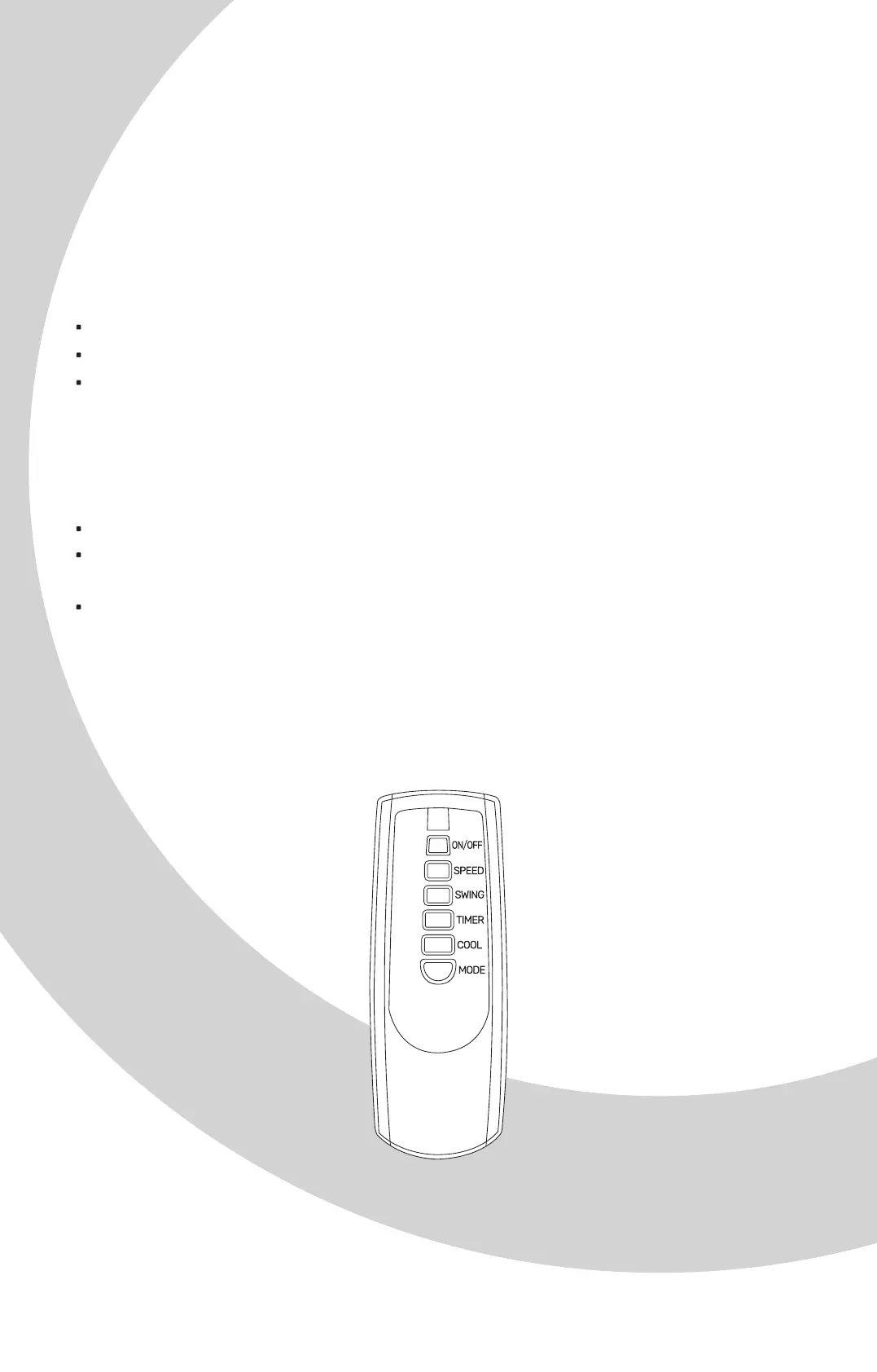
You can set the fan speed Low / Medium / High.
NATURAL MODE
The device can give you a feeling of a natural breeze in NATURAL mode.
The fan speed can be set Low / Medium / High.
SLEEP MODE
During sleep mode, it can give you a gentle breeze and low noise.
Low speed: Provides a light natural breeze.
Medium speed: Provides a medium natural breeze for 30 minutes,
then continues to provide a light natural breeze.
High speed: Provides a strong natural breeze for 30 minutes, a medium
natural breeze for 30 minutes, then continues to provide a light natural
breeze.
Low speed: Provides a light natural breeze.
Medium speed: Provides a medium natural breeze.
High speed: Provides a strong natural breeze.


 To Next Page