EasyManua.ls Logo

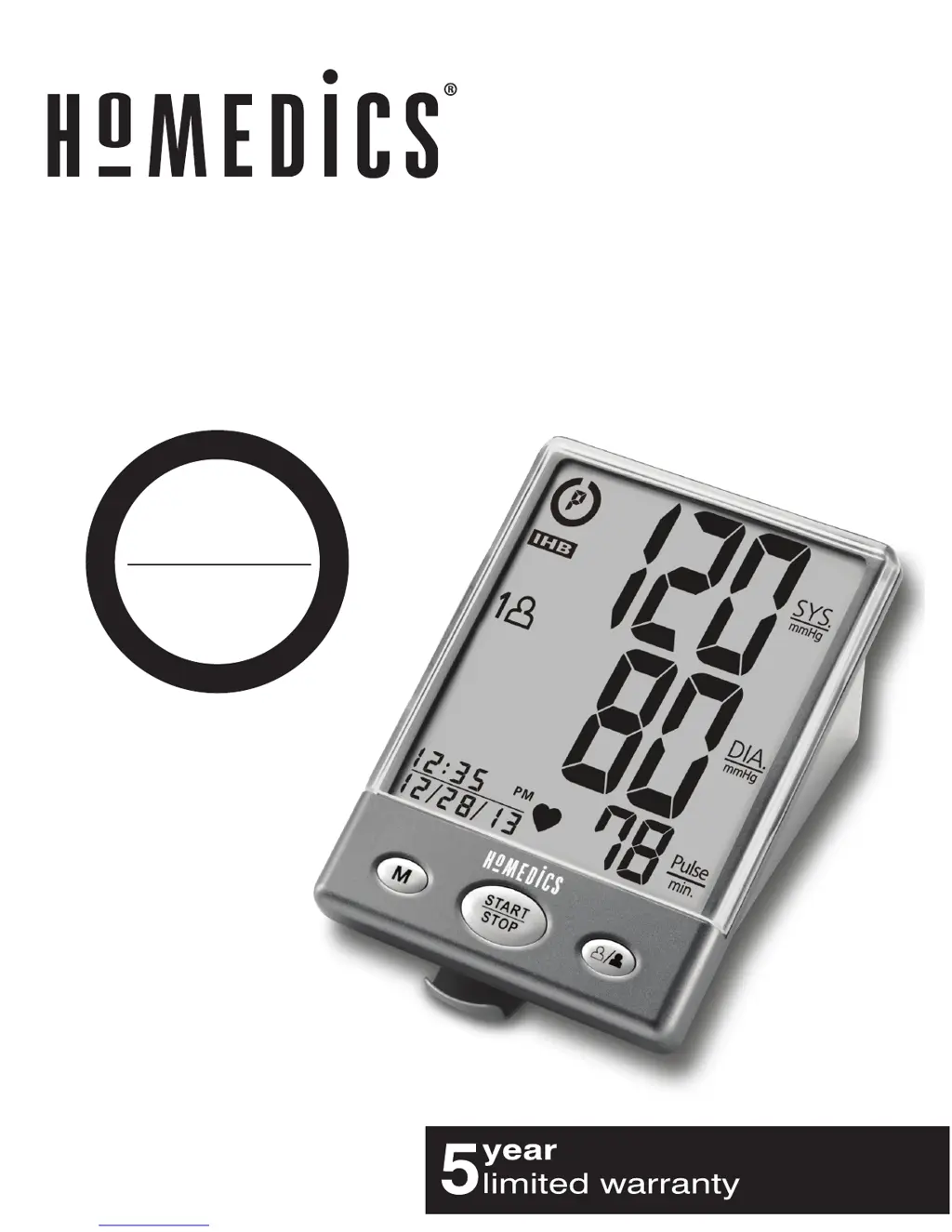
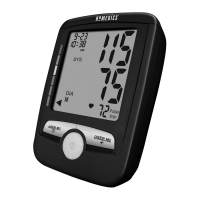
HoMedics BPA-201 - User Manual

HoMedics BPA-201
68 pages
Print Icon
To Next Page IconTo Next Page
Loading...
BPA-201
Ver. B
El manual en español
empieza en la página 34
Automatic
Blood Pressure Monitor
P
l
e
a
s
e
T
a
k
e
A
M
o
m
e
n
t
N
o
w
Register
Your Product At:
www.homedics.com/register
Your valuable input regarding this
product will help us create
the products you will
want in the future.

Table of Contents

Other manuals for HoMedics BPA-201

Questions and Answers

  • J
    Joshua NicholsonAug 13, 2025
    What to do if HoMedics Blood Pressure Monitor shows EE error?
    • D
      Daniel HolmesAug 13, 2025
      If your HoMedics Blood Pressure Monitor displays the EE error symbol or shows blood pressure values that seem too low or high, it could be due to a few reasons. Make sure you've wrapped the cuff correctly, ensuring it's positioned properly, and then try measuring again. Also, it’s important to keep your arm steady and avoid talking or moving during the measurement. Shaking your arm while the cuff is on can also cause this error.
  • G
    georgescottAug 17, 2025
    How to fix HoMedics BPA-201 that won't turn on?
    • B
      Brian BurnsAug 17, 2025
      If your HoMedics Blood Pressure Monitor isn't turning on when you press the START/STOP button, it could be due to dead batteries. Try replacing them with four new "AA" alkaline batteries. Also, double-check that the battery polarities are correct when you re-insert them.
  • W
    williamclayAug 21, 2025
    What does E1 error mean on HoMedics BPA-201?
    • V
      Veronica MooreAug 21, 2025
      If your HoMedics Blood Pressure Monitor displays the E1 error symbol, it indicates an air circuit abnormality. This might mean the cuff tube isn't correctly plugged into the monitor. Check the cuff connection and then measure again.
  • J
    Justin ReedAug 25, 2025
    Why does my HoMedics BPA-201 show E2 error?
    • L
      lherreraAug 25, 2025
      The E2 error symbol on your HoMedics Blood Pressure Monitor indicates that the inflation pressure exceeded 300 mmHg. To resolve this, switch the unit off and then try measuring again.
  • L
    Latoya MorrisAug 28, 2025
    What does E3 error mean on HoMedics BPA-201?
    • S
      stephanie46Aug 28, 2025
      If the HoMedics Blood Pressure Monitor shows the E3 error symbol, it means there was an error determining the measurement data. Try taking the measurement again.
  • P
    Patrick ReevesSep 1, 2025
    What to do if HoMedics BPA-201 shows EP error?
    • M
      Mr. Jon DanielsSep 1, 2025
      If your HoMedics Blood Pressure Monitor displays the EP error symbol, it indicates a system error. Try taking the measurement again.
  • J
    Joseph JonesSep 5, 2025
    What to do if EE error appears on HoMedics BPA-201?
    • L
      lynn22Sep 5, 2025
      If you see the EE error symbol on your HoMedics Blood Pressure Monitor, or if the blood pressure reading seems too low or high, it could be due to incorrect cuff placement. Make sure the cuff is wrapped properly and positioned correctly. Also, avoid talking or moving during the measurement; try again while keeping your arm steady. Shaking your arm while the cuff is on may also cause this error.
  • R
    Richard Evans MDSep 9, 2025
    What does E2 error mean on HoMedics BPA-201 Blood Pressure Monitor?
    • N
      Nicole CuevasSep 9, 2025
      If the E2 error symbol is displayed on your HoMedics Blood Pressure Monitor, it means the inflation pressure exceeded 300 mmHg. To resolve this, switch the unit off and then measure again.

Summary

HoMedics Blood Pressure Monitor Overview

Important Safety Instructions

General Safety Guidelines

Essential safety precautions and warnings for operating the blood pressure monitor.

Device Operation and Features

Monitor Components and Controls

Identification and function of the monitor's display, buttons, and ports.

Interpreting Results

Display Screen Explanations

Details on reading systolic, diastolic pressure, pulse, and date/time indicators.

Understanding Display Symbols

Explanation of symbols like IHB, AVG, User 1/2, and error codes.

Initial Setup and Power

Arm Cuff Usage

Selecting the Correct Cuff Size

Guidance on choosing the appropriate arm cuff size for accurate measurements.

Performing a Measurement

Preparation for Measurement

Important notes and recommendations before taking a blood pressure reading.

Step-by-Step Measurement Guide

Detailed instructions for performing a blood pressure measurement.

Measurement Completion and Storage

Information on viewing results and automatic memory storage after measurement.

Memory Management

Measurement Best Practices

Troubleshooting and Specifications

Troubleshooting Common Issues

Table listing symptoms, possible causes, and corrections for device malfunctions.

HoMedics BPA-201 Specifications

General IconGeneral
TypeAutomatic
Product colorGray
Memory functionYes
Number of users2 user(s)
Memory registers120
Speaking functionNo
Placement supportedUpper arm
Systolic blood pressure-
Quantity per pack1 pc(s)

Related product manuals