EasyManua.ls Logo

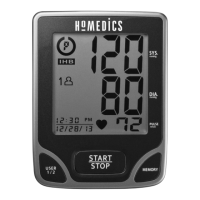
HoMedics BPA-740-CA - User Manual

HoMedics BPA-740-CA
72 pages
Print Icon
To Next Page IconTo Next Page
Loading...
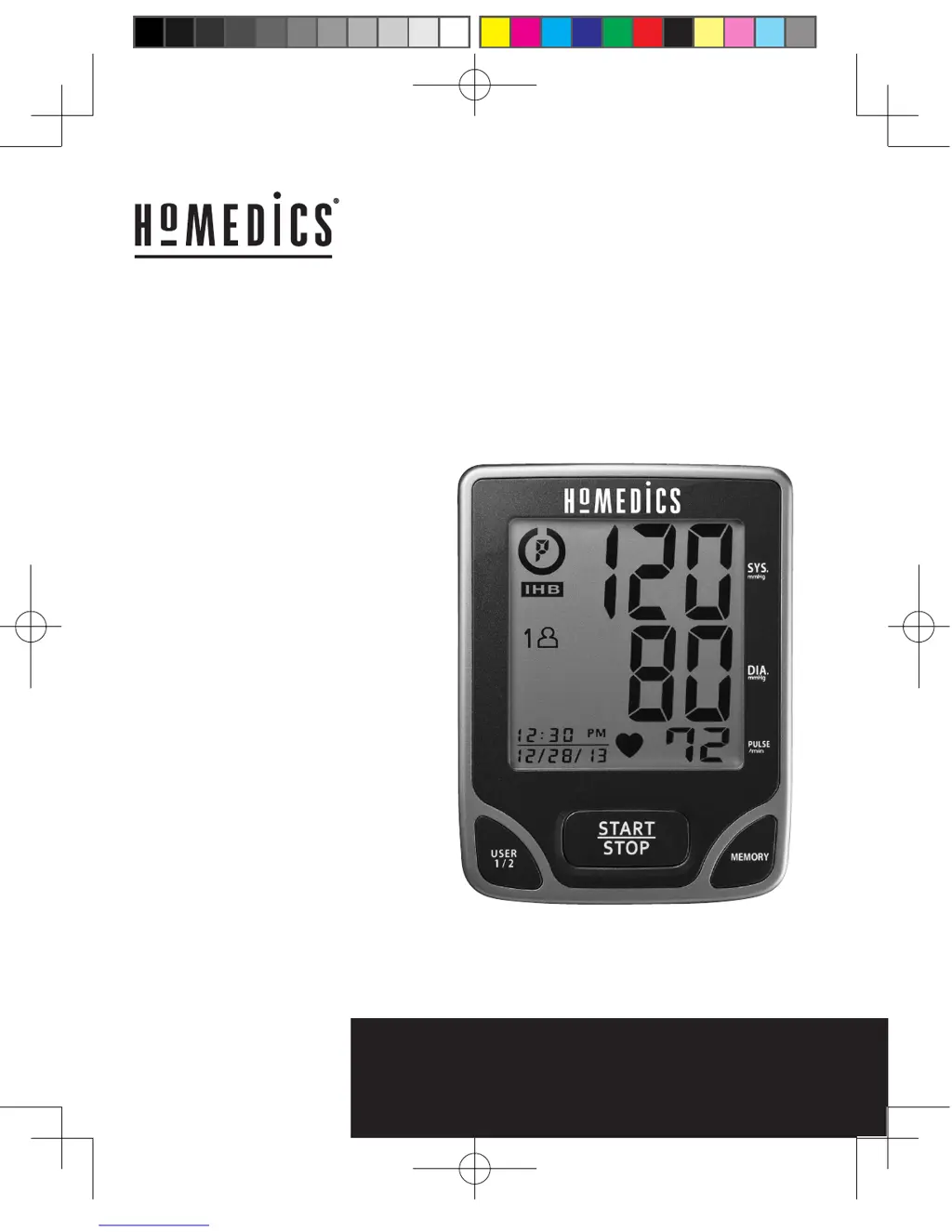
BPA-740-CA
Ver. B
Instruction Manual and
Warranty Information
Deluxe Arm
Blood Pressure
Monitor
#
1 BRAND IN MASSAGE*
NO 1 EN MASSAGE*
#
1 BRAND IN MASSAGE*
NO 1 EN MASSAGE*
limited warranty
year
5
Le manuel français
débute à la page 36
15-0146 BPA-740-CA IM_v3--02.indd 1
2015/10/28 下午5:45

Questions and Answers

  • B
    Brett NguyenAug 1, 2025
    What to do if the HoMedics Blood Pressure Monitor shows an EE error?
    • E
      Emily FordAug 2, 2025
      If your HoMedics Blood Pressure Monitor displays the EE error symbol, or if the blood pressure reading appears too low or high, it might be due to incorrect cuff placement. Ensure the cuff is wrapped correctly and positioned properly, then measure again. Also, keep your arm steady and avoid talking or moving during the measurement.
  • P
    Pamela BushAug 6, 2025
    What does the E1 error mean on my HoMedics BPA-740-CA Blood Pressure Monitor?
    • C
      Colton RyanAug 6, 2025
      If your HoMedics Blood Pressure Monitor displays the E1 error symbol, it indicates an air circuit abnormality. Make sure the cuff tube is correctly plugged into the monitor and try measuring again.
  • S
    Shannon BennettAug 11, 2025
    How to fix a HoMedics Blood Pressure Monitor that won't turn on?
    • A
      Alexandra SimmonsAug 11, 2025
      If the HoMedics Blood Pressure Monitor does not turn on when you press the START/STOP button, it could be due to drained batteries. Replace them with four new AA LR6 alkaline batteries. Alternatively, the batteries might be incorrectly positioned. Ensure you re-insert them with the correct polarities.
  • L
    Lauren YoungAug 17, 2025
    What does E2 error mean on HoMedics BPA-740-CA Blood Pressure Monitor?
    • J
      James BensonAug 17, 2025
      If your HoMedics Blood Pressure Monitor displays the E2 error symbol, it means the inflation pressure exceeded 300 mmHg. Switch the unit off and then try measuring again.
  • D
    Douglas GrantAug 21, 2025
    What to do if my HoMedics BPA-740-CA shows E3 error?
    • B
      Bryan DavisAug 21, 2025
      If your HoMedics Blood Pressure Monitor displays the E3 error symbol, it indicates an error in determining measurement data. Try measuring again.
  • M
    Molly Blair MDAug 27, 2025
    What does EP error mean on HoMedics Blood Pressure Monitor?
    • J
      Jesse JonesAug 27, 2025
      If your HoMedics Blood Pressure Monitor displays the EP error symbol, it indicates a system error. Try measuring again.

Summary

Important Product Notices and Safety Instructions

Name and Function of Each Part

Display Explanations

Installing Batteries

Using the AC Adapter

Date and Time Set Procedure

Using the Arm Cuff

Selecting the Correct Cuff Size

Explains how to choose the appropriate cuff size based on arm circumference and how to check for a proper fit using the colored arrow.

Applying the Arm Cuff

Provides detailed instructions on how to correctly apply the arm cuff to the arm for accurate measurements.

Cuff Positioning and Arm Placement

Guides on positioning the cuff edge above the elbow, arm placement on a table, and using the right arm if needed.

Measurement Procedure

Pre-Measurement Guidelines

Lists important notes and suggestions before taking a blood pressure measurement for accuracy, including environmental factors and rest.

Initiating a Measurement

Explains how to select a user, wrap the cuff, and start the measurement process by pressing the START/STOP button.

Completing and Storing Measurements

Describes how the monitor deflates, displays results, automatically stores them, and how to turn off or interrupt the device.

Risk Category Index

Irregular Heartbeat Detector (IHB)

IHB Symbol Interpretation

Explains the meaning of the IHB symbol, its causes, and when to seek medical advice for pulse irregularities.

Recalling Values from Memory

Clearing Values from Memory

Important Notes for Blood Pressure Measurement

Care, Maintenance, and Cleaning

Troubleshooting

Common Symptoms and Solutions

Provides a table listing common symptoms, possible causes, and corrections for issues like the unit not turning on or displaying errors.

Limited Warranty (For Canada Only)

Warranty Coverage and Exclusions

Outlines the five-year warranty coverage for workmanship and materials, and lists items that are not covered by the warranty.

How to Obtain Warranty Service

Provides instructions on how to obtain warranty service, including obtaining a Return Authorization (RA) and contact information.

HoMedics BPA-740-CA Specifications

General IconGeneral
BrandHoMedics
ModelBPA-740-CA
CategoryBlood Pressure Monitor
LanguageEnglish

Related product manuals