EasyManua.ls Logo

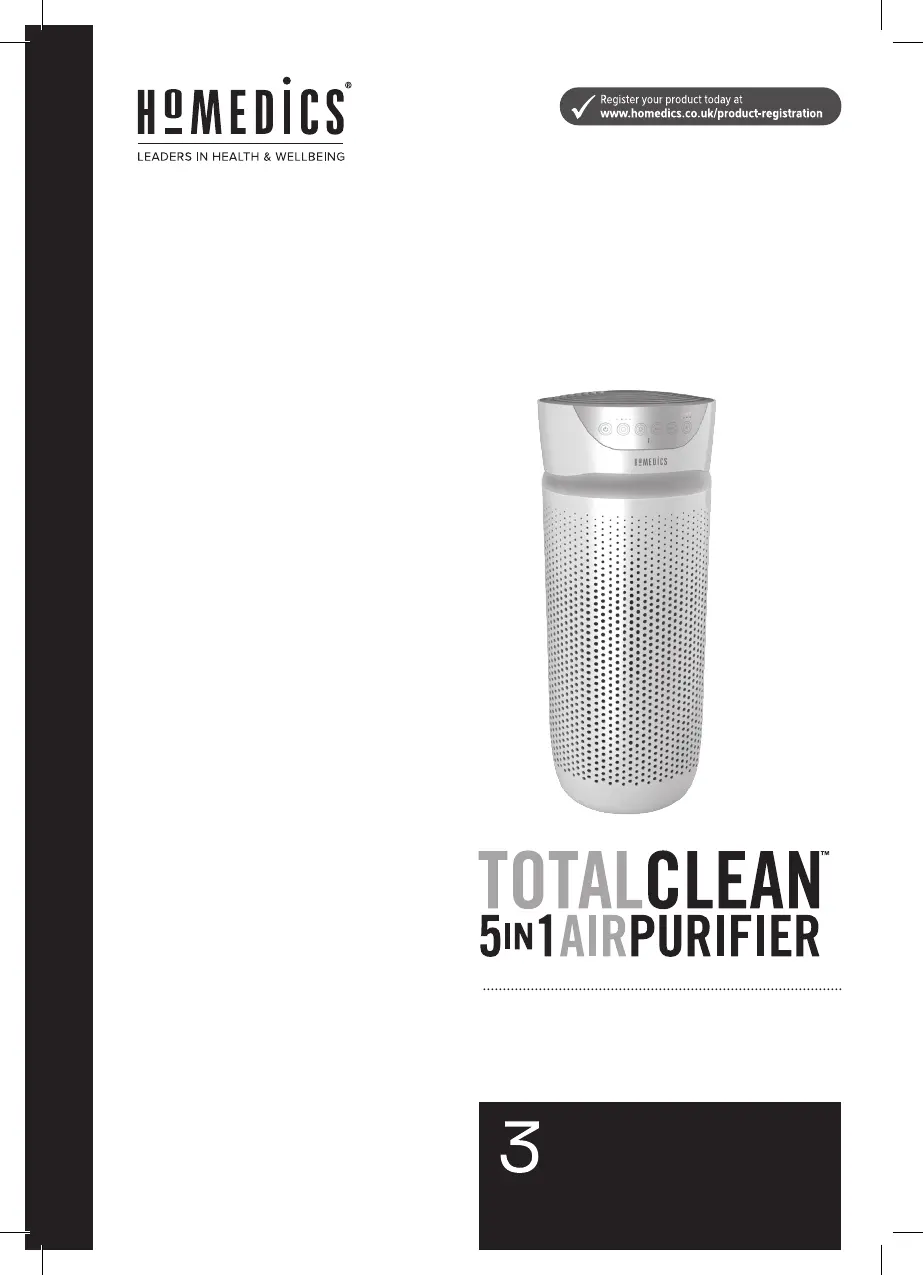
HoMedics TotalClean AP-T30 - User Manual

HoMedics TotalClean AP-T30
8 pages
Print Icon
To Next Page IconTo Next Page
Loading...
YEAR
guarantee
AP-T30-GB
instruction manual

Questions and Answers

  • D
    Donna WhiteAug 3, 2025
    How to reset the filter light on a HoMedics Air Cleaner after filter replacement?
    • A
      achurchAug 3, 2025
      If the replace filter light on your HoMedics Air Cleaner stays on after replacing the filter, you need to reset the filter indicator. To do this, press and hold the ioniser button for 3 seconds until the replace filter light turns off.
  • R
    Raymond RobertsonAug 9, 2025
    How to turn on display lights on HoMedics Air Cleaner?
    • T
      Timothy OlsonAug 9, 2025
      If the display lights on your HoMedics Air Cleaner are off, check the nightlight setting. Press the nightlight button until the desired lights turn on or off.
  • A
    Aaron EvansAug 16, 2025
    What to do if my HoMedics TotalClean AP-T30 unit will not operate?
    • C
      Cody WaltersAug 16, 2025
      If your HoMedics Air Cleaner isn't turning on, ensure it's properly plugged into a working outlet. Check the fuses or try a different outlet to confirm power. Make sure you've pressed the power button. Also, verify that the True HEPA filter and grille cover are correctly installed. Reinstall them if necessary.
  • J
    Johnny SimpsonAug 21, 2025
    Why is the airflow reduced in my HoMedics TotalClean AP-T30?
    • H
      hodgejacobAug 21, 2025
      If you notice reduced airflow in your HoMedics Air Cleaner, start by checking the back grille for any obstructions. Clear anything blocking the grille or air outlet. Next, vacuum the pre-filter using the brush attachment of your vacuum cleaner. If the issue persists, the True HEPA filter may need replacement.
  • J
    James DavisAug 27, 2025
    Why is my HoMedics Air Cleaner not removing odors?
    • R
      Ronnie GonzalezAug 27, 2025
      If your HoMedics Air Cleaner isn't removing odours effectively, the True HEPA filter likely needs to be replaced.

Summary

General Safety Instructions

Important Safety Precautions

Crucial warnings and guidelines for safe operation and handling of the appliance.

Three Year Guarantee

WEEE Explanation

Product Features

Filtration System Components

Details the multi-stage filtration including HEPA, carbon, and pre-filters.

Air Purification Technologies

Explains the functionality of UV-C light and the ioniser for purifying air.

Operational Settings and Performance

Covers fan speeds, timer, room size, and air changes per hour.

Aroma Diffuser Tray

Information on the oil tray for adding scents to the air.

Operating Instructions

Power On and Fan Speed Adjustment

How to turn the unit on and select fan speeds.

Activating UV-C and Ioniser

Instructions for turning UV-C and ioniser features on and off.

Nightlight and Timer Control

Guide to using the nightlight and setting the timer for operation.

Essential Oil Usage and Pet Safety

Guidelines for safe use of essential oils, with advice for pets.

Filter Replacement

Replacing the True HEPA Filter

Step-by-step instructions for replacing the HEPA filter.

Replacing the UV-C Bulb

Procedure for replacing the UV-C light bulb.

Cleaning & Maintenance

Cleaning Pre-Filter and Oil Tray

How to clean the pre-filter and the oil tray for maintenance.

Tips for Best Performance

Recommendations for optimal unit performance and filter longevity.

Troubleshooting

HoMedics TotalClean AP-T30 Specifications

General IconGeneral
BrandHoMedics
ModelTotalClean AP-T30
CategoryAir Cleaner
LanguageEnglish

Related product manuals