key master A2.5 Version Manual www.hominggame.com
18
14、Trouble shooting
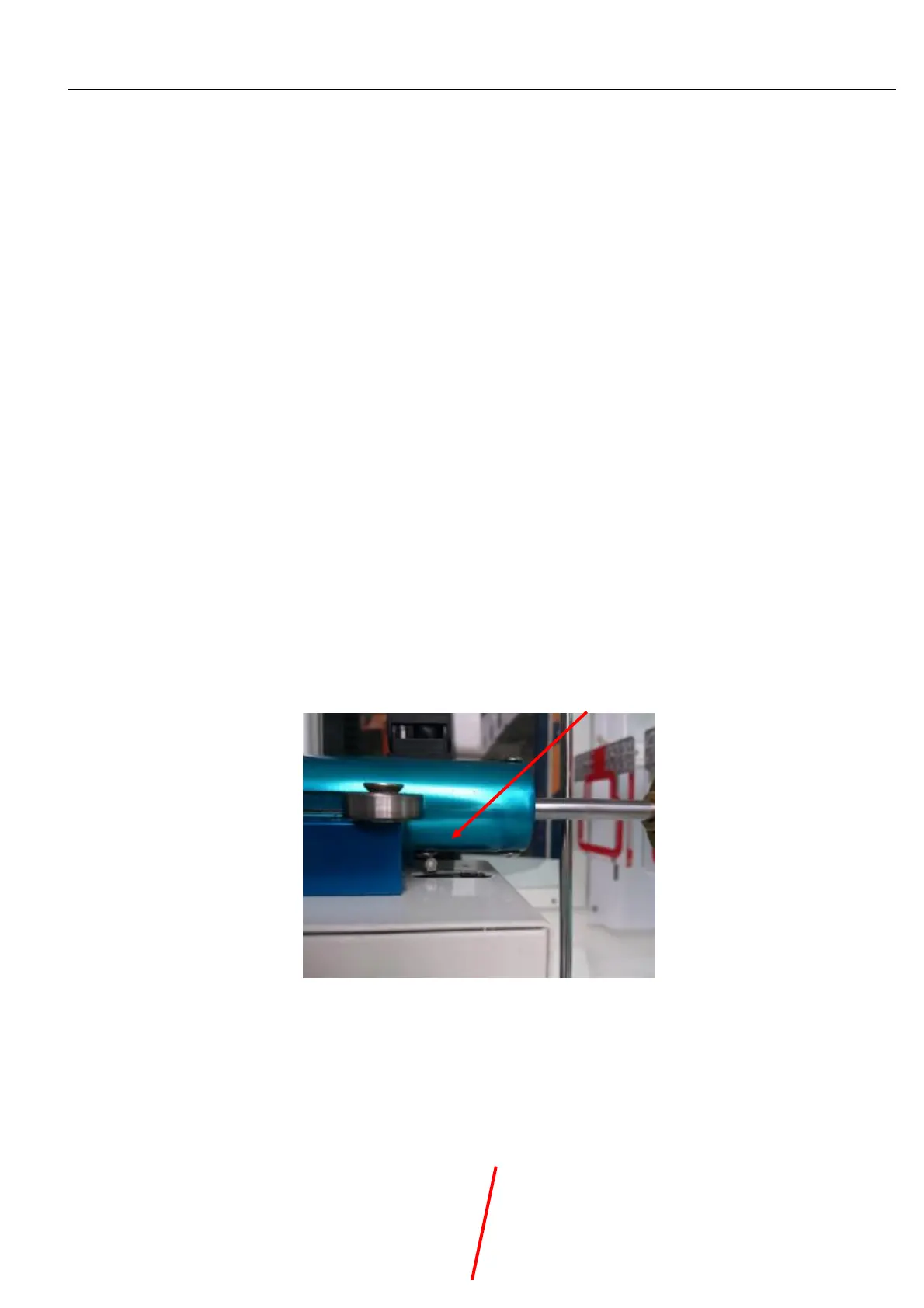
1.When Er01 appears on the digital display, it shows there is failure of the switch on lower front of the pushrod.
2.When Er02 appears on the digital display, it shows there is failure of the switch in the Moving Box.
3.When Er03 appears on the digital display, it shows there is failure of the switch on right side of the pushrod
mechanism.
4.When Er04 appears on the digital display, it shows there is failure of the switch on low of the Moving Box.
5.When Er05 appears on the digital display, it shows there is failure of the switch on left side of the pushrod
mechanism.
6.When Er06 appears on the digital display, it shows there is failure of the switch on the top of the Moving Box.
7.When Er07 appears on the digital display it shows there is failure of the switch on lower back of the pushrod.
8.When Er08 appears on the digital display it shows there is failure of the first sensor of pushrod.
9..When Er09 appears on the digital display it shows there is failure of the second sensor of pushrod.
10、When Er10 appears on the digital display it shows not connect with accounter .
11, When Er11 appears on the digital display it shows not find the left and right motors sensor
Key master
Fault analysis
1、 When Er01 appears on the digital display, it sho
ws there is failure of the switch on lower
front of the pushrod. As picture 1
1
Trouble shooting methods:When push rod doesn’t pressure onto the micro switch
whether the push rob i
s stuck or not and check the motor and corresponding lines
inside the push rod box. When push rod pressure onto the micro switch
and corresponding lines inside the push rod box.
2. When Er02 appears on the digital display, it
shows there is failure of the switch in the
Moving Box. As picture 2



 To Next Page