key master A2.5 Version Manual www.hominggame.com
5
“Exit”
14、TEST Button—In the appointed mode state,Use this button to test or “shift
7.Account Checking
The way to check account :press “Mode”
button, said enter mode one when the LED1 light on .Continue to press
“Mode” button, said enter mode two when the LED2 light on .And so on......
Mode 1—Shows Total amount of inserted coins
Mode 2---Shows Total amount of gift payout
Notice:
There are permanent data(Total inserted coins quantity and Total gifts given out quantity) store in the
mainboard, can not through the “clear” way to delete ,except the motherboard broken.
How to check these permanent data ? the way is as follows:
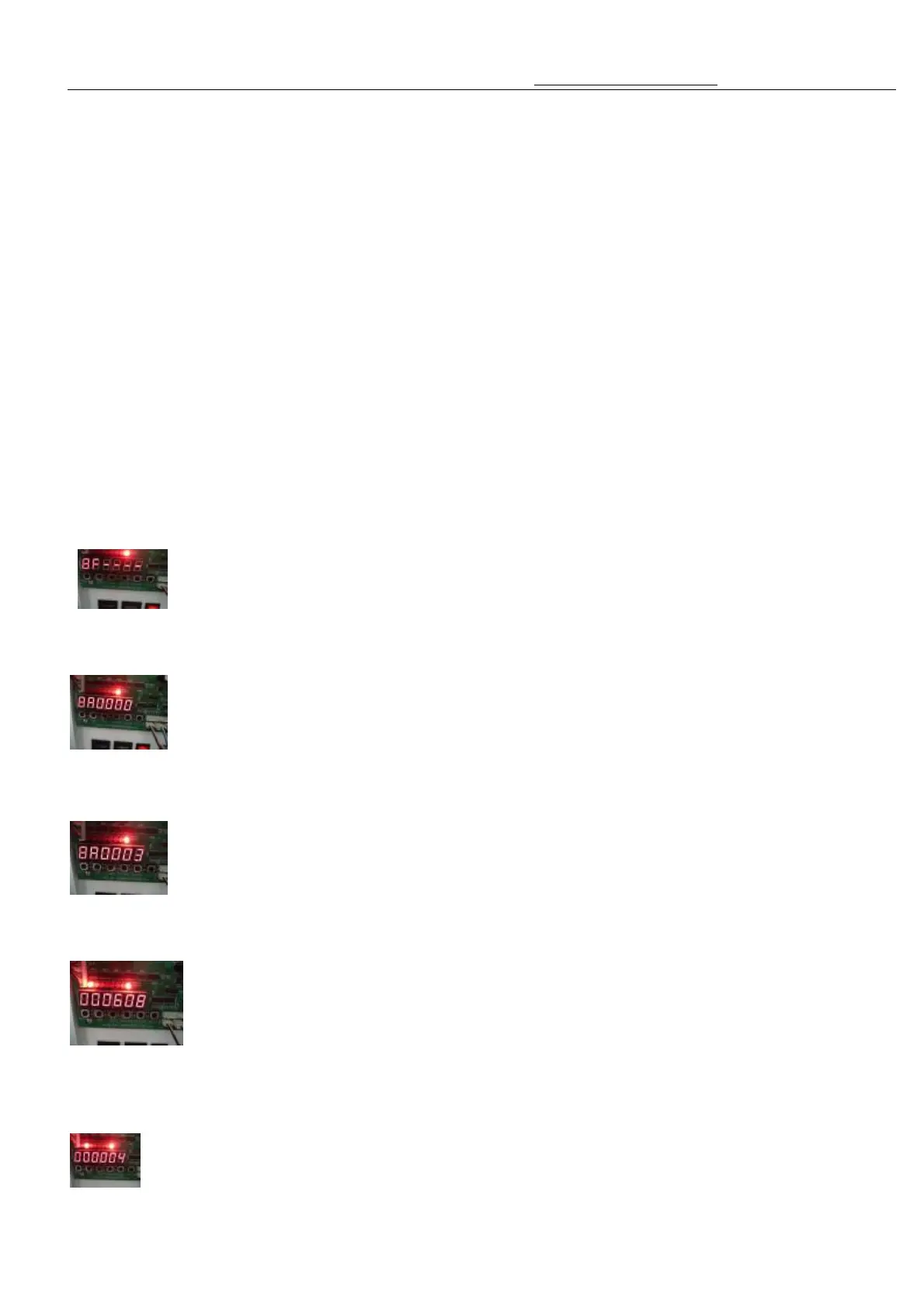
1. Press the “Mode” button to select the “Mode 8” (LED 8 light”) .Shows “8F - - - - ”
2.Press the “Enter” button, appear “8A0000”
3.Use the “UP” and “DOWN” button to imput the permanent data account checking password.The factory Default
setting password is “0003”,press the “enter” button to confirm
4.will shows the LED1 and LED8 are on at the same time, the digital tube will shows the total amounts of insterted
coins quantity,such as the following picture shows “000608”,Means the total amount inserted coins is 608 pcs
5. press the “Test” button, will shows the LED2 AND LED8 are on at the same time, the digital tube
total amount of gifts given out quantity.Such as the following pictures shows “000004”,means the total mount of
gifts given out is 4 pcs.



 To Next Page