key master A2.5 Version Manual www.hominggame.com
6
6. Press the “Test” button to shift LED1 to LED2 or LED2 to LED1 ,to see the quantity numbers. Press the “Clear”
button to exit.
(About the owner management password setting ,the following will be mentioned. Has the permanent
memory function ,it’s convenience for the owner manage and supervise)
8.Adjusting and Testing
(1)Setting credit of every game : Enter mode 3 to setting.
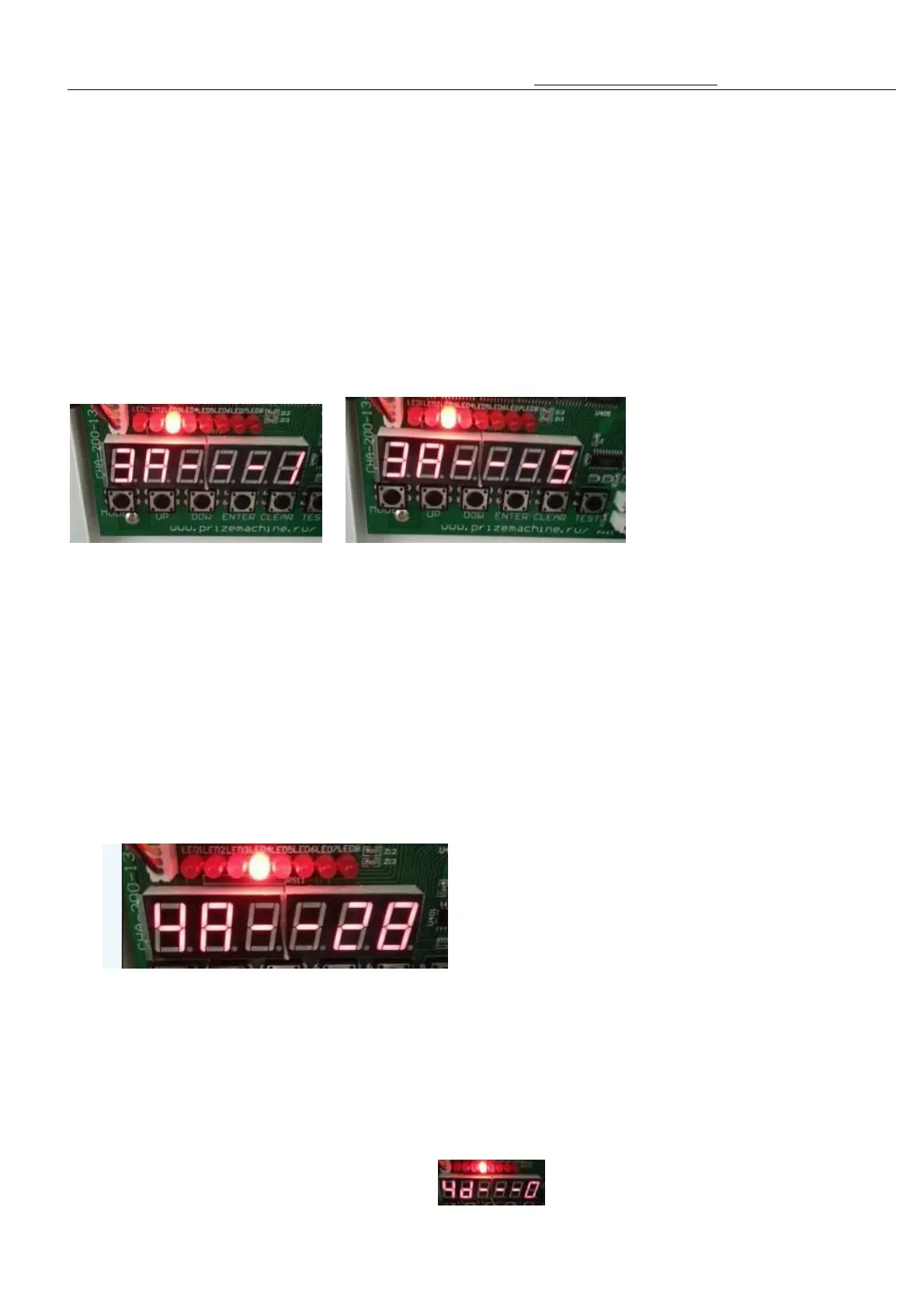
Method of enter mode 3:press“MODE”,when LED3 light means enter,show“3A - - - X”
Adjust the credit from 1 pcs(Minimum) to 5 pcs(Maximum) by pressing “Up” or “Down” Button
Will shows “3A - - - 1” To “3A - - -5”,as follows:
1. “ 3A - - -1” = 1 Credit = 1 signal= 1 Game
2. “3A- - - 2” = 2 Credits = 2 signal = 1 Game
3. “3A- - - 3”= 3 Credits = 3 signal = 1 Game
4. “3A- - - 4”= 4 Credits = 4 signal = 1 Game
5. “3A- - - 5”= 5 Credits = 5 signal = 1 Game
(2) Setting the play game time
Press “MODE” button to light up the LED 4, The tube screen shows “4A - - - x” , Press the “ Up” and “
“ button to adjust the game time. The game time range is : from 20 seconds ( Minimum) to 60 Seconds (Maximum)
As the above pictures shows “4A - - 28” means the playing game time is 28 seconds.
(Notice: the suggestion is 25 seconds or 30 seconds)
(3) Setting the Demo music playing time and the method of game music and domo music
Under Mode 4 ,press the “TEST” button ,the tube screen shows “4B - - - x”
you can press “UP” or “DOWN” button to set the music display or not.
“4b- - - 0” means do not display the demo music



 To Next Page