key master A2.5 Version Manual www.hominggame.com
7
“4b- - - 1” means play 1 demo music interval 1 min
“4b - - - 2” means play 1 demo music interval 2 min
“4b - - - 3” means play 1 demo music interval 3 min
“4b- - - 4” means play 1 demo music interval 4 min
“ 4b- - - 5 “ means play play 1 demo music interval 5 min
“4b - - - 6 “ means play demo music all the time
Method of change game music and demo music :
1. Establish a new file in the computer
2. The format of demo music and game playing music require is MP3 format .If 96k frequency can be put into 36
seconds music (the time of total music(Demo+Playing) less than 360 seconds)
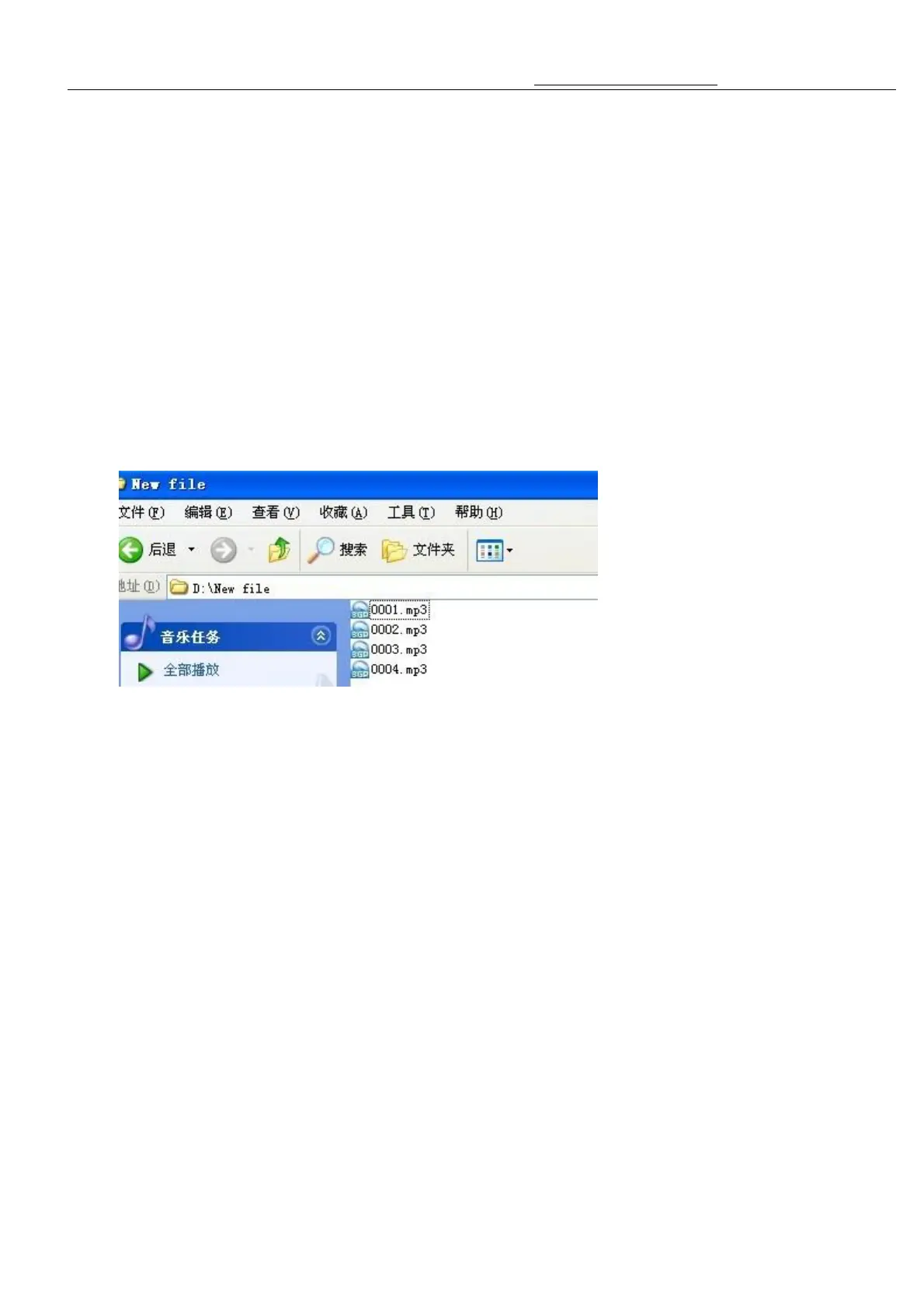
3. Choose the music you like, save it into the new file.each music separately named it “0001”, “0002”, “0003”,
“0004” ……and so on,All these music number(name) should be arranged.(“0001” music list No.1, “0002”
music No.2 ……and so on)
4. After finish these arrangement( such as the above picture shows)
5. And then connect the U disk with the Computer, select all the new file music(arranged as per the title), and
send them to the U disk..



 To Next Page