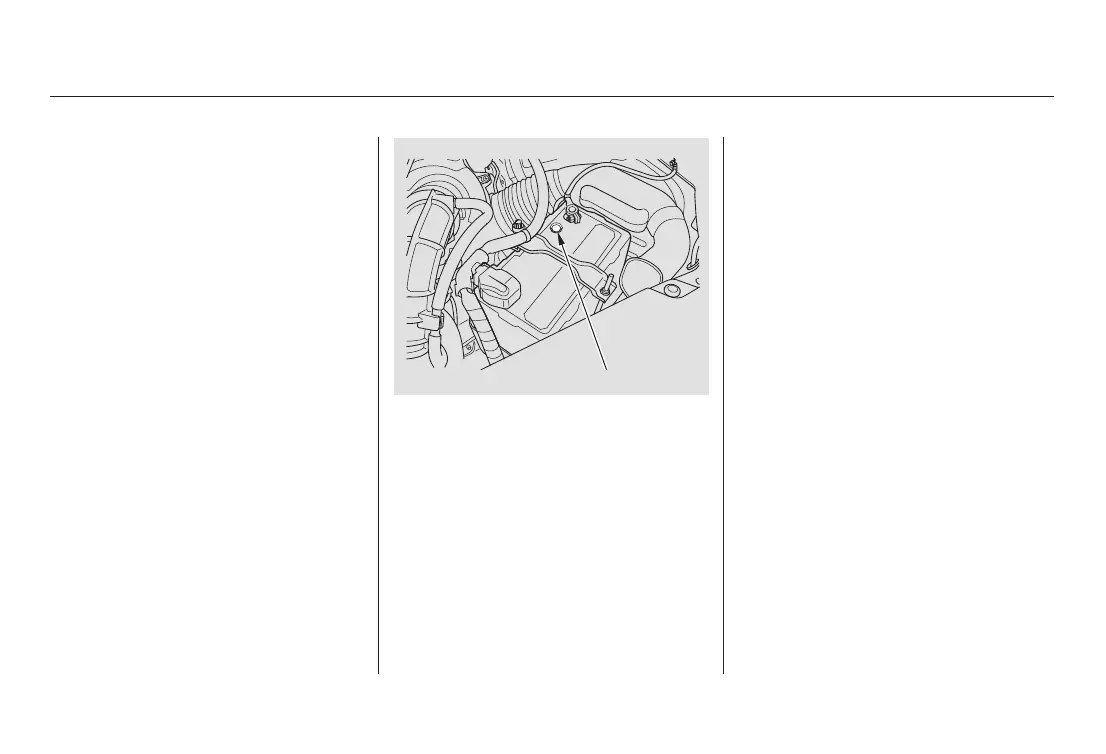
Check the battery terminals for
corrosion (a white or yellowish
powder). To remove it, cover the
terminals with a solution of baking
soda and water. It will bubble up and
turn brown. When this stops, wash it
off with plain water. Dry off the
battery with a cloth or paper towel.
Coat the terminals with grease to
help prevent future corrosion.
Check the battery condition by
looking at the test indicator window
on the battery. The label on the
battery explains the test indicator’s
colors.
Battery posts,
terminals, and related accessories
contain lead and lead compounds.
Check the condition of your vehicle’s
battery monthly.
WARNING:
Wash hands after handling.
Battery
Maintenance
240
TEST INDICATOR WINDOW
03/03/04 20:02:40 31SCV600 0245















 To Next Page