continued
In addition, to move the ordinary display at
display setting.
• The button is not pressed for about 30
seconds.
• Turn the ignition switch off and then on.
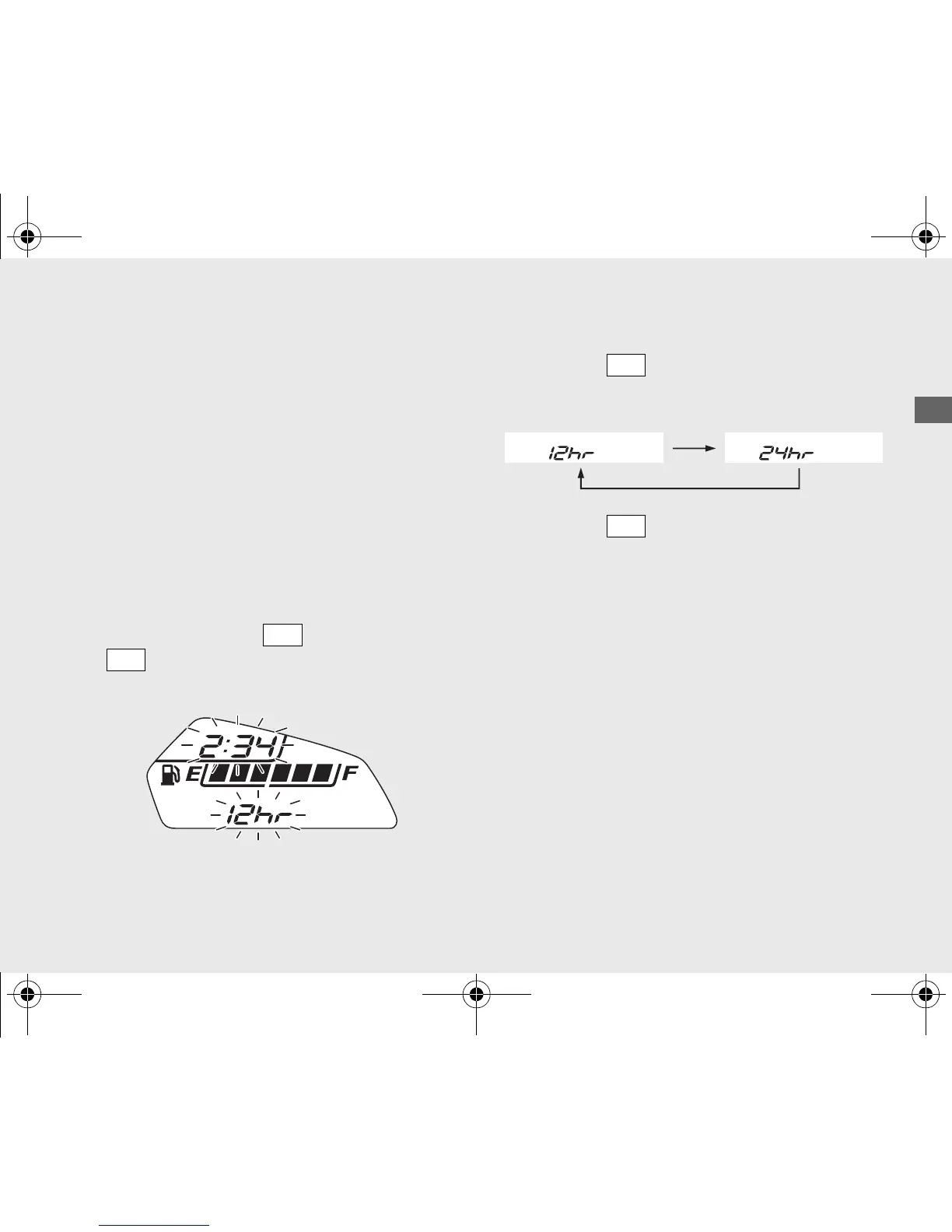
1 Time format setting:
You can switch the time format between 12
hour format or 24 hour format.
!a Turn the ignition switch to ON.
!b Press and hold the button and the
button, the current time format and
the clock start flashing.
!c Press the button to select “12hr” or
“24hr”.
!d Press the button. The time format is
set, and then the display moves to the clock
setting.










 To Next Page