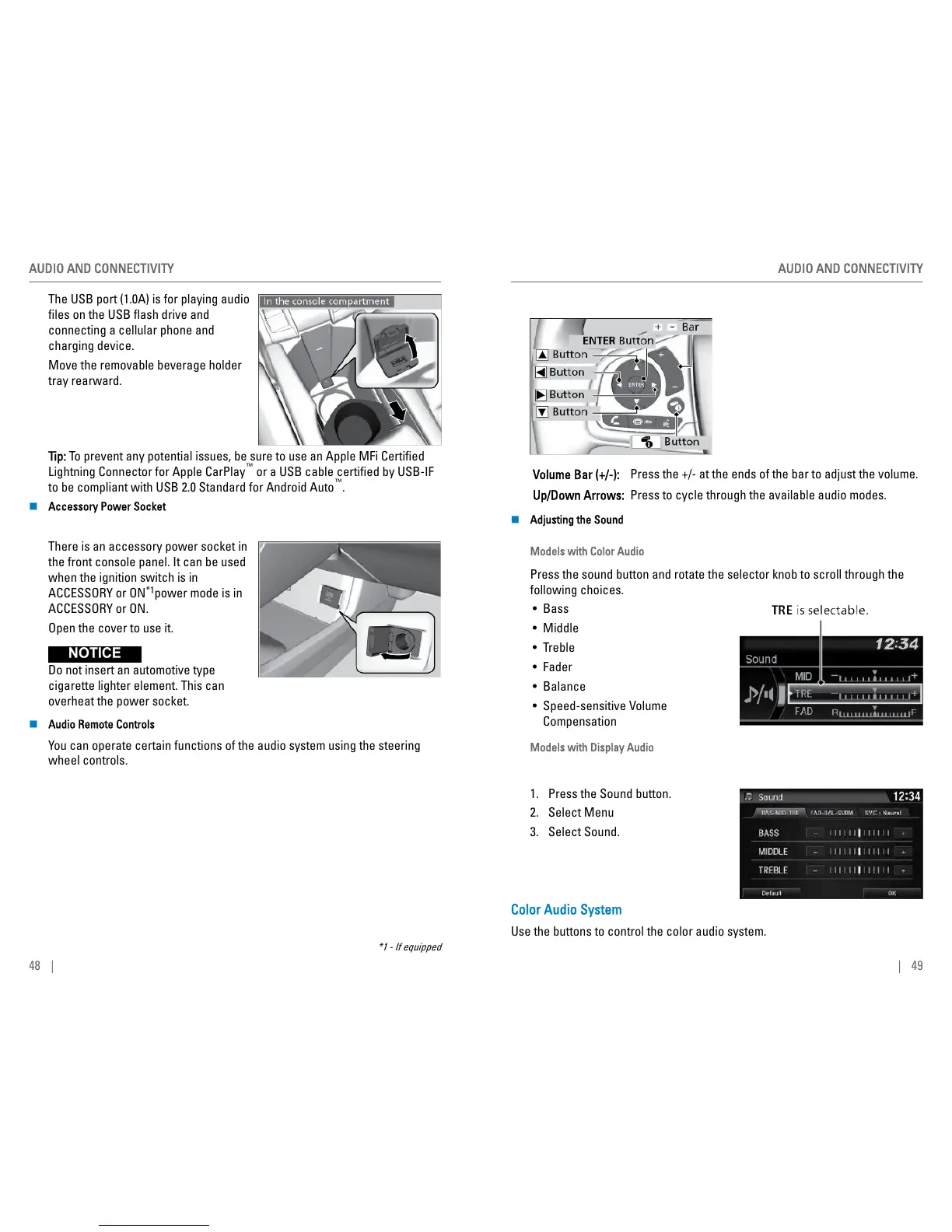
The USB port (1.0A) is for playing audio
files on the USB flash drive and
connecting a cellular phone and
charging device.
Move the removable beverage holder
tray rearward.
Tip: To prevent any potential issues, be sure to use an Apple MFi Certified
Lightning Connector for Apple CarPlay
™
or a USB cable certified by USB-IF
to be compliant with USB 2.0 Standard for Android Auto
™
.
n
Accessory Power Socket
There is an accessory power socket in
the front console panel. It can be used
when the ignition switch is in
ACCESSORY or ON
*1
power mode is in
ACCESSORY or ON.
Open the cover to use it.
Do not insert an automotive type
cigarette lighter element. This can
overheat the power socket.
n Audio Remote Controls
You can operate certain functions of the audio system using the steering
wheel controls.
*1 - If equipped
AUDIO AND CONNECTIVITY
48 |
Volume Bar (+/-): Press the +/- at the ends of the bar to adjust the volume.
Up/Down Arrows: Press to cycle through the available audio modes.
n
Adjusting the Sound
Models with Color Audio
Press the sound button and rotate the selector knob to scroll through the
following choices.
• Bass
• Middle
• Treble
• Fader
• Balance
• Speed-sensitive Volume
Compensation
Models with Display Audio
1. Press the Sound button.
2. Select Menu
3. Select Sound.
Color Audio System
Use the buttons to control the color audio system.
AUDIO AND CONNECTIVITY
| 49



 To Next Page