uuAudio System Basic OperationuAudio/Information Screen
286
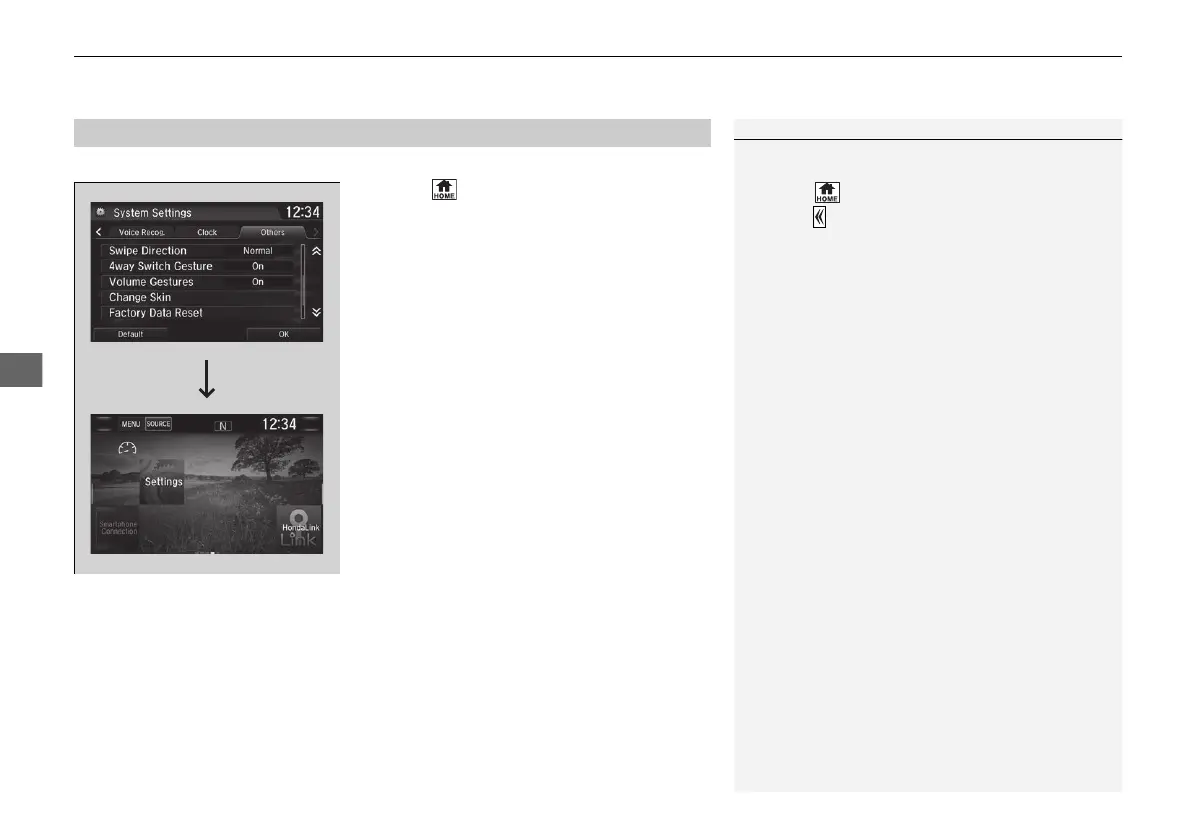
You can change the screen interface design.
1. Select .
2. Select Settings.
3. Select System.
4. Select the Others tab.
5. Select Change Skin.
6. Select Next, then a confirmation message
appears on the screen. Select Yes.
■
Changing the Screen Interface
1Changing the Screen Interface
After changing the screen interface design, you can
change the wallpaper by following procedure.
1. Select .
2. Select .
3. Select and hold empty space on the home screen.
The pop-up menu appears on the screen.
4. Select Change wallpaper.
5. Select Gallery, Live wallpapers, or Wallpapers.
If you change the screen interface, some of the
setting items will change.
2 Customized Features P. 366
21 CR-V PET ELP_MAP_HMIN_HCM-31TLA6400.book 286 ページ 2020年9月2日 水曜日 午後1時35分














 To Next Page